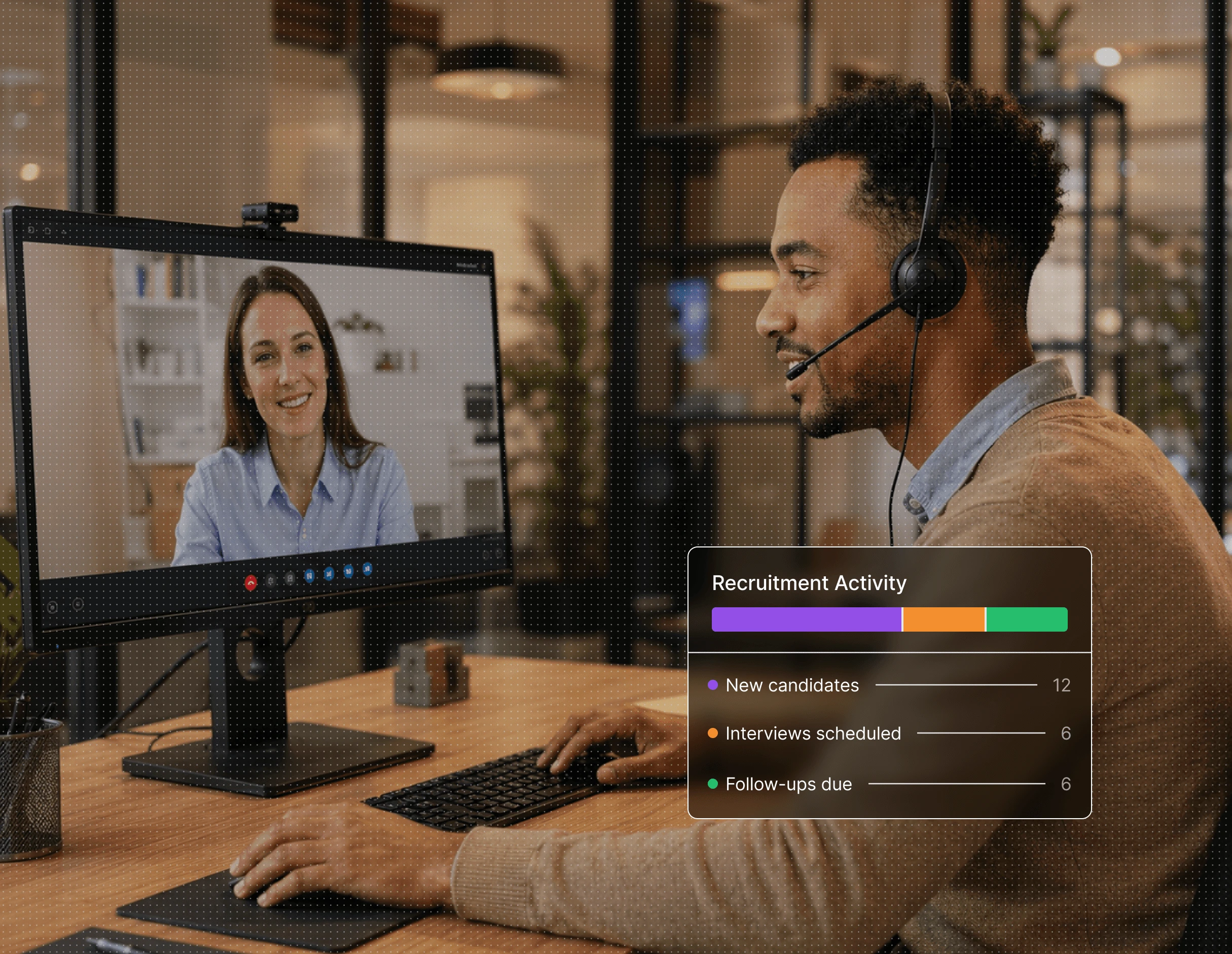
From first contact to final follow-up, DialBird gives recruiters one place to manage calls, messages, and candidate conversations as a team.
Trusted by over 500 businesses





Candidate communication is easier when everyone works from the same context.
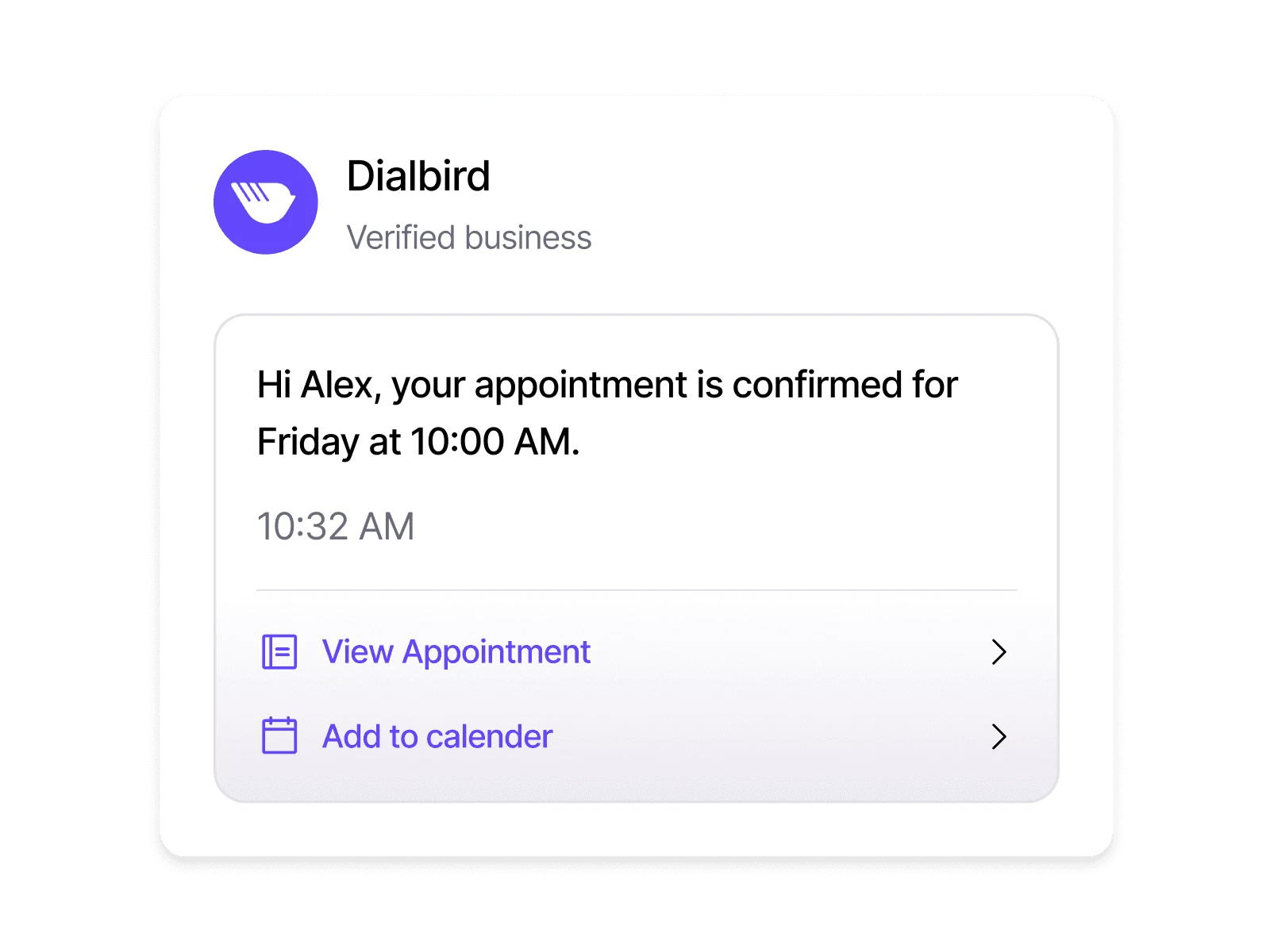
A quick reply can keep a strong candidate engaged before another opportunity gets their attention.
Missed calls and follow-ups stay visible, so recruiters know which conversations still need a response.
Previous conversations are already there when another recruiter needs to step in.
Whether the team is in the office, at home, or between interviews, conversations stay within reach.
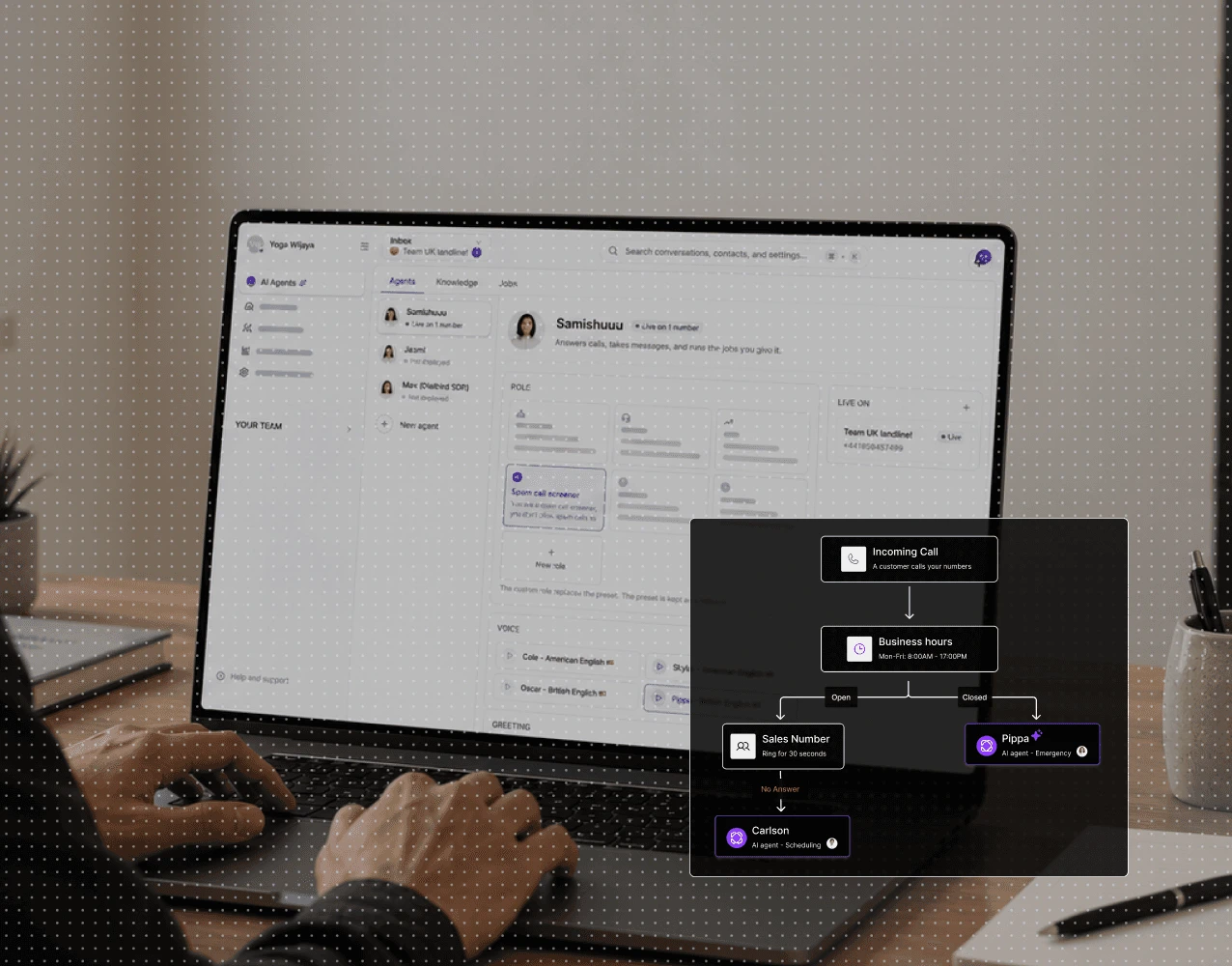
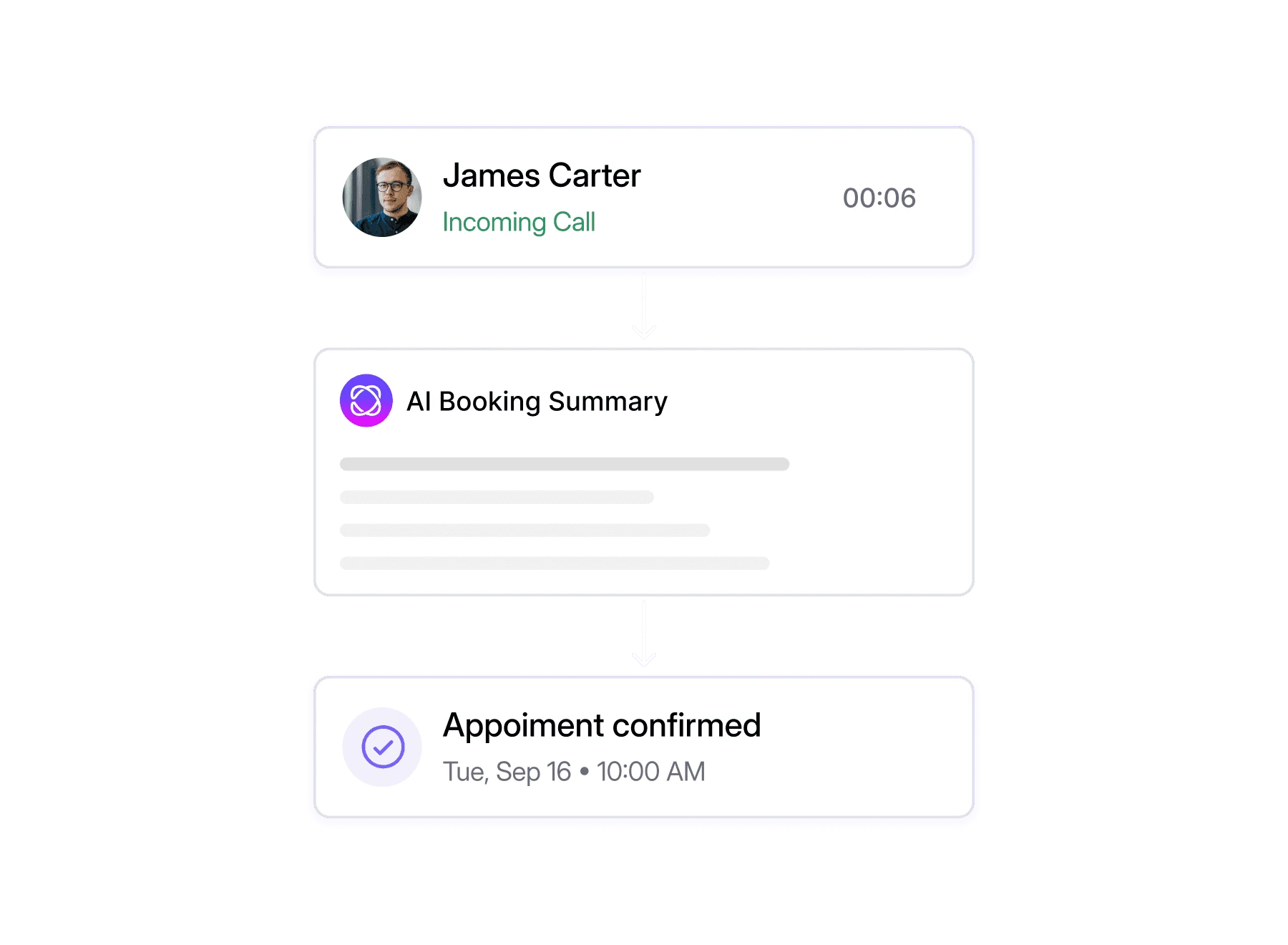
Let Dialbird AI answer common candidate questions, collect key details, and route the conversation to the right recruiter when a human follow-up is needed.
Set its role, tone, and how it should handle initial calls.
Add business information, FAQs, and the details it needs to respond clearly.
Choose when it should answer, route calls, or hand them to your team.
Let AI support incoming calls while your team stays focused on higher-value work.
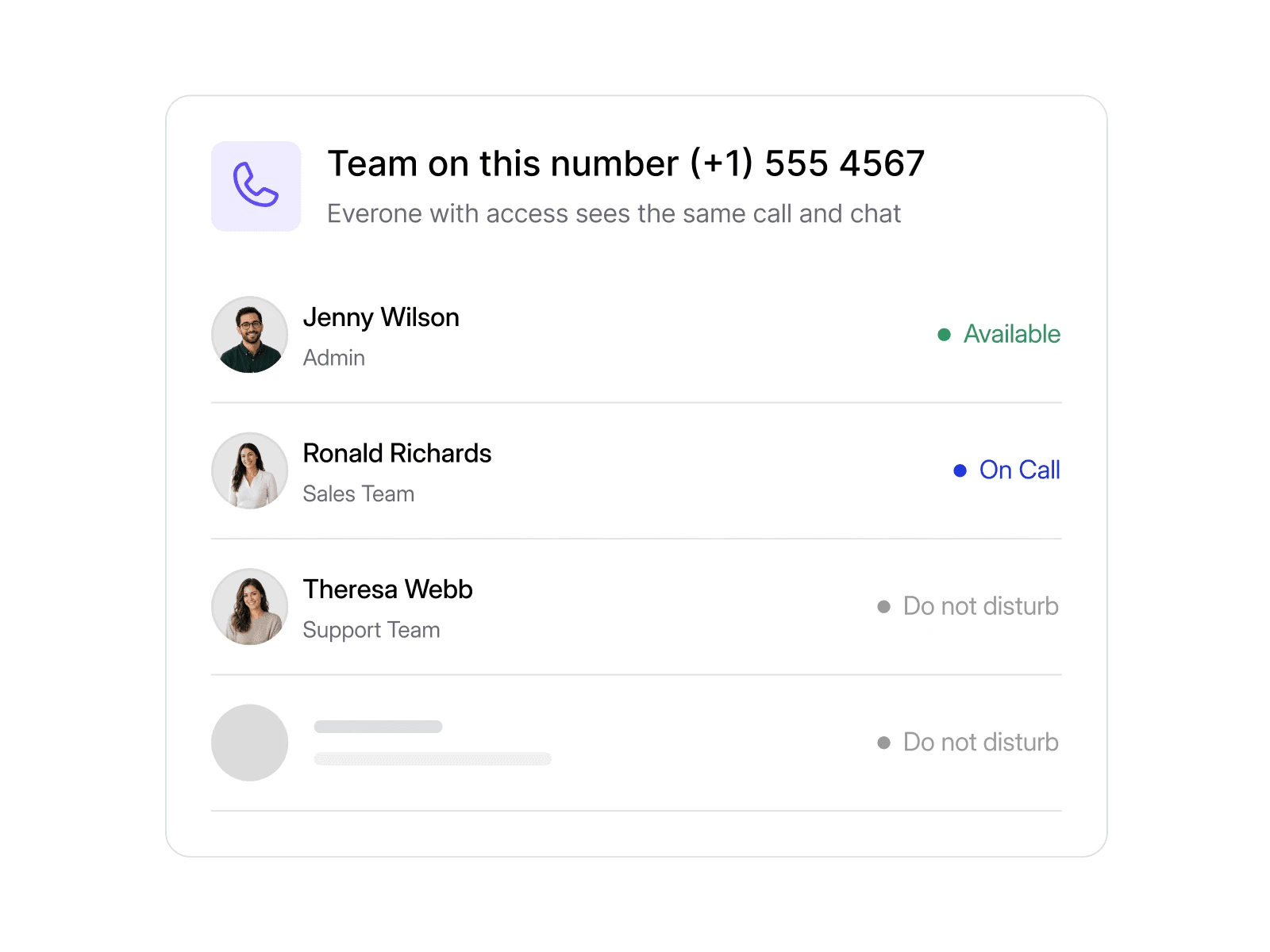
Not every enquiry belongs with the same recruiter. Send incoming conversations to the person or team handling that role.

Dialbird keeps candidate communication organised, with AI features that can help answer routine enquiries and calls.
DialBird gives recruiters one place for candidate calls, messages, and follow-ups, making it easier to manage communication throughout the hiring process.
The missed call stays visible, so another recruiter can step in and follow up before the conversation goes cold.
No. Teams can use shared business numbers instead, keeping personal and recruitment communication separate.
Routing rules can direct incoming conversations to the recruiter or team responsible for a particular role or workflow.
Relevant call and message history can be available beforehand, so the recruiter understands what has already been discussed.
Your team can choose how calls should be handled, including voicemail, another team member, or an AI agent.
Yes. Recruiters can stay connected to the same business communication system while working from different locations.
Yes. Business calls and messaging can be managed within the same workspace.