Load a list and press start. Dialbird calls your contacts one at a time from a local number, logs how every call went, and keeps your numbers off spam lists.
Trusted by 500+ businesses






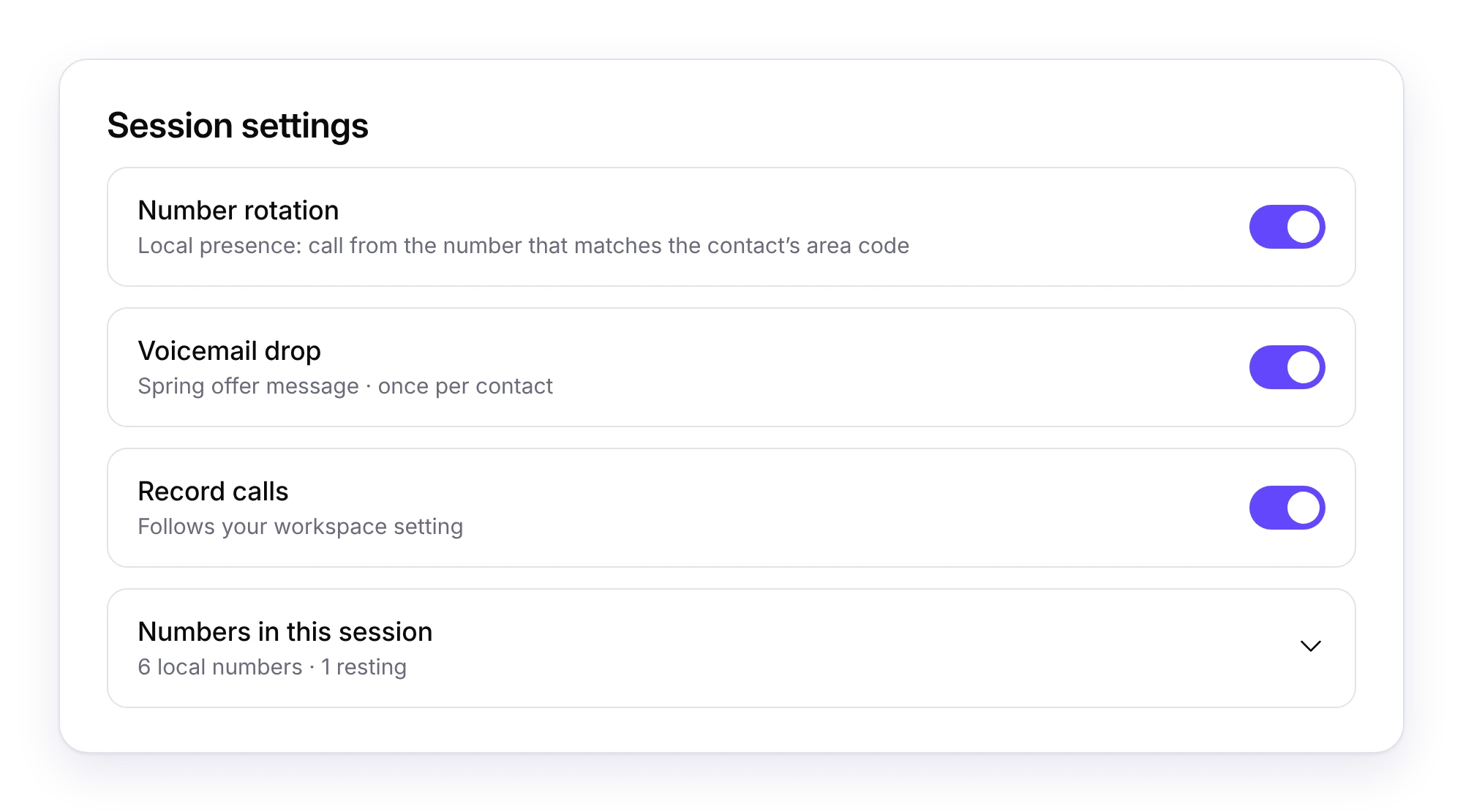
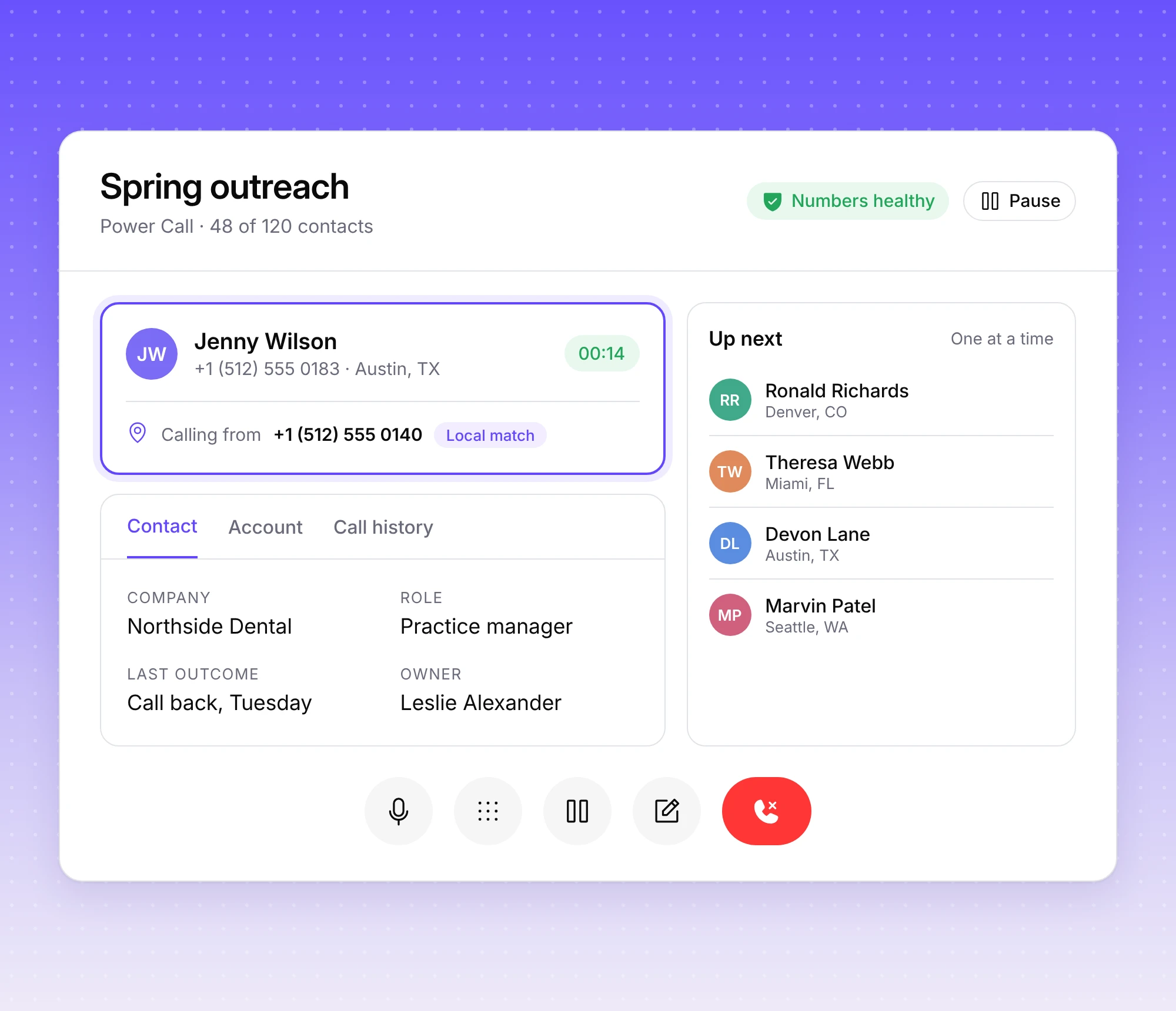
A power dialer calls through a contact list for you, one contact at a time, so your team spends the session talking instead of typing numbers. In Dialbird it lives under Campaigns: pick a list, choose the numbers to call from and press start. It never rings more than one person at once, so nobody picks up to silence.
One call at a time, with the busywork between calls taken care of.
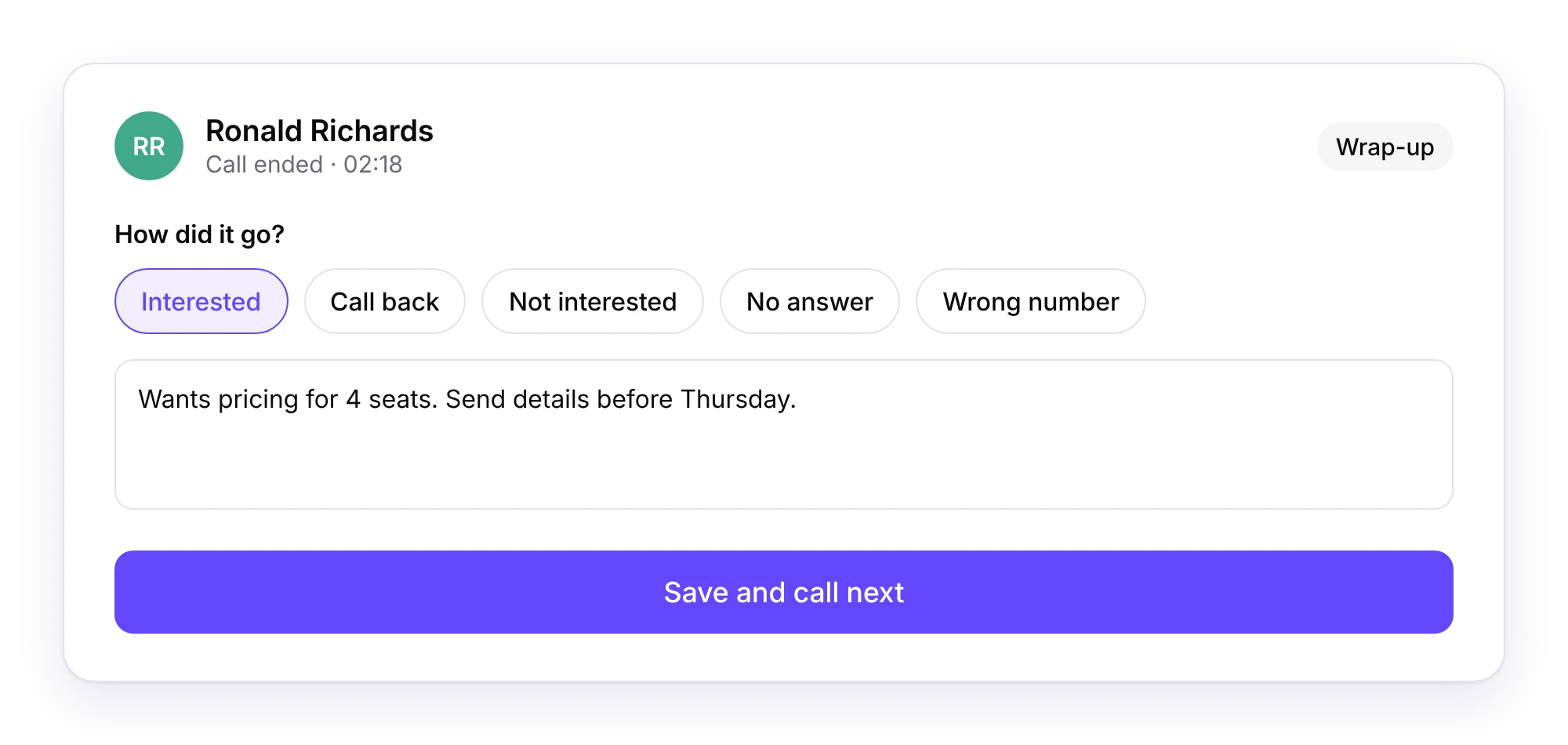
When a call ends, log how it went and add notes while it is fresh. Then carry on with the next person on the list.
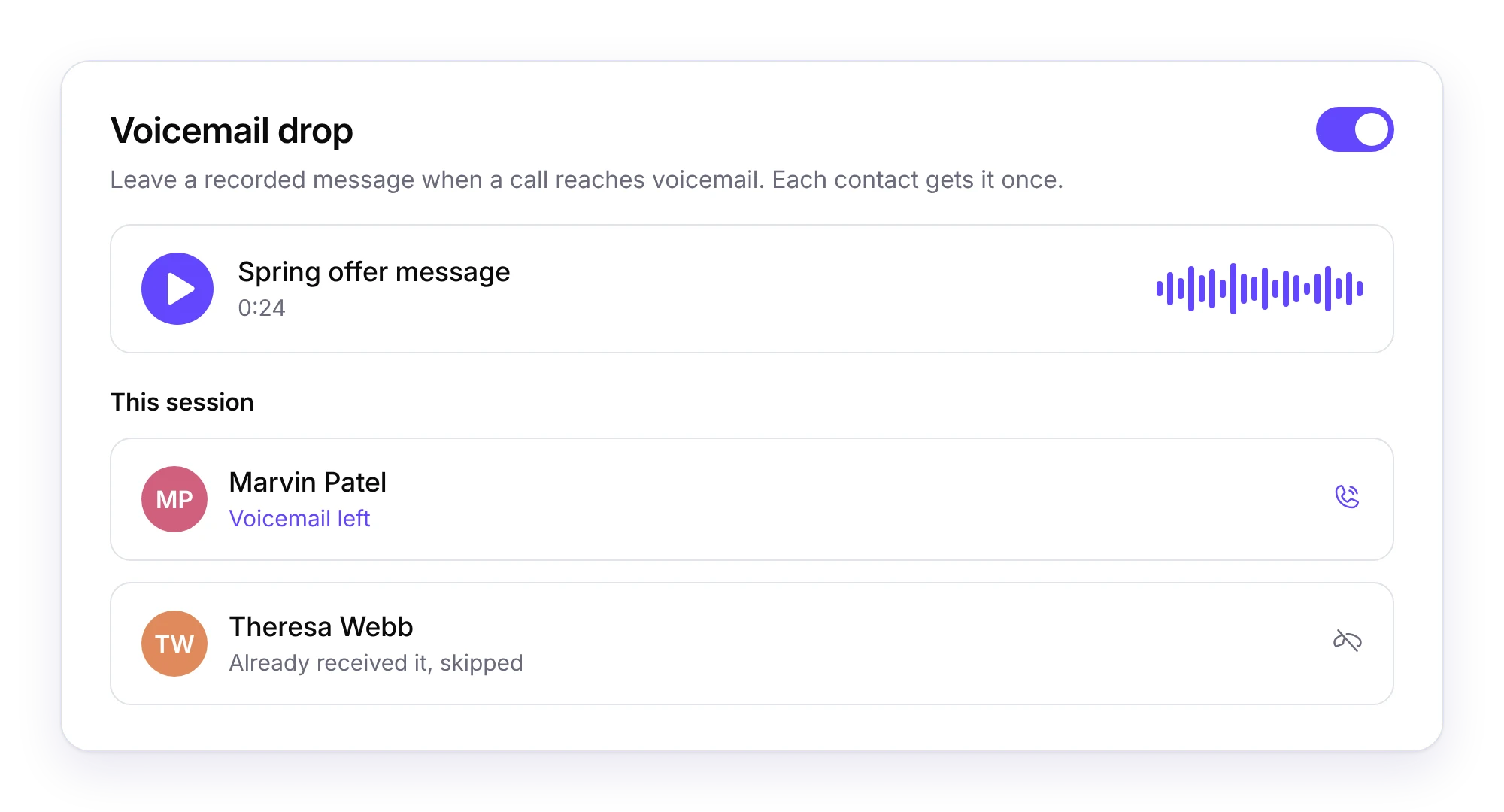
When a call reaches voicemail, leave a recorded message without saying it all again. Each contact only ever receives it once.
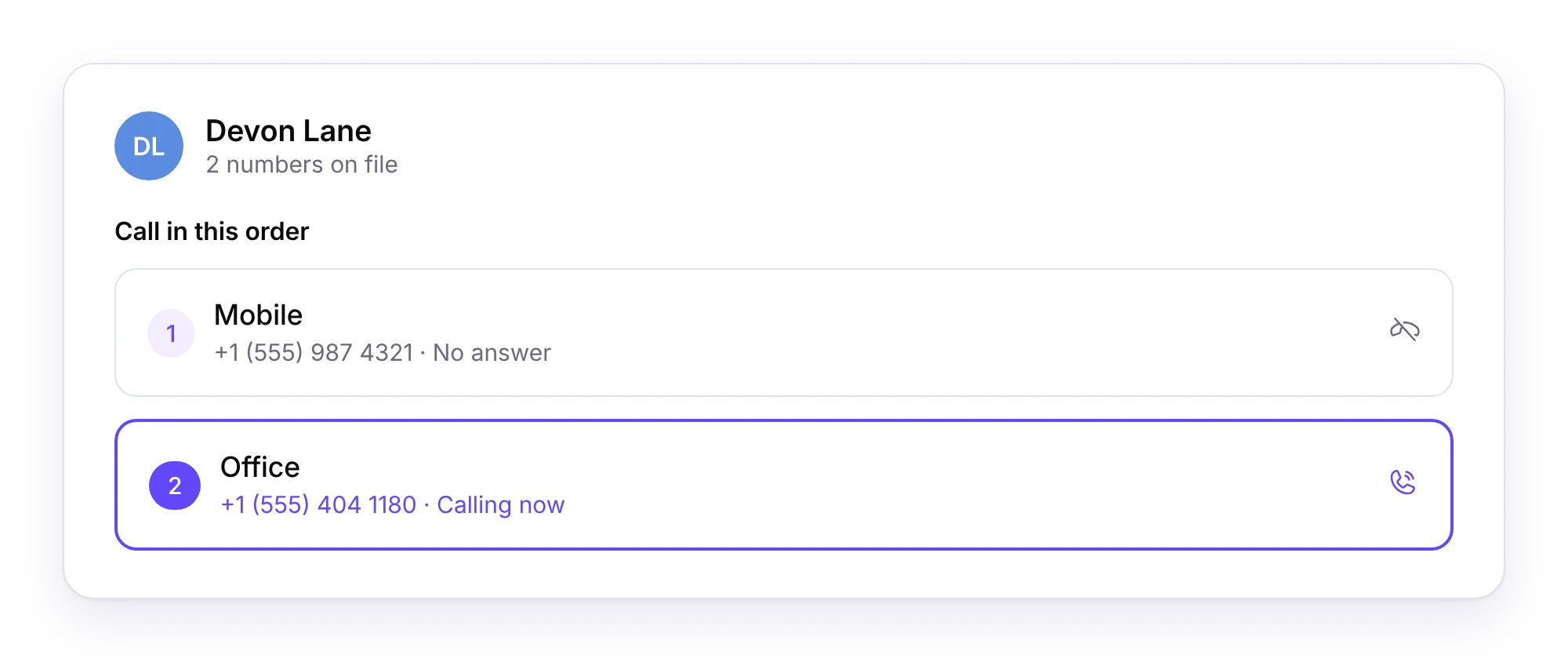
When a contact has more than one number, Dialbird tries them one after another, so a missed mobile can still turn into a call with the office.
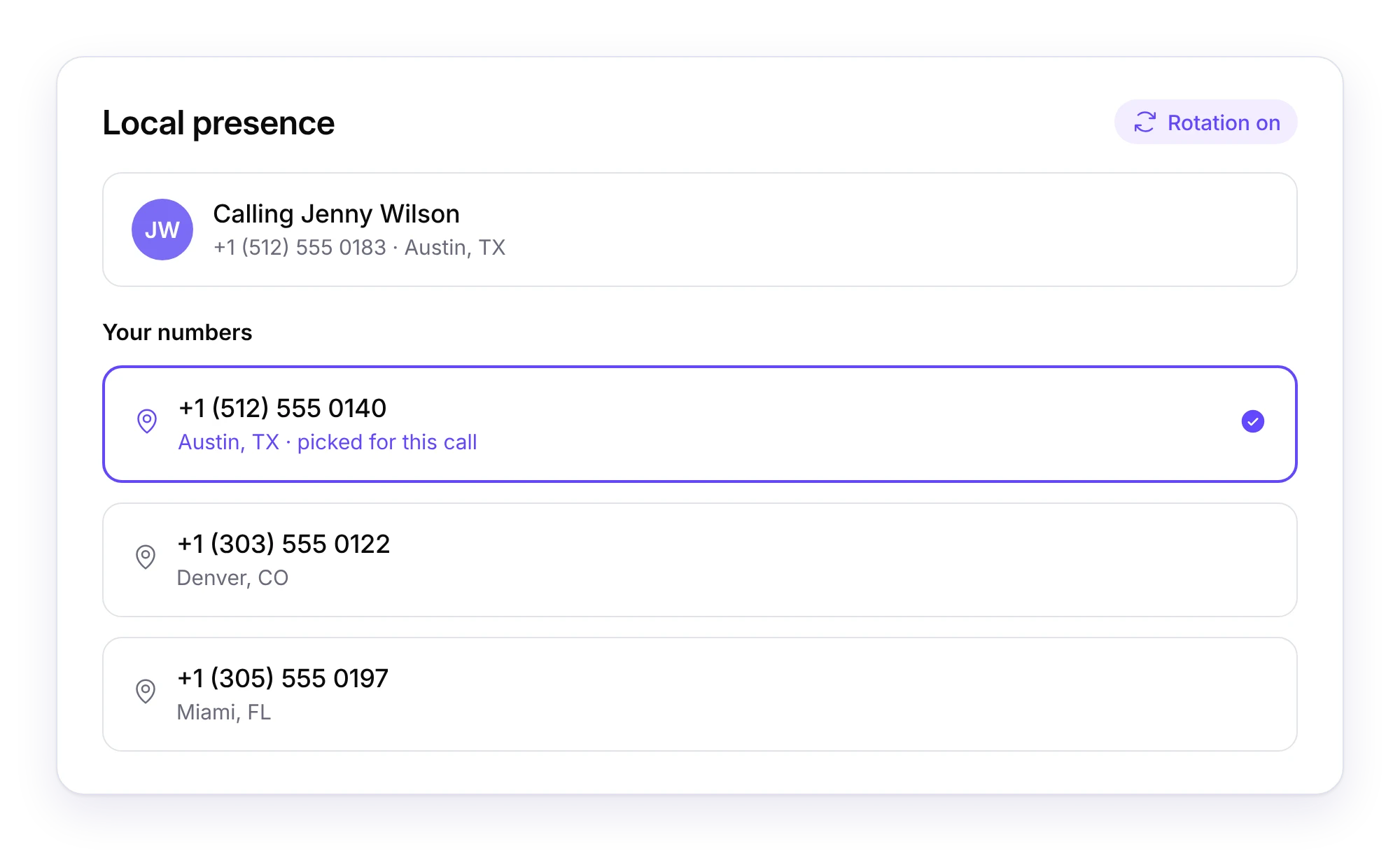
People answer numbers they recognise. With number rotation on, Dialbird calls each contact from the number in your account that matches their area code, so a customer in Austin sees an Austin number.
Calls spread across your local numbers instead of piling onto one line, and any number that gets flagged steps out of the rotation until it is clean again.
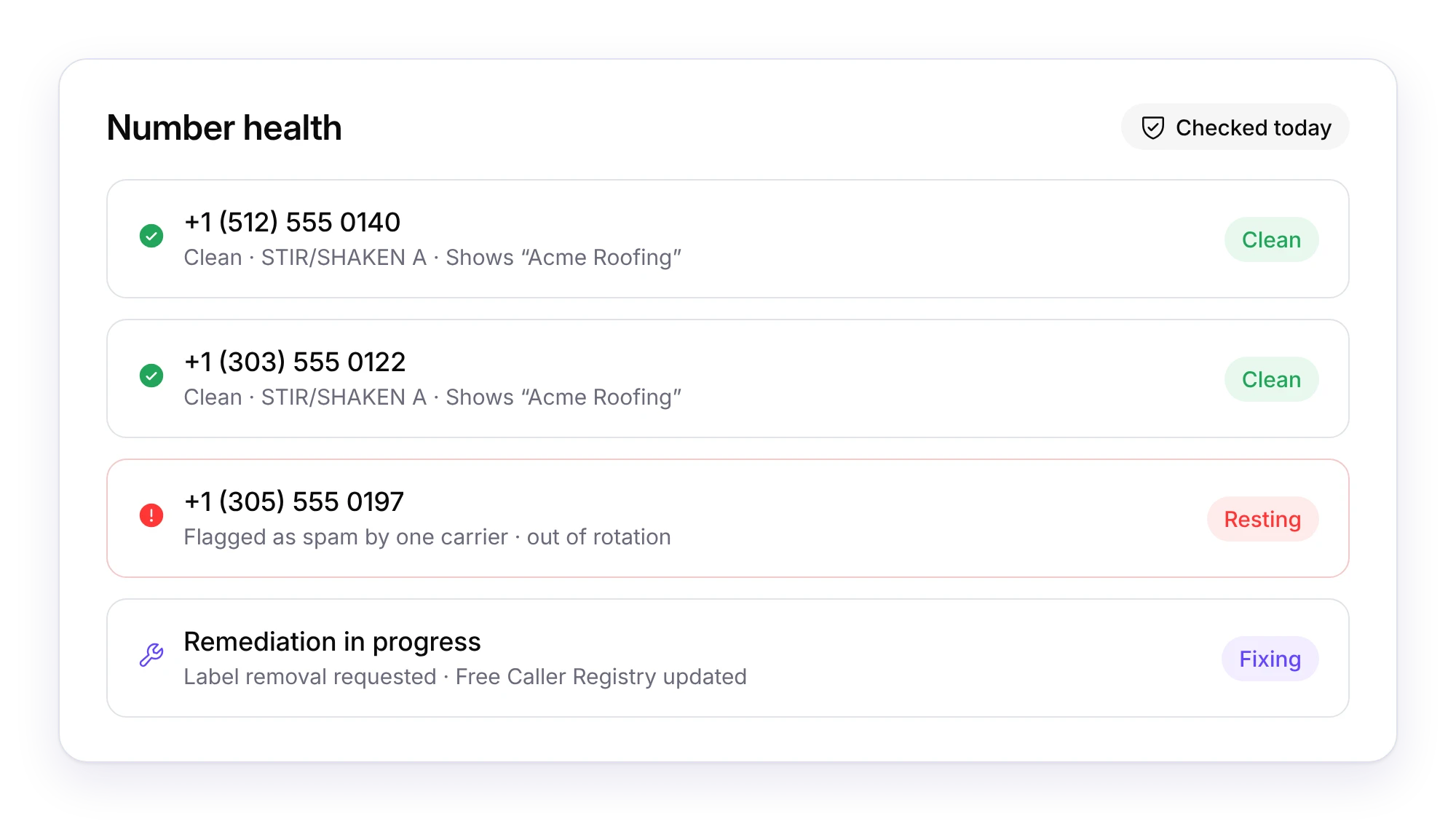
A number marked as spam stops getting answered. Dialbird watches every number you call from and fixes problems before they cost you conversations.
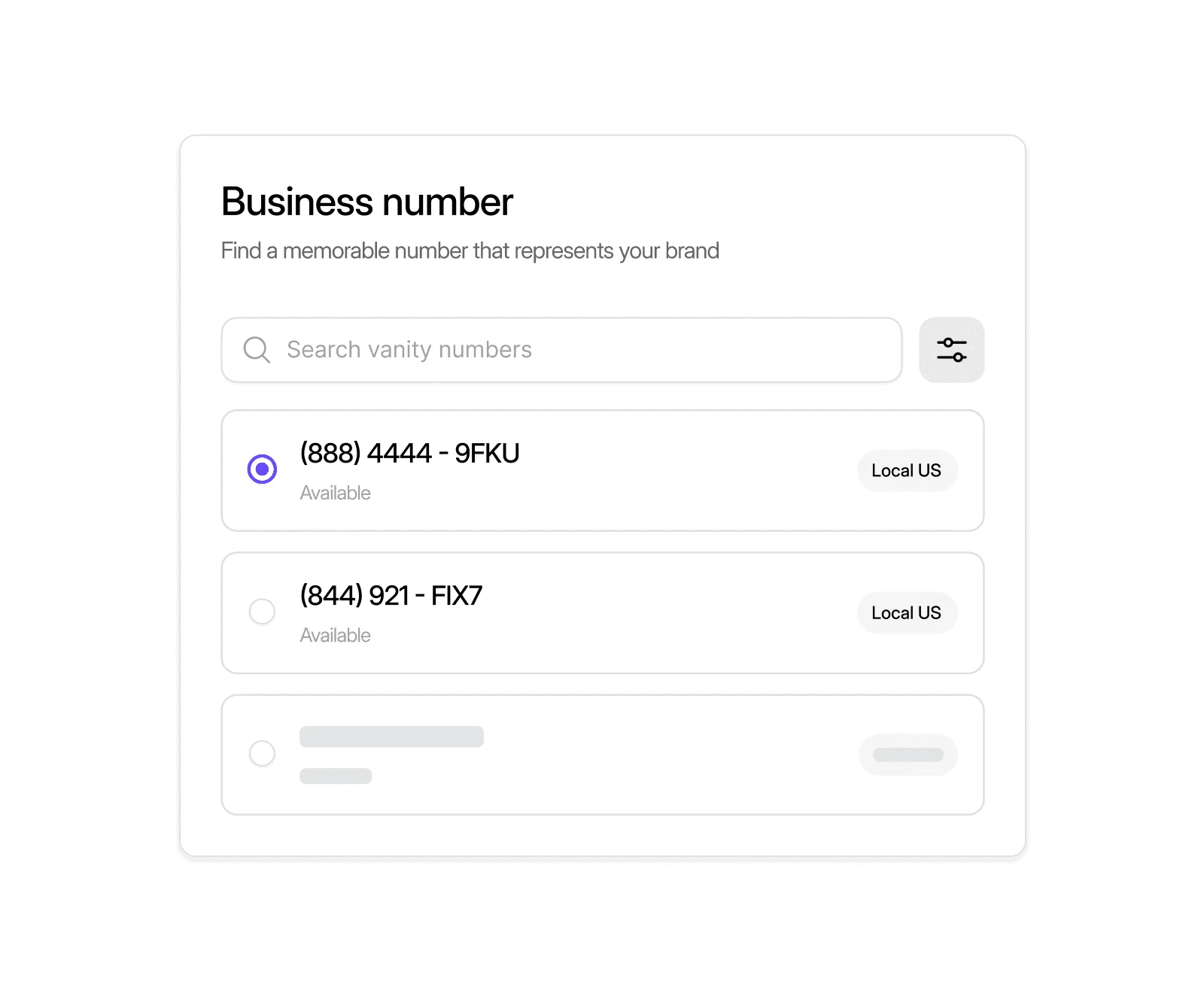
Local, mobile, and toll-free numbers. Live in minutes, no setup required.
Adjust a session while it runs, and keep your inbox for real conversations.
Switch the numbers you call from or turn recording on or off without stopping the session.
Dialer calls are marked as dialer calls and stay out of your shared inbox until a contact starts a two-way text conversation.
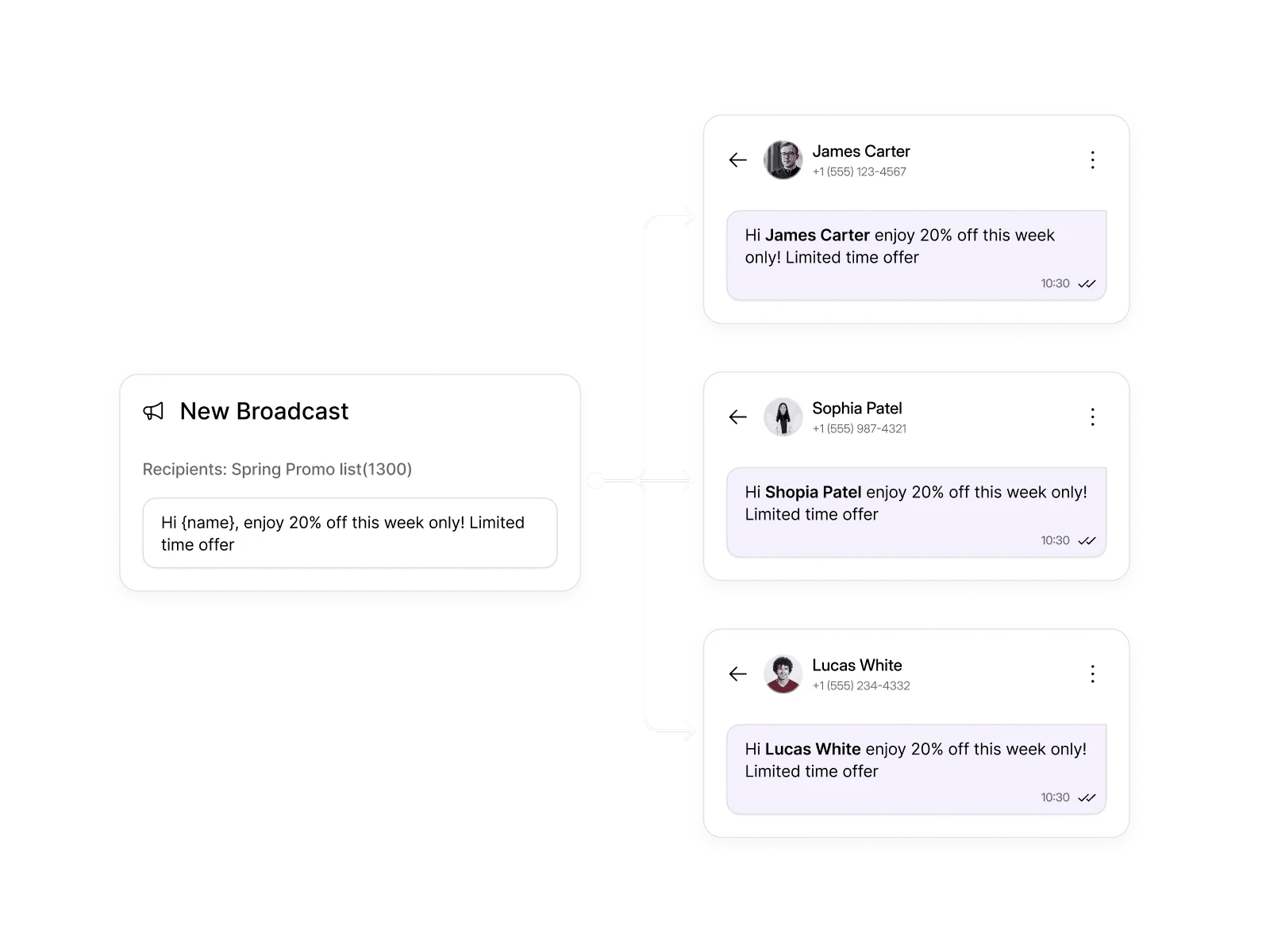
See each campaign’s activity at a glance: called, messaged, or imported and still waiting.
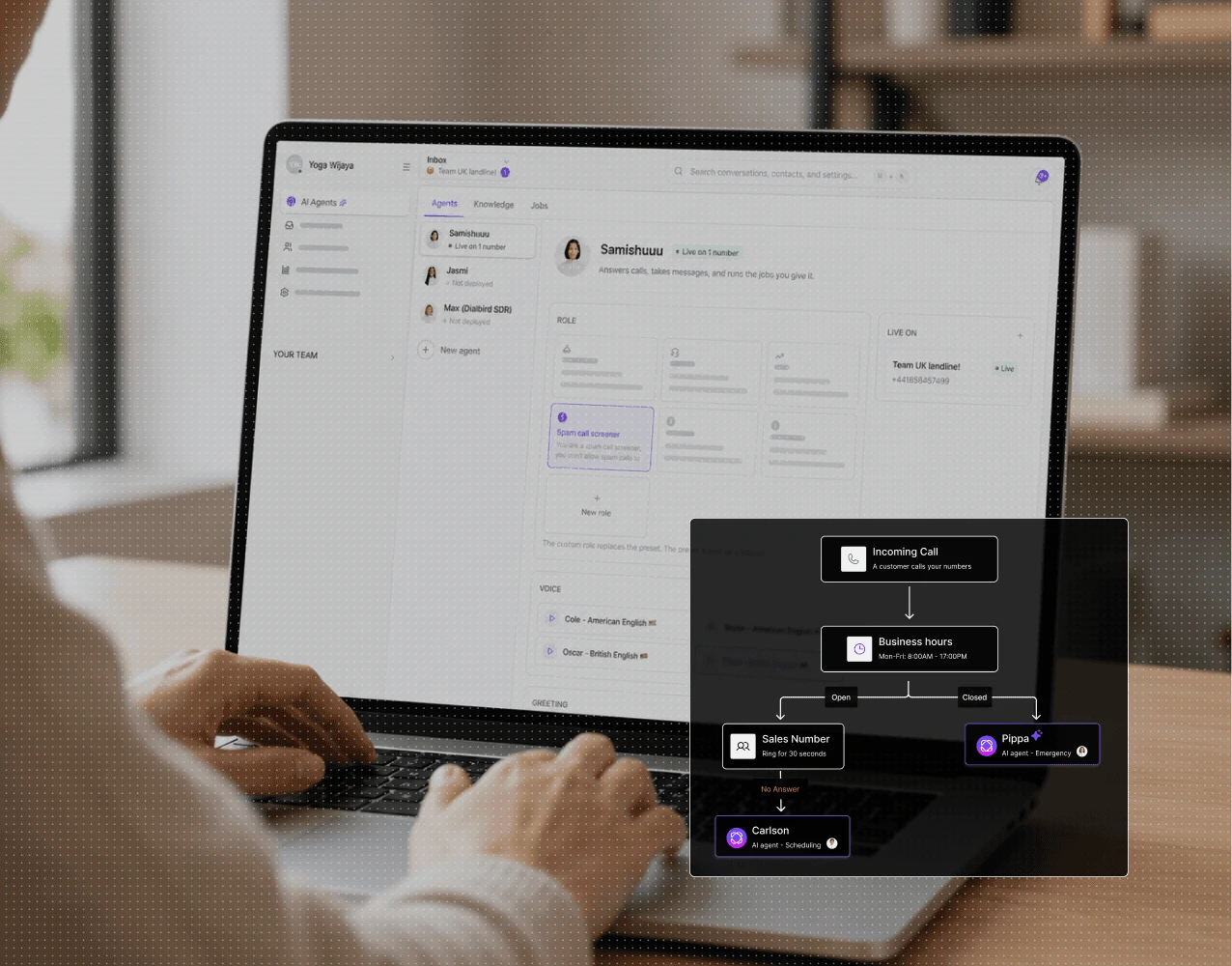
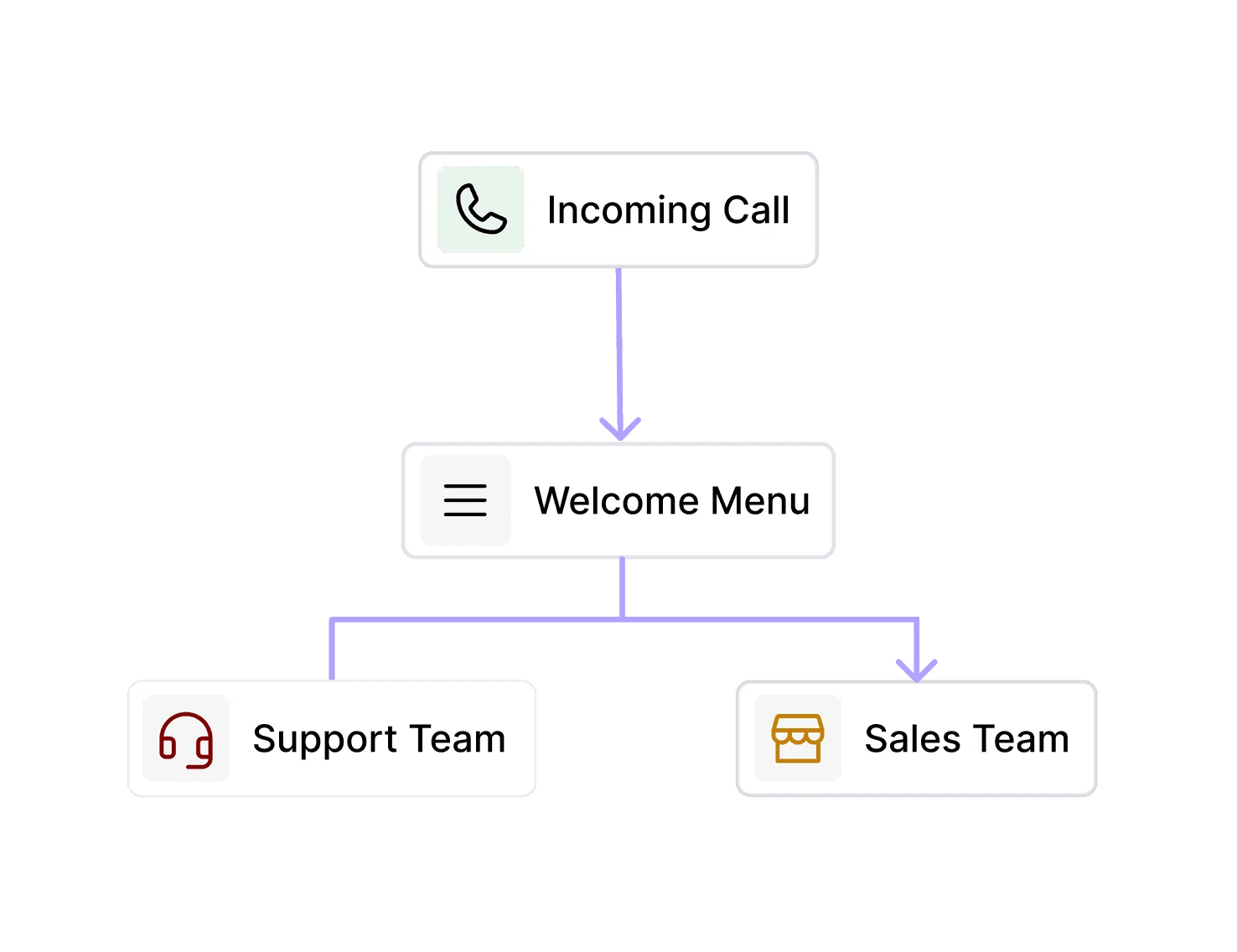
Return calls arrive on the same local numbers, so your call flow decides what happens next. Add an AI phone agent to answer while your reps are on other calls.
Prospects ring the local number they saw on their caller ID.
Business hours and routing rules decide who picks up.
An AI phone agent can take the call when the team is busy.
Interested callers are warm-transferred to the right person.
A power dialer calls through a contact list automatically, so your team doesn’t dial by hand. In Dialbird it calls one contact at a time, and you log the outcome of each call before moving on to the next.
No. Dialbird’s power dialer always makes one call at a time, so every person who answers is greeted by a rep instead of silence.
With rotation on, Dialbird calls each contact from the number in your account that matches their area code. Contacts see a local number, and your calls spread across your numbers instead of all coming from one.
Dialbird monitors your numbers for spam labels across carriers and caller ID apps, signs your calls with STIR/SHAKEN, and can show your business name with branded caller ID. Spreading calls across local numbers also keeps any single number from carrying all the volume.
It rests automatically and leaves the rotation, so your session carries on from your clean numbers. Dialbird then works on remediation, including label removal requests, carrier registration and the Free Caller Registry.
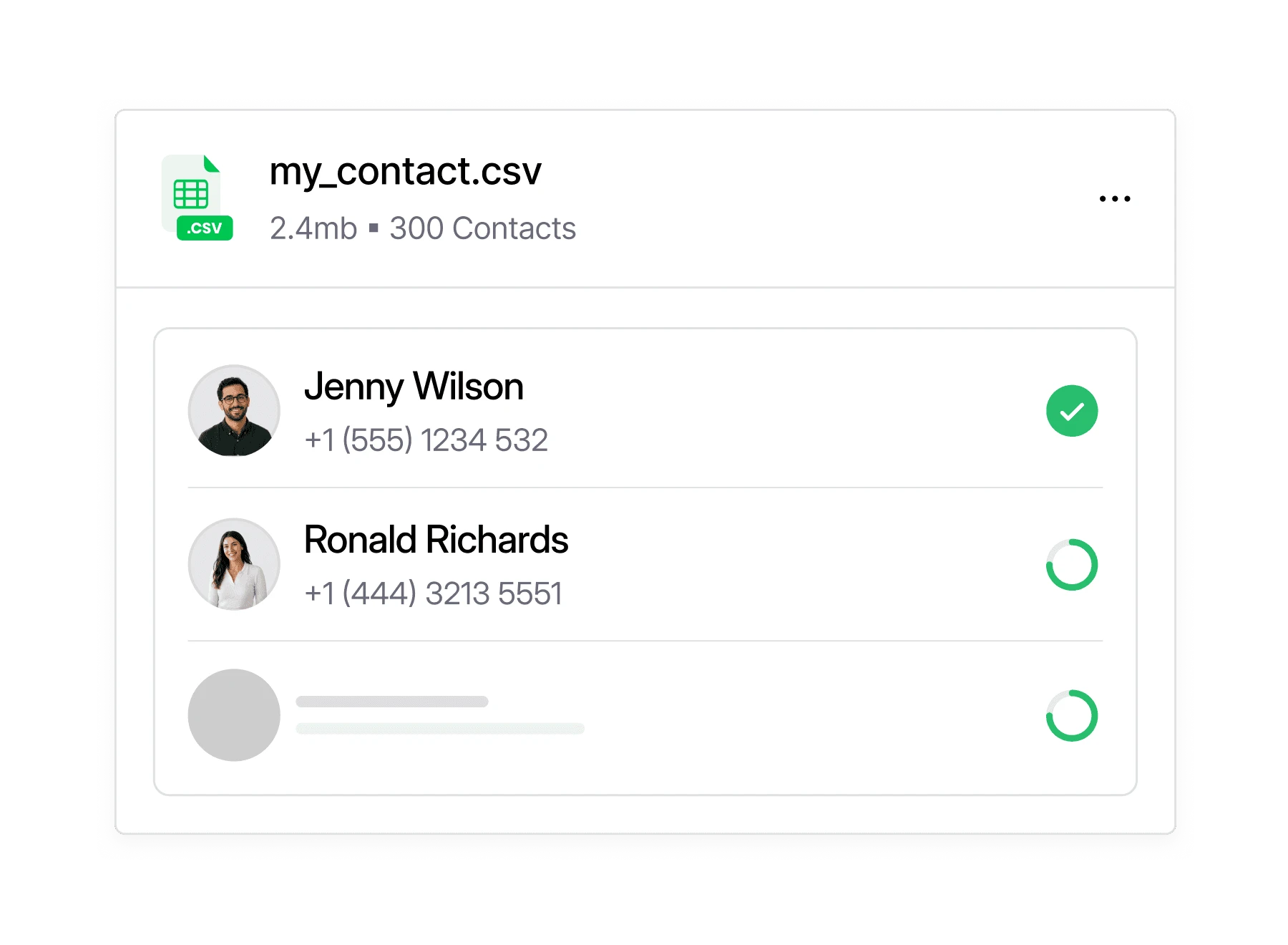
Import them from your Dialbird contact lists, from HubSpot or another CRM, or from a CSV file. Each import is saved as its own list, so you can filter it and come back to it later.
With voicemail drop switched on, Dialbird leaves your recorded message. Each contact receives it only once, so nobody hears the same voicemail twice.
Recording follows your workspace setting, and you can turn it on or off during a session.
No. Dialer calls are marked as dialer calls and stay out of the inbox until a contact has a two-way text conversation with you.
Yes. A campaign is just a contact list, so you can call it with Power Call, message it with Power Messaging, or both.