Stop sending customers through endless transfers or letting valuable calls go unanswered. Dialbird's cloud IVR system automatically answers calls, presents professional phone menus, and directs every caller to the right team, helping your business respond faster while delivering a better customer experience.

Welcome to Dialbird
Please select an option
The phone system used by 500+ modern businesses





Interactive Voice Response (IVR) is a phone system technology that automatically answers incoming calls and guides callers through a menu of options before routing them to the right person or department.
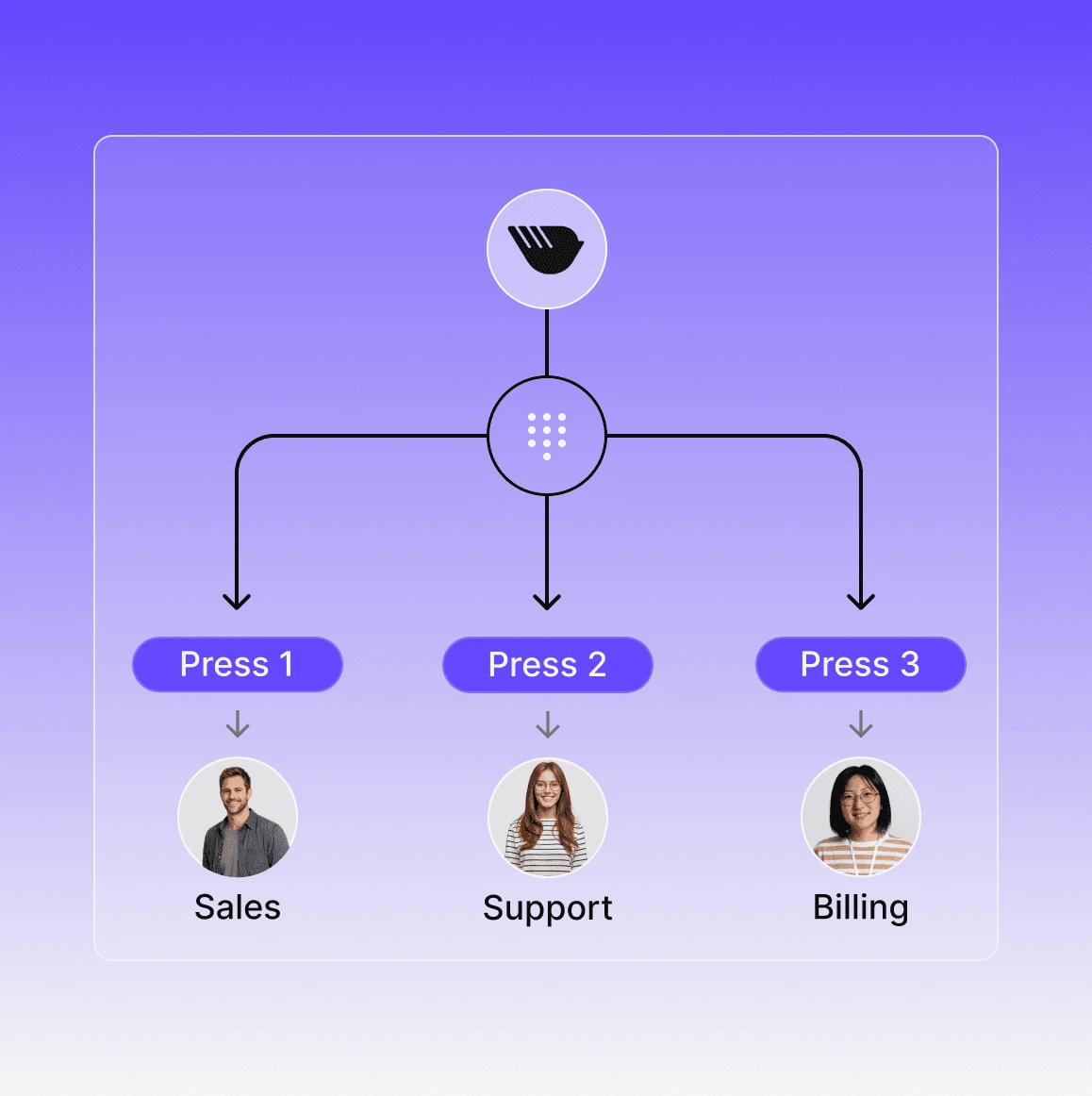
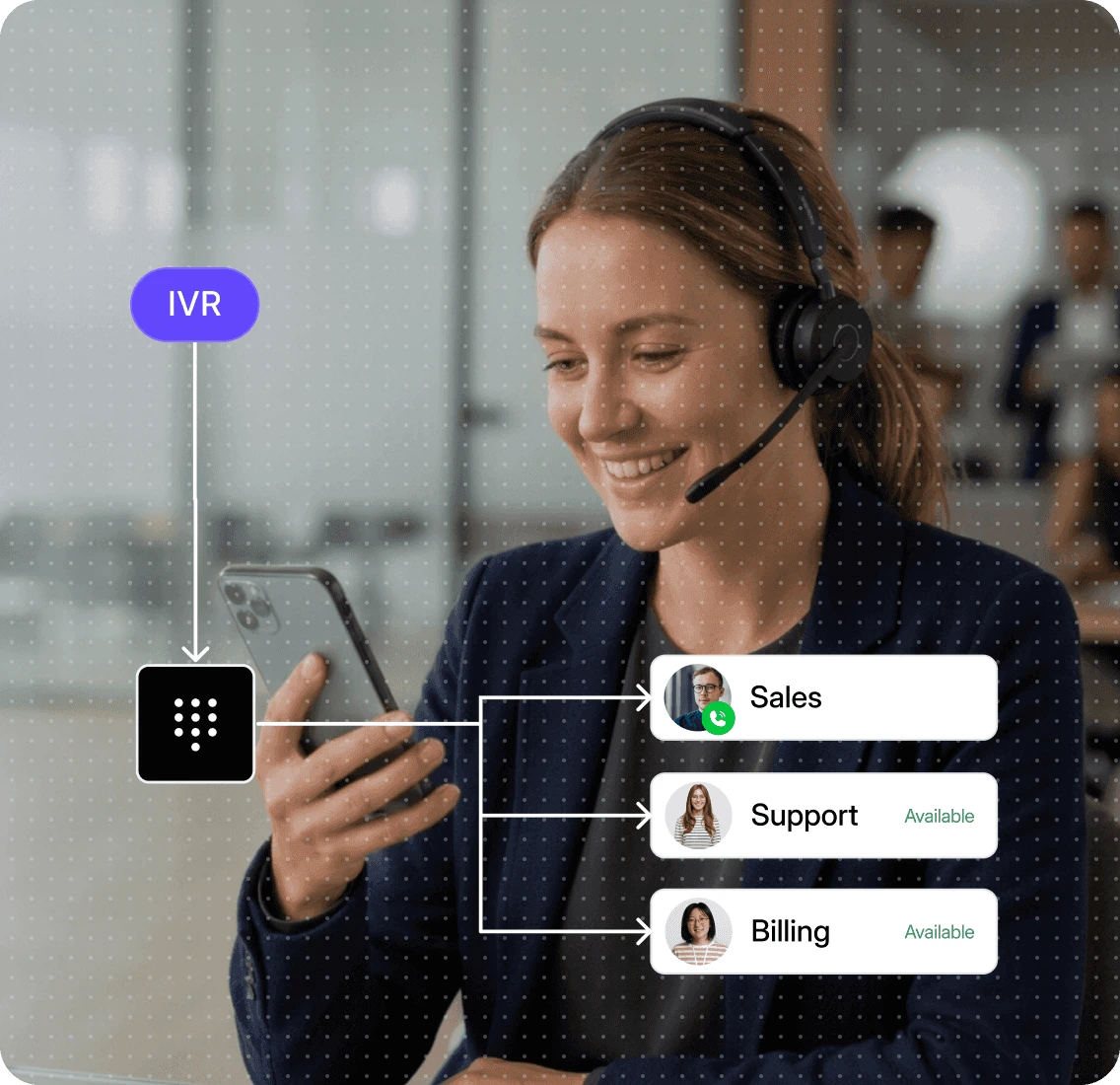
Instead of every call ringing the same phone, an IVR system allows callers to choose options such as, Press 1 for Sales, 2 for Support, and 3 for Billing. Based on their selection, the call is automatically directed to the correct team, voicemail, another phone number, or a custom call flow.
Create professional phone menus in minutes. Drag and drop. 100% no-code.
Open Dialbird's Call Flow Builder and add a 'Call Menu' to your workflow.
Upload or record a professional greeting that welcomes callers or let Dialbird AI create one for you.
Connect each menu option to the appropriate destination, such as Sales or Support.
Choose what happens for each option, and what happens if nothing is selected.
Preview your call flow, publish it with one click, and your new IVR is immediately ready to answer incoming calls.
An IVR system answers every incoming call before it reaches your team. It follows rules you've configured to greet callers, present menu options, and automatically send each caller to the right destination, all in just a few seconds.
Every incoming call is answered instantly with a professional greeting.
The IVR plays customised menus like, Press 1 for Sales, and 2 for Support. Callers choose the option they need using their phone keypad.
Based on the caller's selection, Dialbird automatically routes the call using your predefined rules.
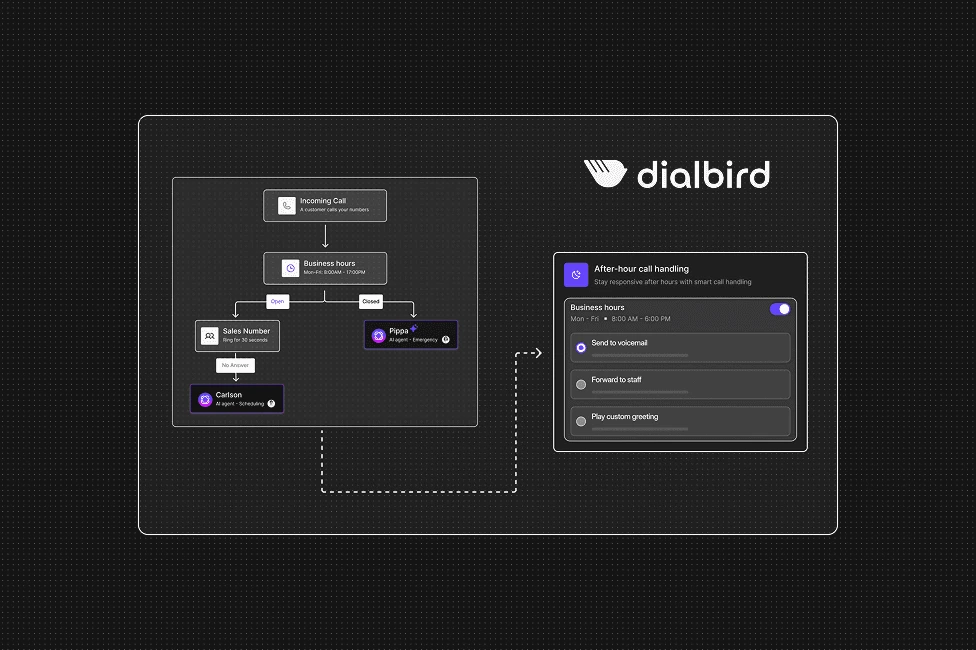
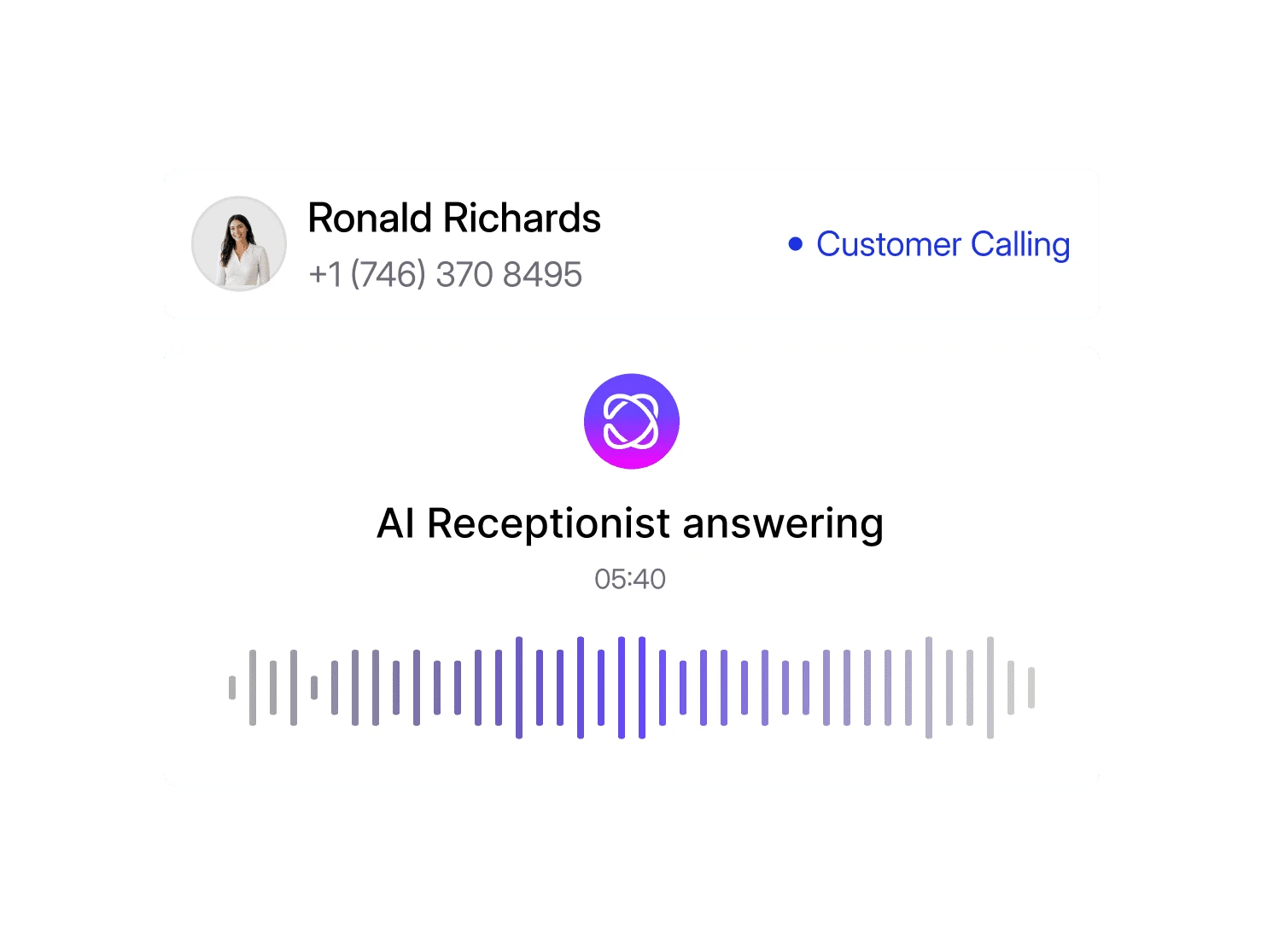
Use AI to answer common questions, follow your preferred call handling rules, and route customers to the right franchise location while keeping the experience consistent across every branch.
Local, mobile, and toll-free numbers. Live in minutes, no setup required.
The calling and texting features your team uses every
day and the control to make them work your way.
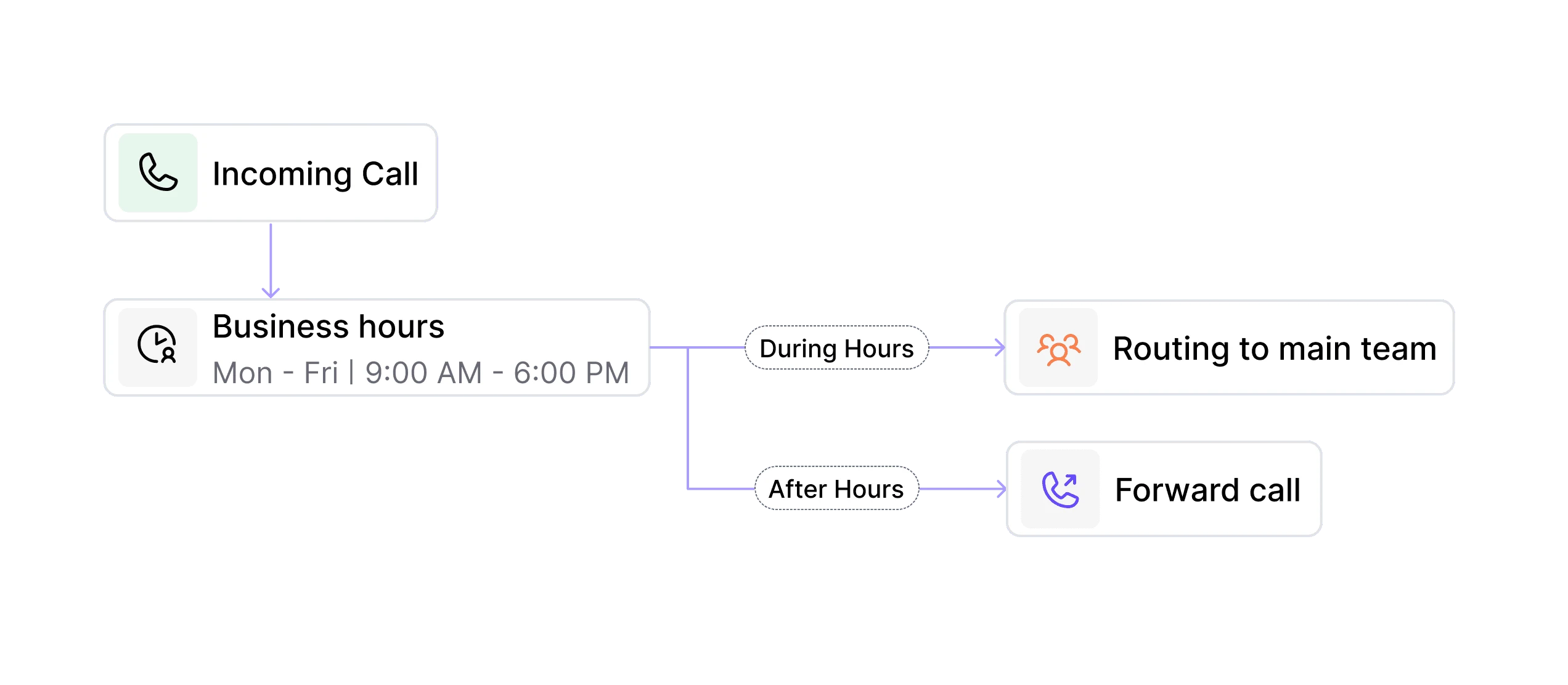
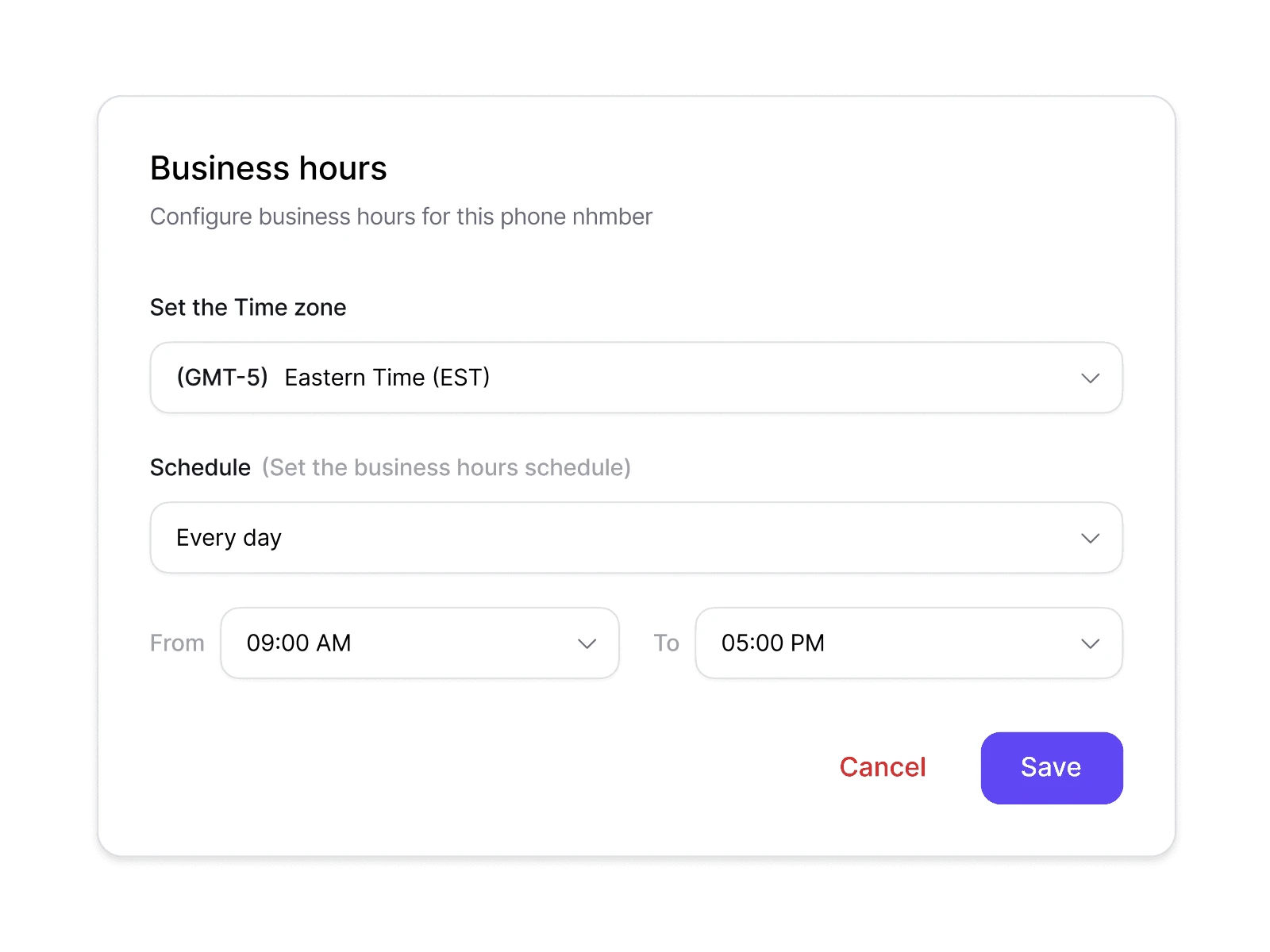
Deliver different caller experiences during business hours, after hours, weekends, or public holidays without manually changing your settings.
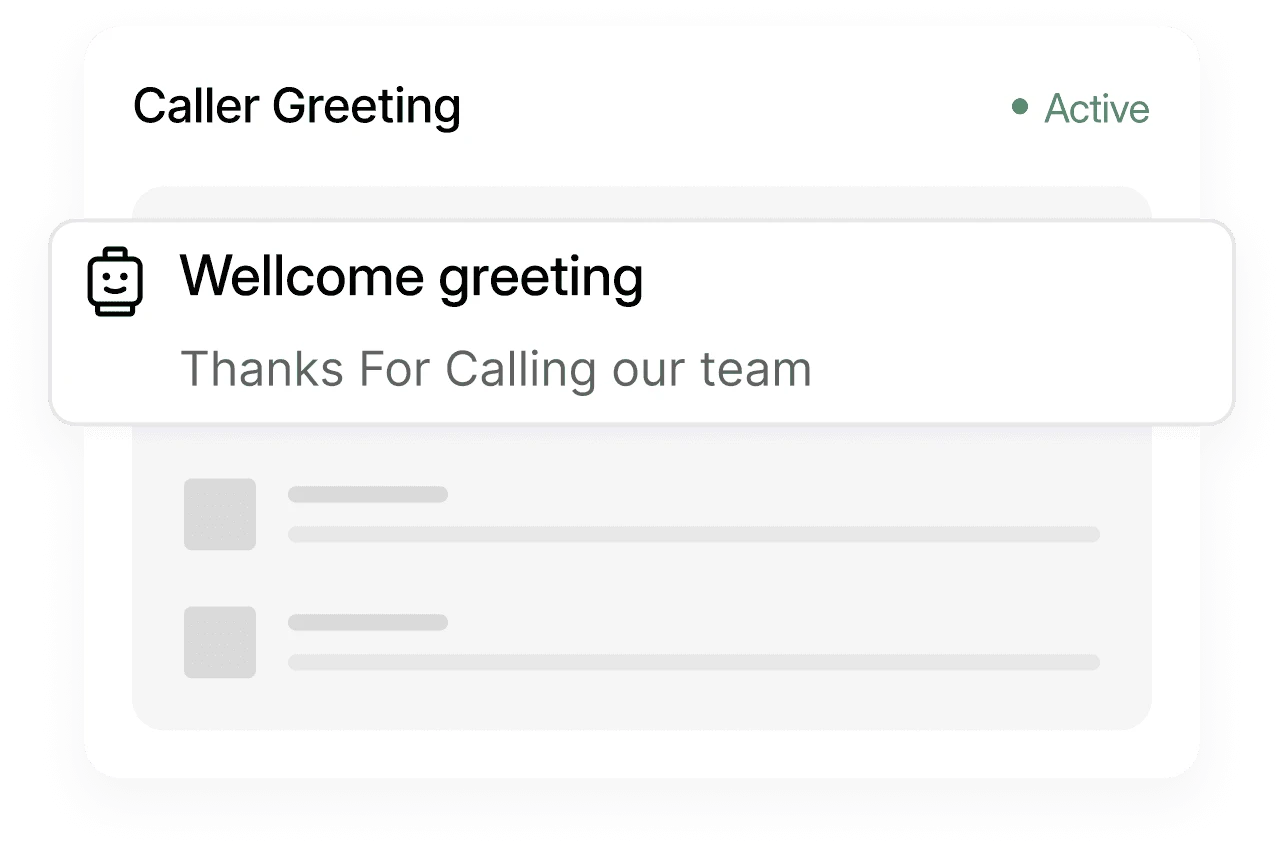
Upload or record personalised greetings that welcome callers and reinforce your brand before they speak to your team.
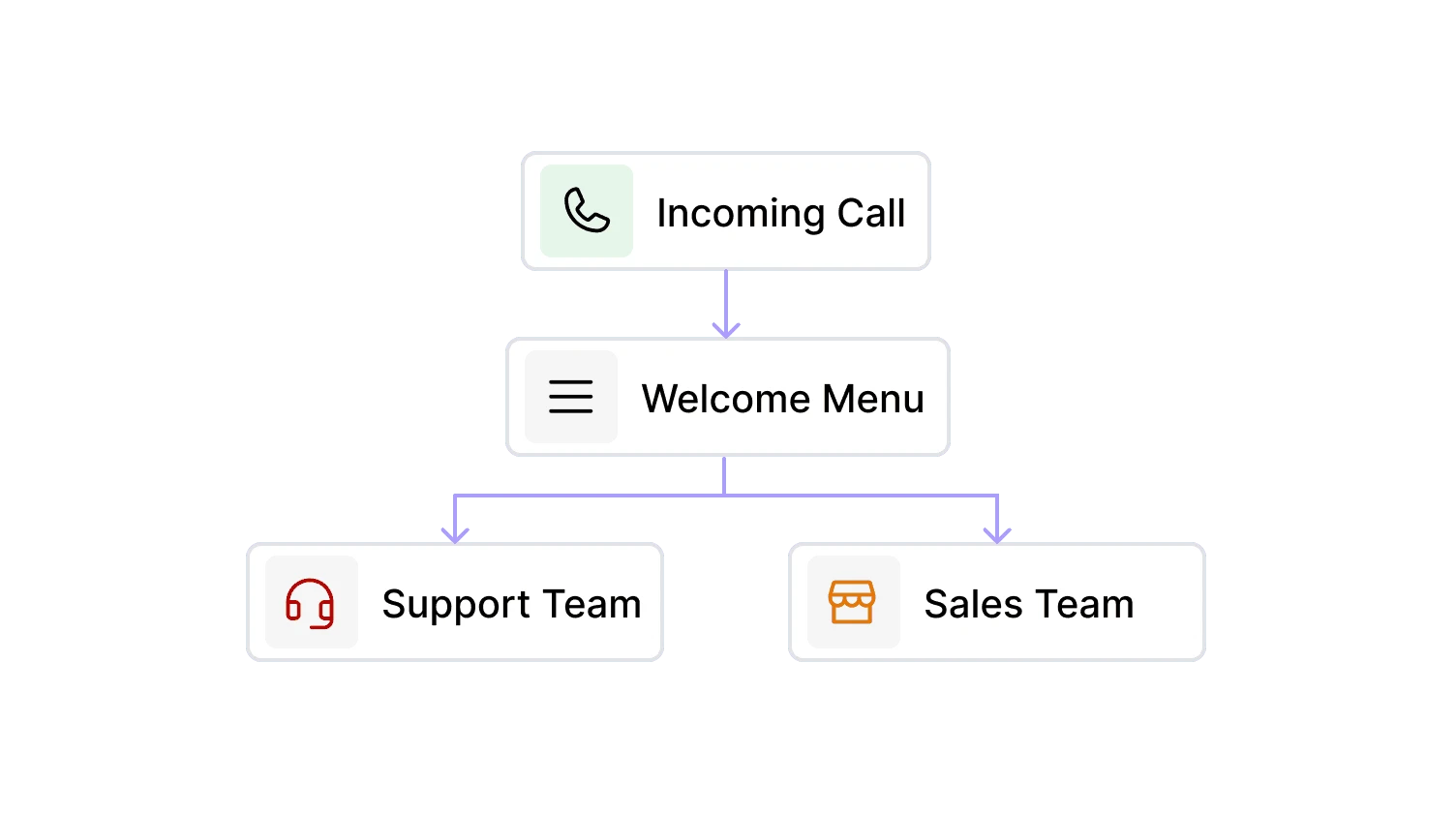
Build and edit your IVR by connecting routing blocks visually. No coding, telecom knowledge, or complicated PBX programming required.
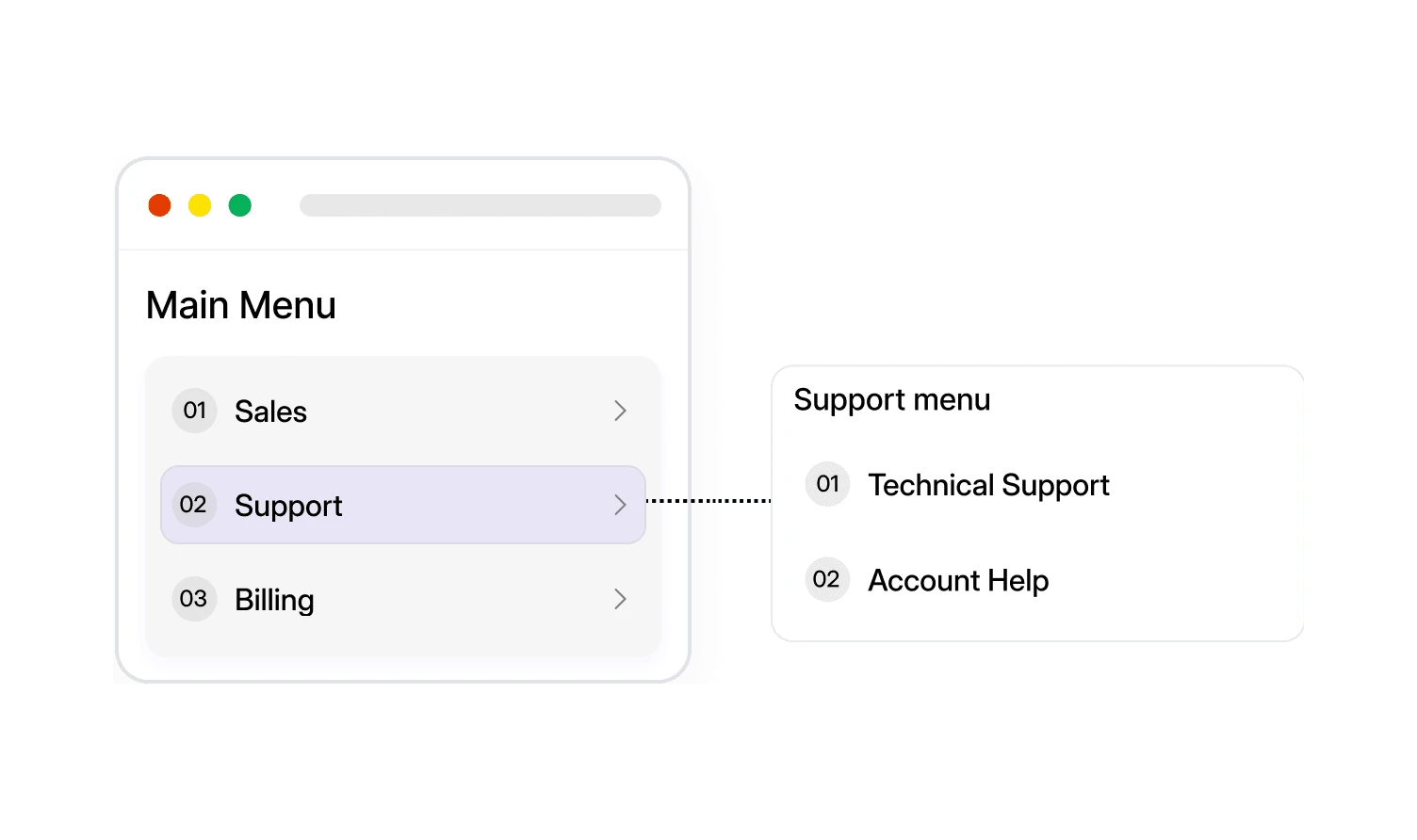
Create simple or advanced IVR menus with multiple layers, helping callers reach the right department without unnecessary transfers.
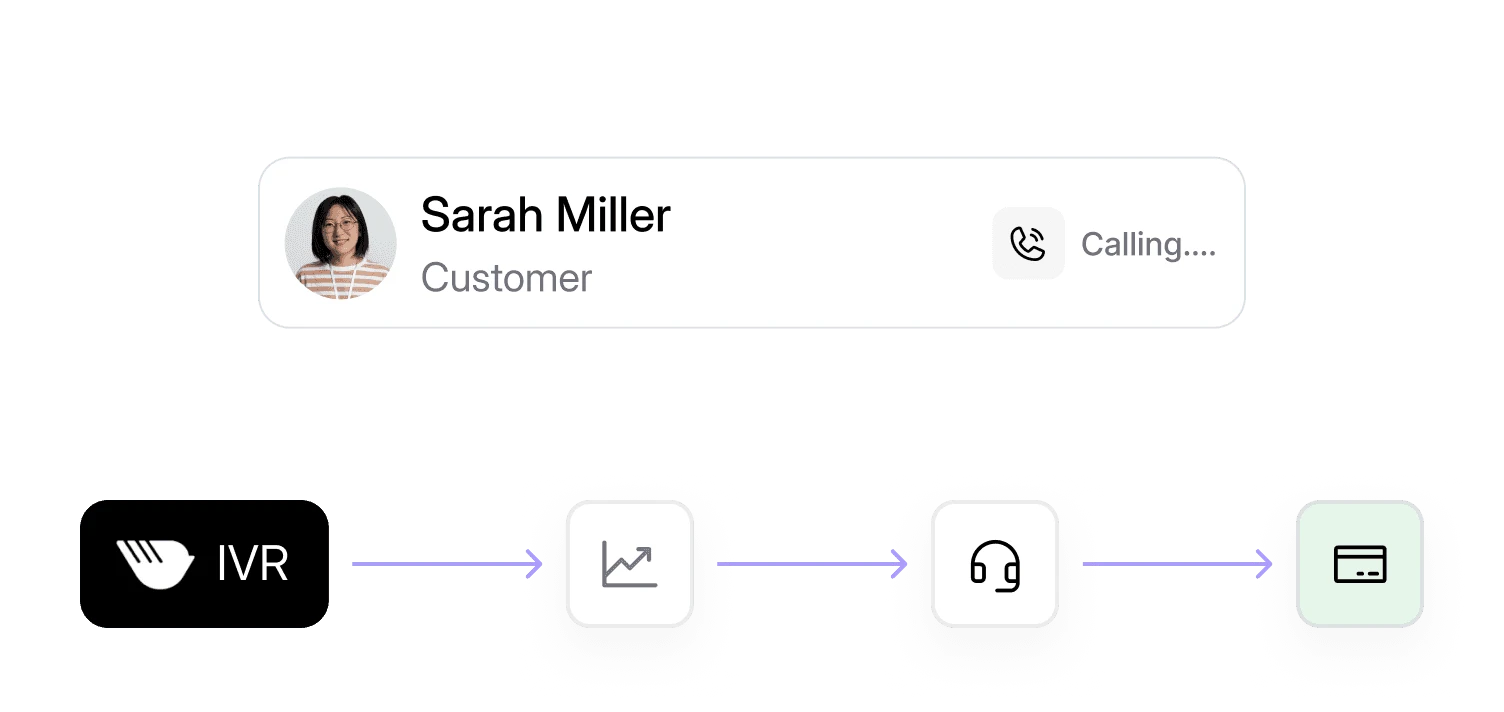
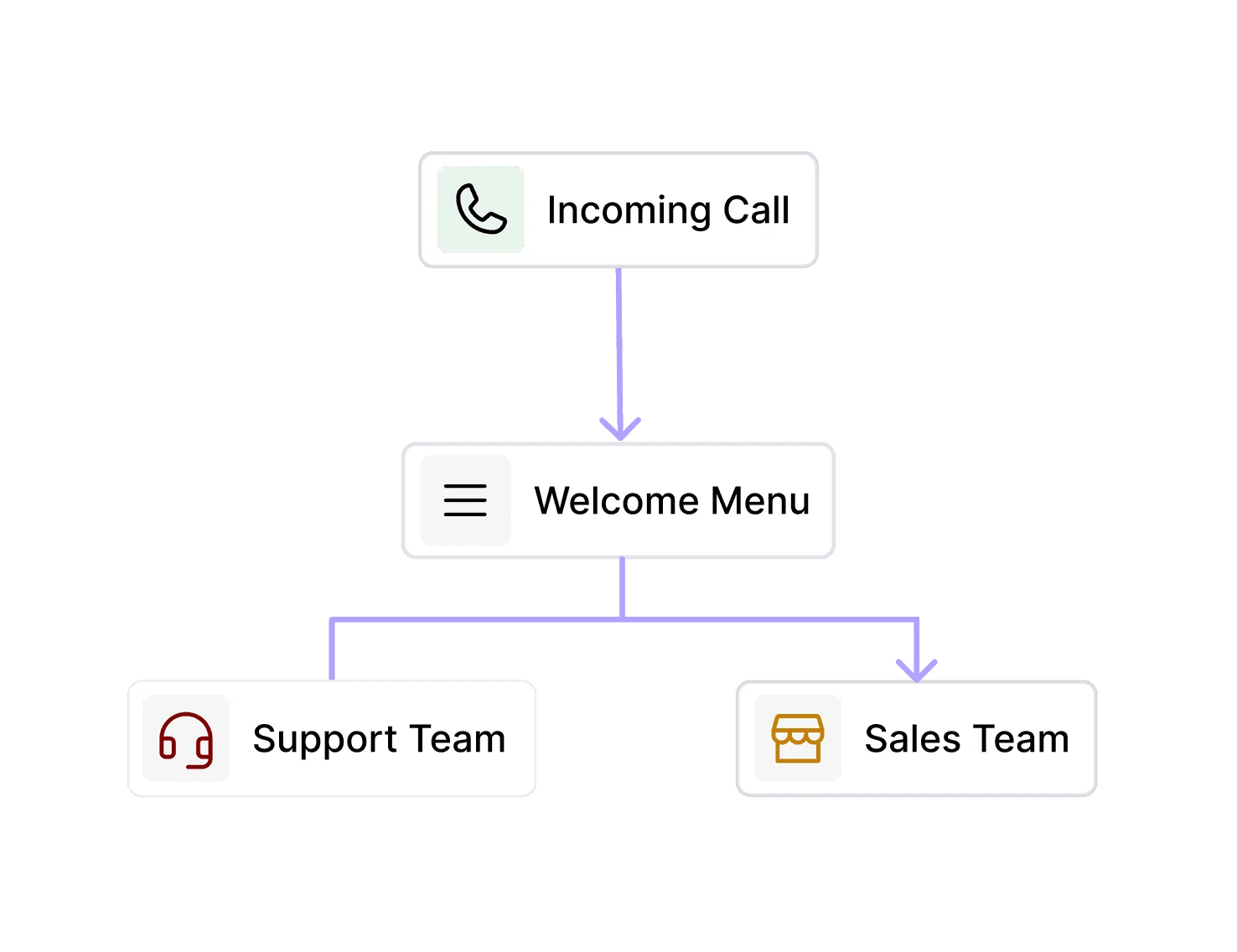
Automatically route callers based on menu selections, business hours, holidays, team availability, departments, ring groups, or to external phone numbers.
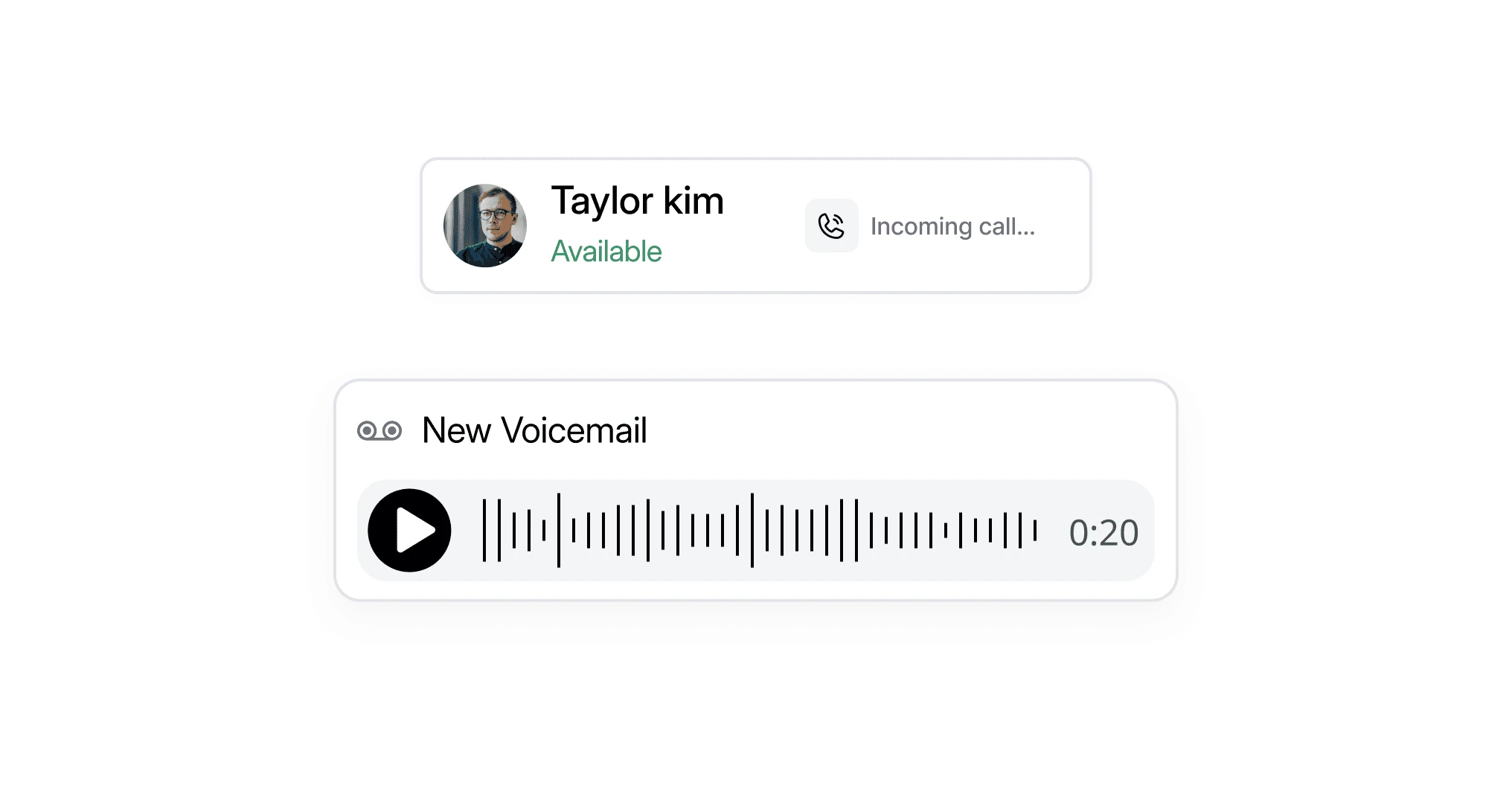
If nobody is available, automatically send callers to voicemail with customised messages instead of letting calls ring endlessly.
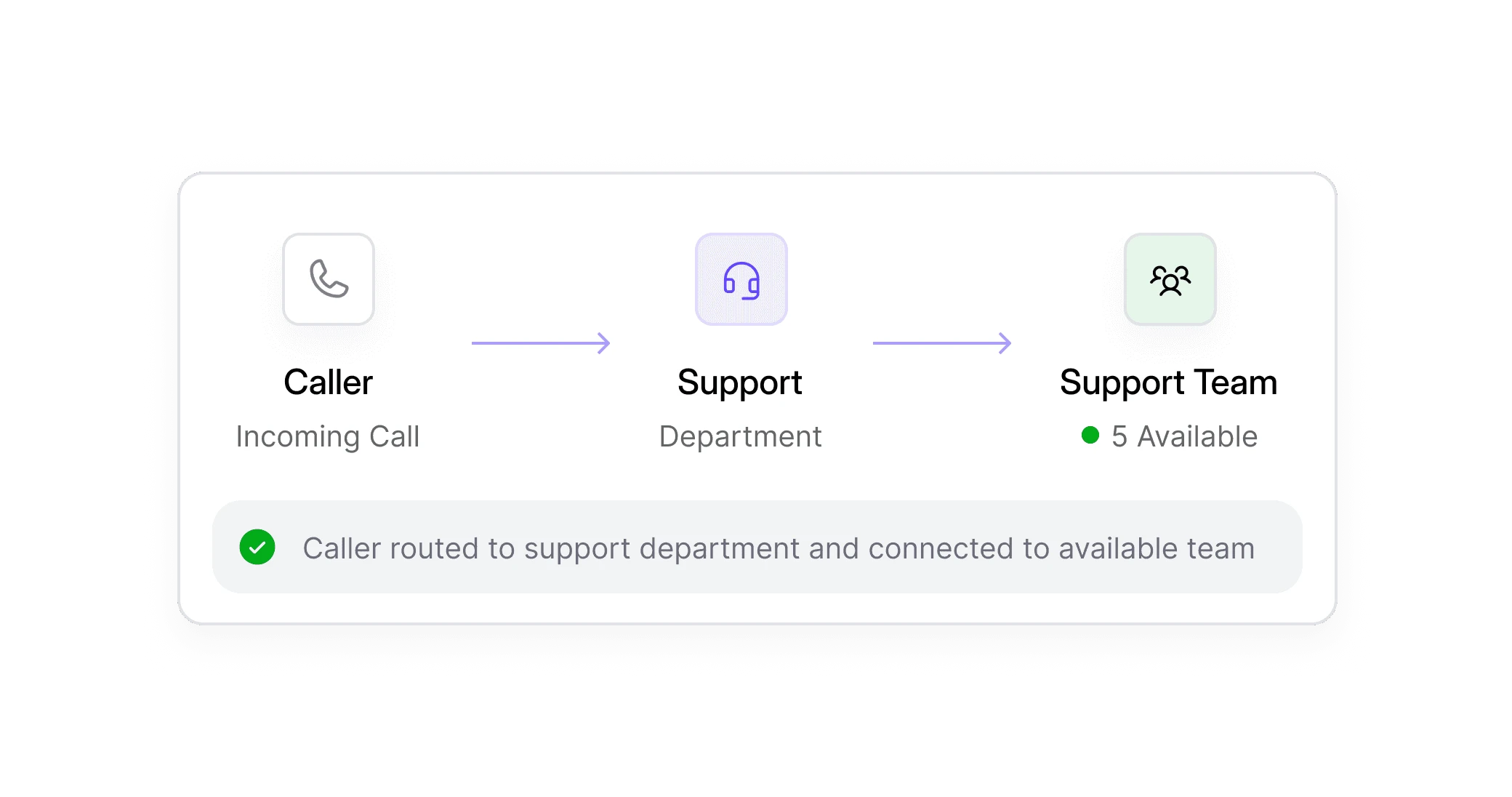
Direct callers straight to Sales, Support, Accounts, Customer Success, or any custom department using structured phone menus.
IVR helps businesses respond faster, reduce manual effort, and connect every caller with the right person from the start.
Guide callers to the correct department immediately, eliminating unnecessary transfers and reducing frustration.
Automatically greet every caller and route them intelligently, even during busy periods when your team is already on the phone.
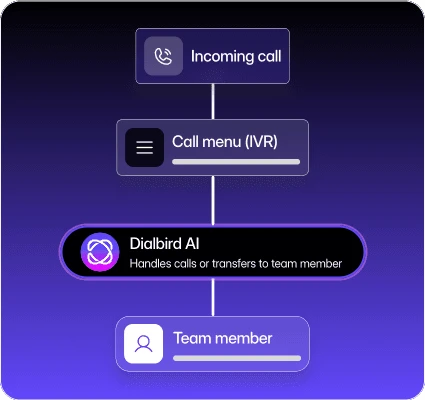
Present a polished, branded phone menu that builds trust before your team even answers the call.
Reduce repetitive call handling so employees spend more time solving customer problems instead of directing calls.
Automatically distribute calls to the right people based on availability, departments, or business rules, keeping workloads balanced.
As your business grows, simply update your IVR with new users, locations, or routing rules in minutes.
IVR stands for Interactive Voice Response. It is an automated phone system that answers incoming calls, presents menu options, collects caller input using keypad selections or voice commands, and routes callers to the appropriate person, department, or voicemail.
When someone calls your business, the IVR answers the call, plays a recorded greeting, presents menu options, and follows predefined routing rules to connect the caller to the right destination. With Dialbird, these rules are built visually using the Call Flow Builder.
An auto attendant usually provides basic call answering and routing, while an IVR system can create more advanced workflows using menu selections, business hours, routing logic, voicemail, and multiple call paths. Many modern cloud phone systems combine both capabilities.
Yes. Dialbird lets you customise greetings, menu options, routing rules, business hours, voicemail destinations, and call flows, all from an easy-to-use visual interface.
Yes. Dialbird provides a cloud-based IVR system, so there's no PBX hardware to install or maintain. You can manage your IVR from anywhere using the web, iPhone, or Android app.
Absolutely. You can update greetings, routing rules, departments, or business hours whenever your business or team structure changes. Simply publish the updated call flow and the changes take effect immediately.
Yes. You can create different routing paths for business hours, after-hours, weekends, and public holidays to ensure callers always receive the appropriate experience.
Yes. Dialbird allows you to route callers to voicemail if no one is available, after business hours, or whenever it fits your call handling strategy.
Yes. IVR isn't just for large call centres. Small businesses use IVR to create a professional first impression, reduce manual call handling, and ensure customers reach the right person quickly.
Yes. You can create multi-level phone menus for businesses with multiple departments, locations, or specialised teams while keeping the caller experience simple and intuitive.
No. Dialbird's visual Call Flow Builder lets you create and update IVR menus without coding or specialist telecom experience.
You can port your existing business number to Dialbird or get a new business number when you sign up.
Most businesses can build and publish their first IVR in just a few minutes using Dialbird's visual Call Flow Builder.
Dialbird combines a modern cloud business phone system with a powerful visual Call Flow Builder, making it easy to build, update, and manage professional IVR experiences without the complexity of traditional PBX systems.
Cloud-based IVR software typically ranges from $15 to $150 per user monthly, with the feature often included for free in standard business phone system bundles. However, larger businesses with more advanced needs may have to pay thousands of dollars extra for custom call flows, professional voice recordings, and high call volumes.
IVR systems are useful across many industries and business types. Common use cases include:
• Home services: Route emergency calls, new enquiries, and existing customer requests to the right team without overwhelming office staff.
• Healthcare and clinics: Separate appointment bookings, existing patient support, billing enquiries, and urgent calls to improve the patient experience and reduce receptionist workload.
• Legal services: Direct callers to the appropriate solicitor, department, or support team while maintaining a professional first impression.
• Real estate: Send buyers, sellers, tenants, landlords, and maintenance requests to dedicated teams so every enquiry reaches the right specialist faster.
• Professional services: Create separate call paths for sales, customer support, finance, and administration to minimise transfers and reduce wait times.
• Multi-location businesses: Route callers to the nearest branch, regional office, or shared support team based on your business structure.