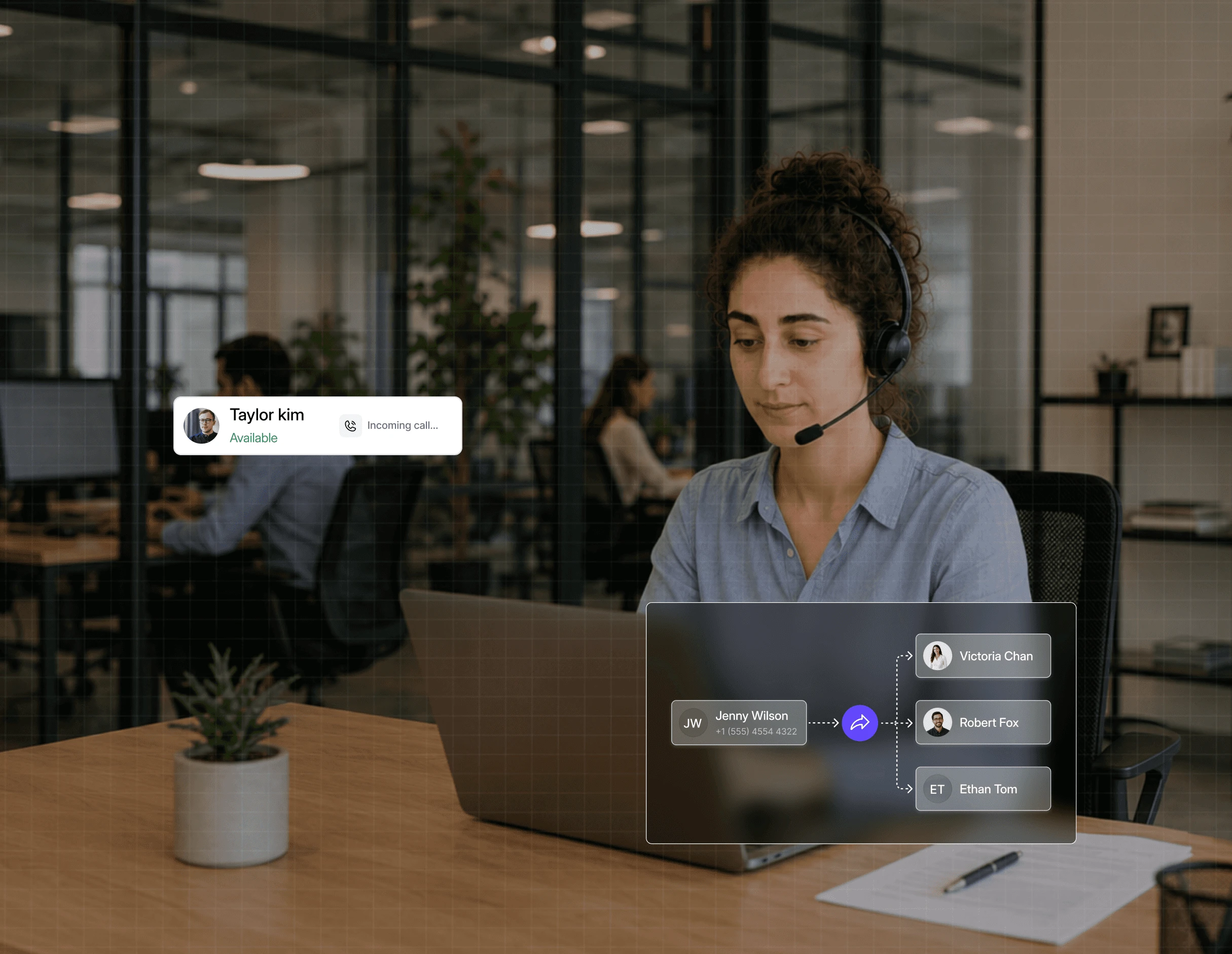
Give office and remote teammates one shared phone system for calls, messages, and customer conversations without tying anyone to a desk.
Trusted by over 500 businesses





Work from home, the office, or on the move without changing how customers reach your business.
Everyone has the context they need, so fewer conversations get lost between locations or teammates.
A teammate can step in when needed without asking customers to repeat everything from the beginning.
Customers get the same great experience, wherever your team works.
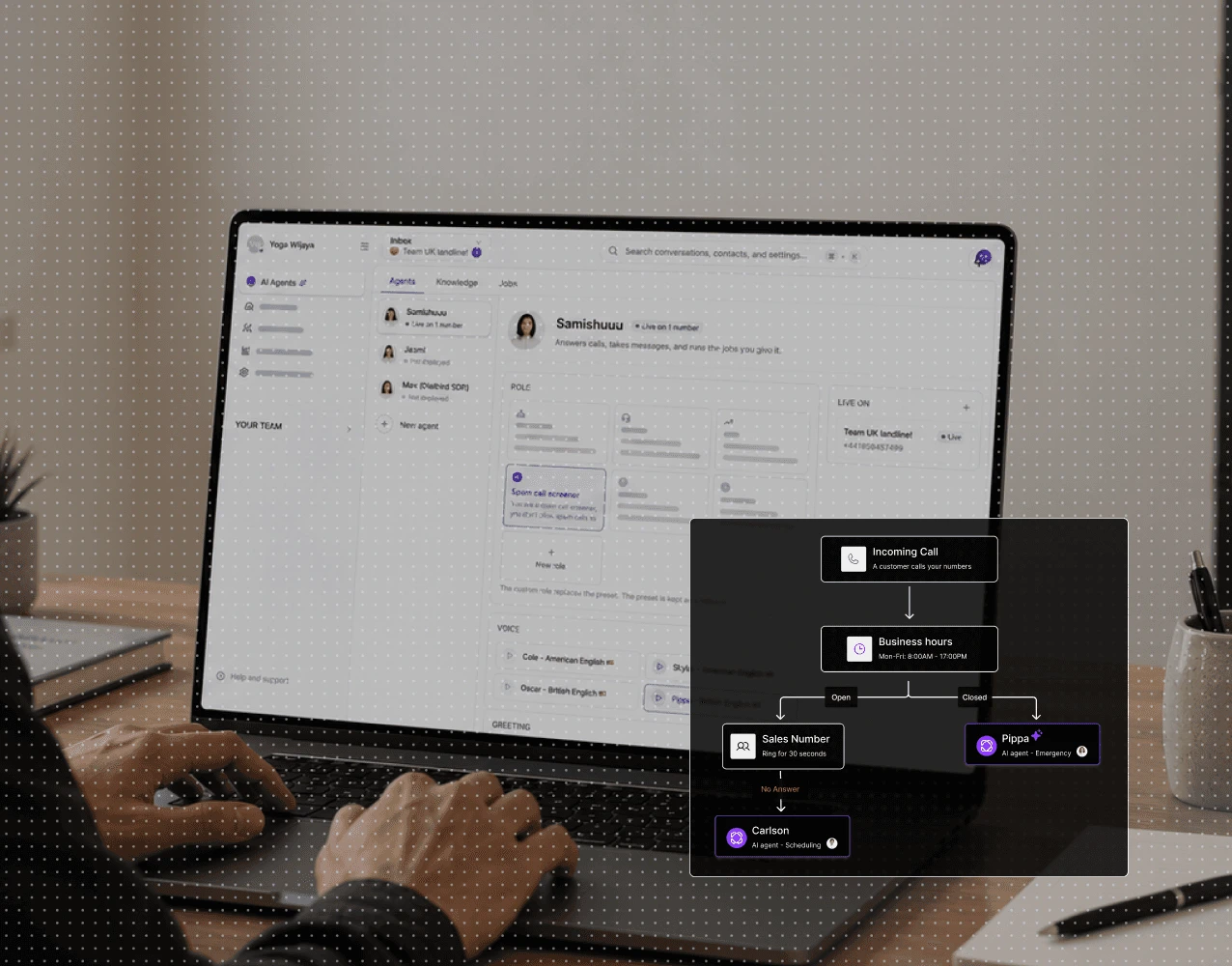
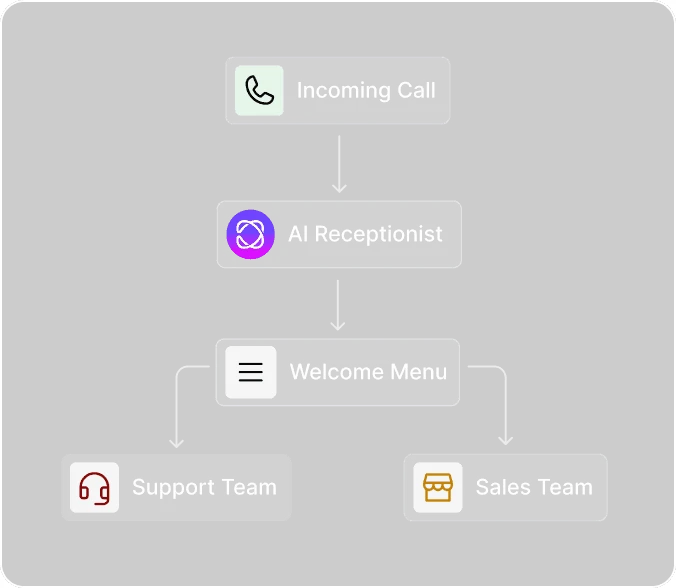
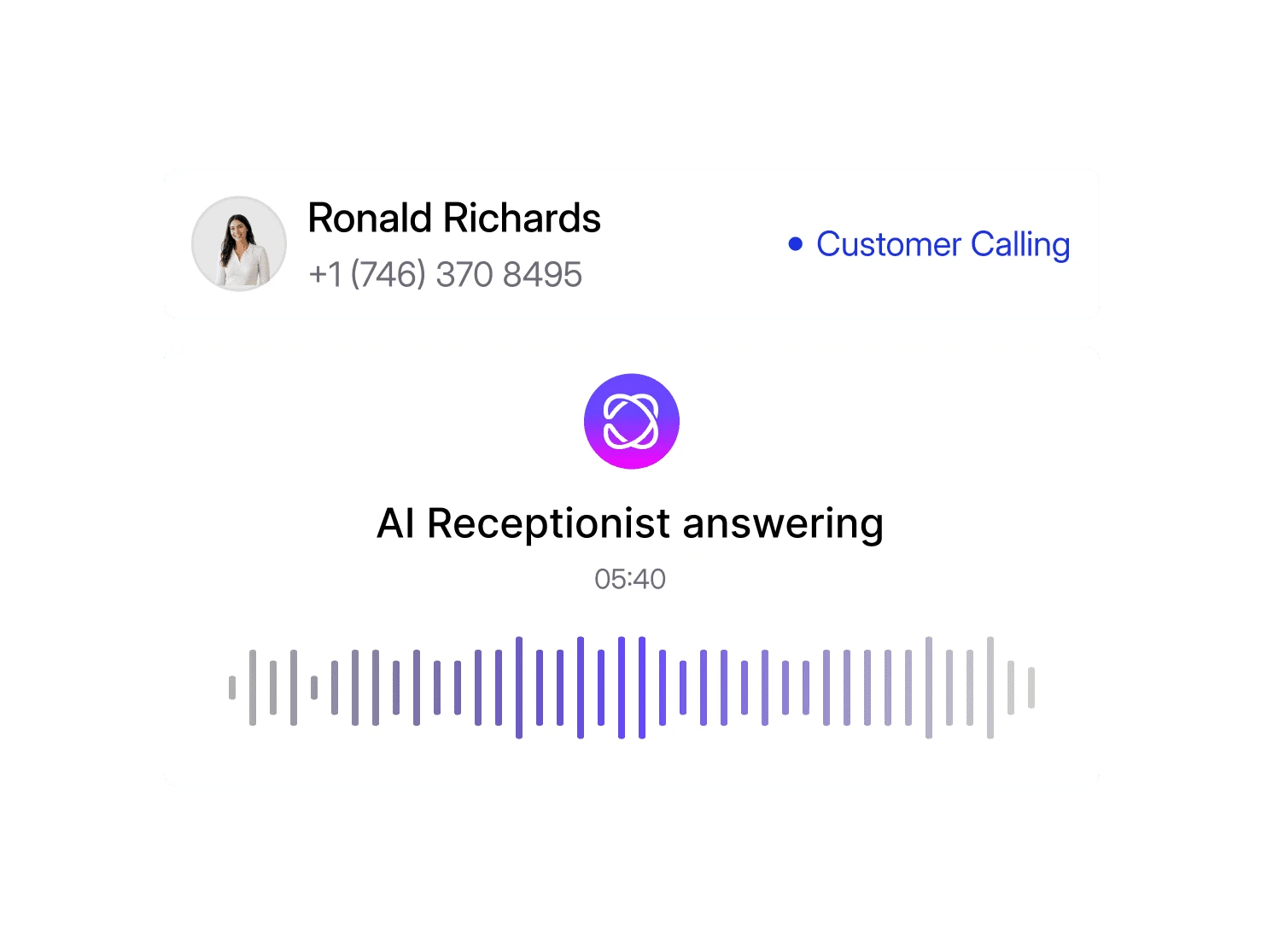
Let Dialbird AI answer common questions, capture key details, and direct each call to the right teammate, so your hybrid team can stay responsive from anywhere.
Set its role, tone, and how it should handle initial calls.
Add business information, FAQs, and the details it needs to respond clearly.
Choose when it should answer, route calls, or hand them to your team.
Let AI support incoming calls while your team stays focused on higher-value work.

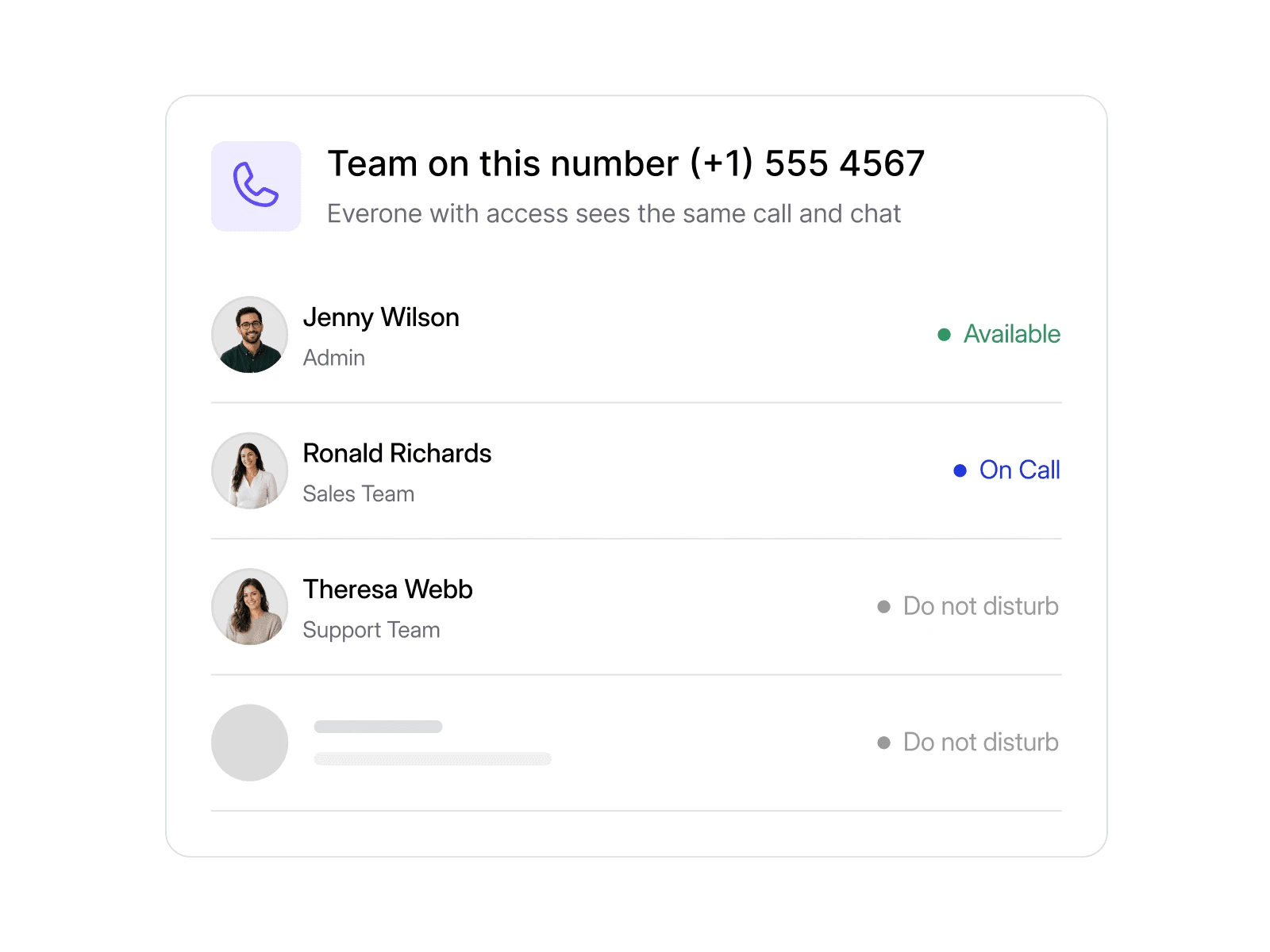
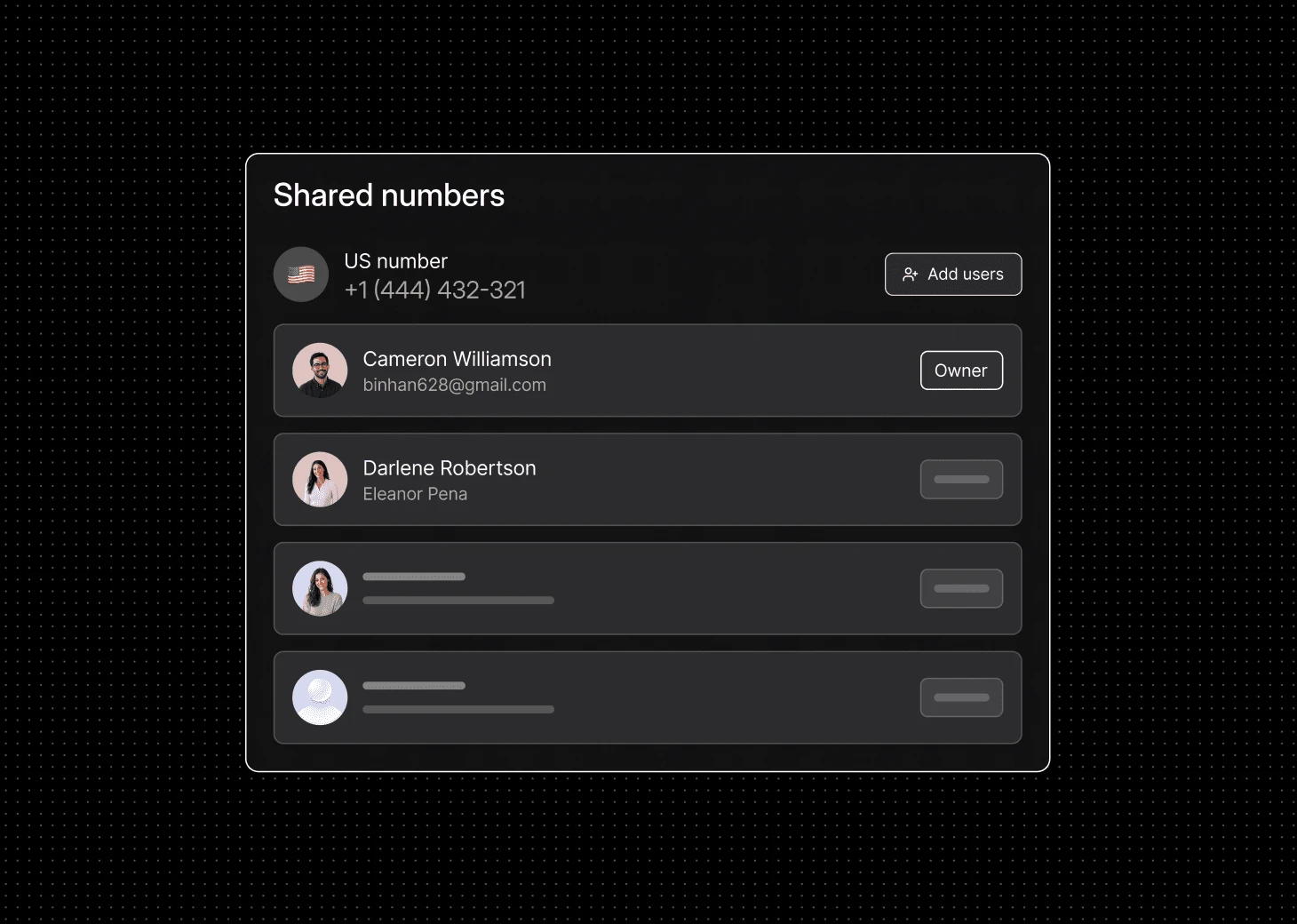
Use one business number across office and remote teammates.
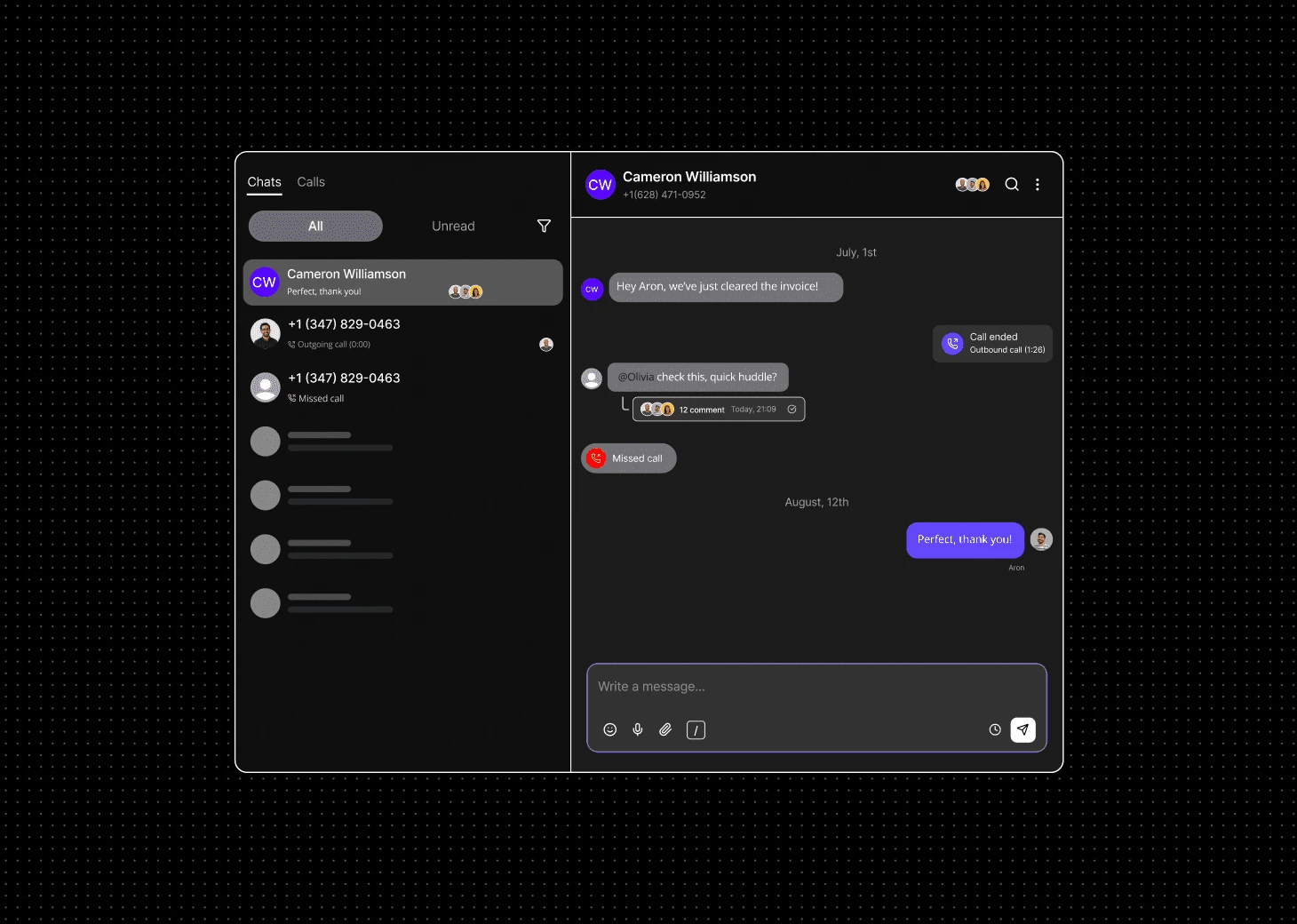
Keep calls and messages visible so everyone stays on the same page.
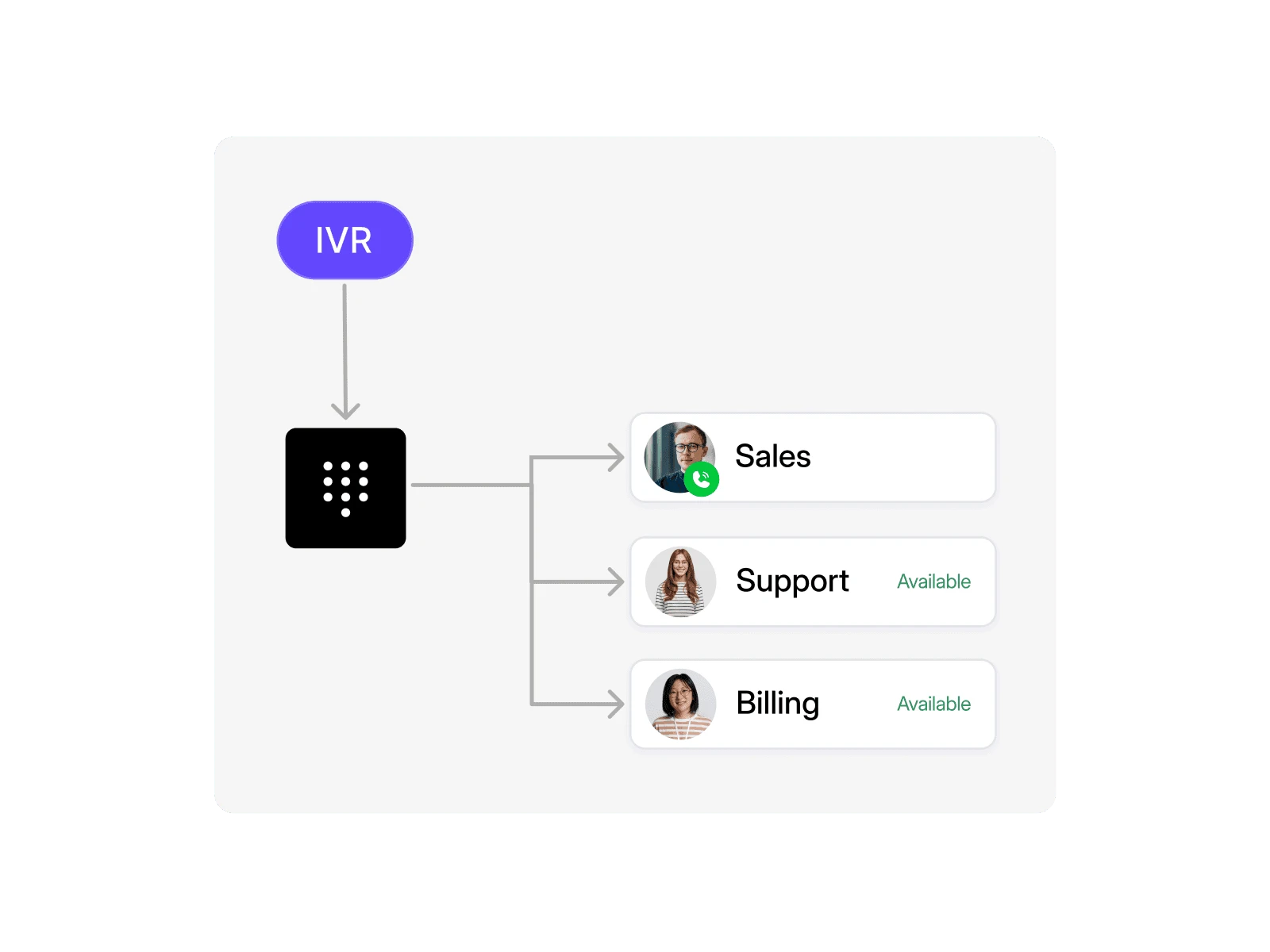
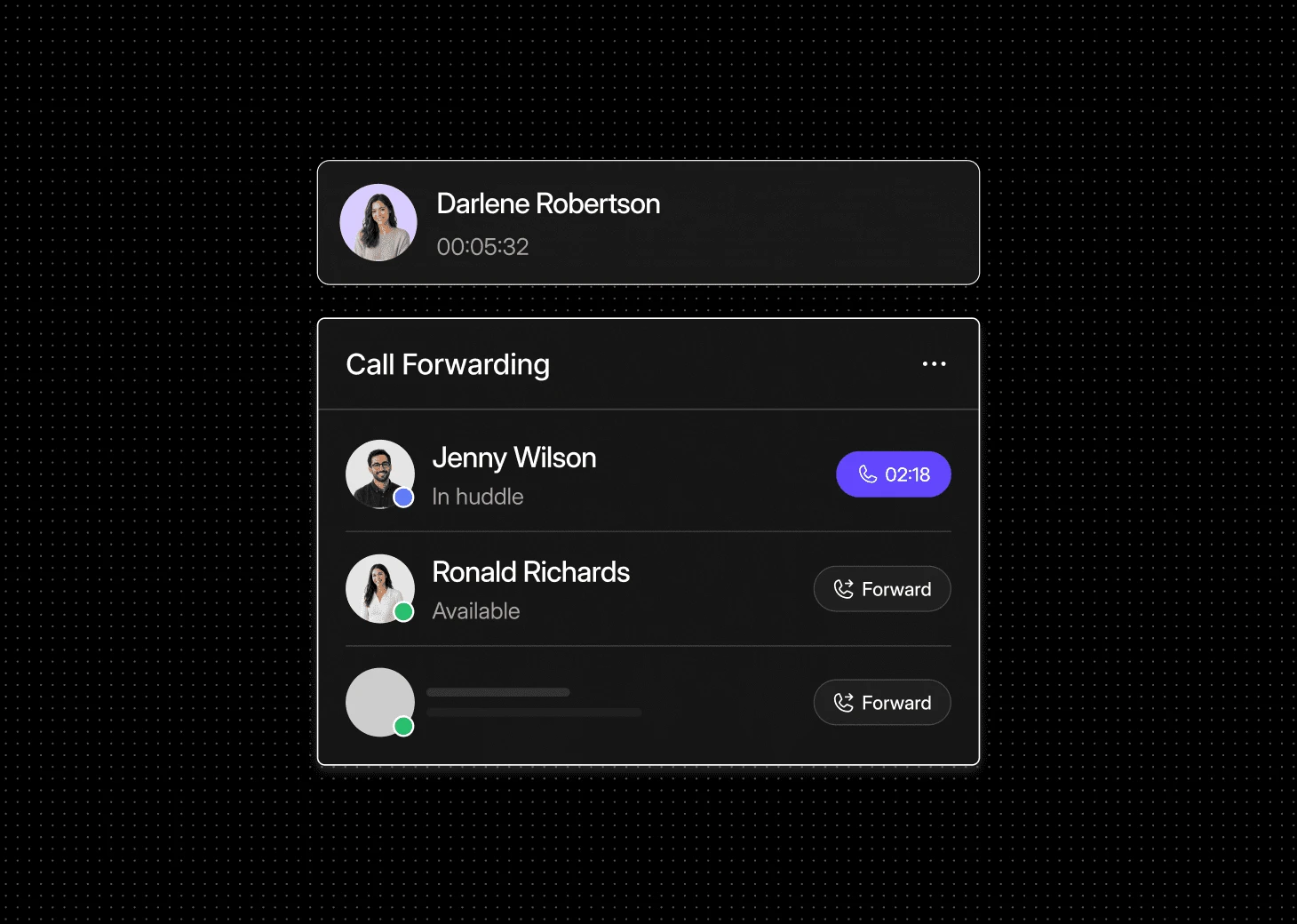
Send calls to the right teammate, wherever they’re working.
Local, mobile, and toll-free numbers. Live in minutes, no setup required.
Bring business calls and messages together with Dialbird, and use AI and automation to keep teams responsive wherever they work.
Yes. Everyone can work from the same business numbers and access calls or messages from wherever they are working.
You can set routing rules based on teams, availability, business hours, or specific call flows, so callers are sent to the right person without being passed around.
Yes. Team members can handle business calls through DialBird while keeping their personal numbers private.
Yes. Shared conversation history helps teammates see earlier calls and messages before they respond, even if someone else handled the customer first.
You can route the call to another teammate, voicemail, an on-call person, or your AI receptionist depending on how your setup is configured.
Yes. You can create separate business hours and routing rules for different teams, departments, or locations.
Yes. You can add new teammates without changing the business number your customers already know.
Yes. Dialbird works well for teams spread across offices, home setups, or different cities while keeping communication under one system.