Keep your remote team connected from anywhere

Give your team one place to handle calls, messages, and customer conversations, whether they’re working from home, the office, or somewhere in between.

Try for free

Set up in minutes

Works on staff mobiles

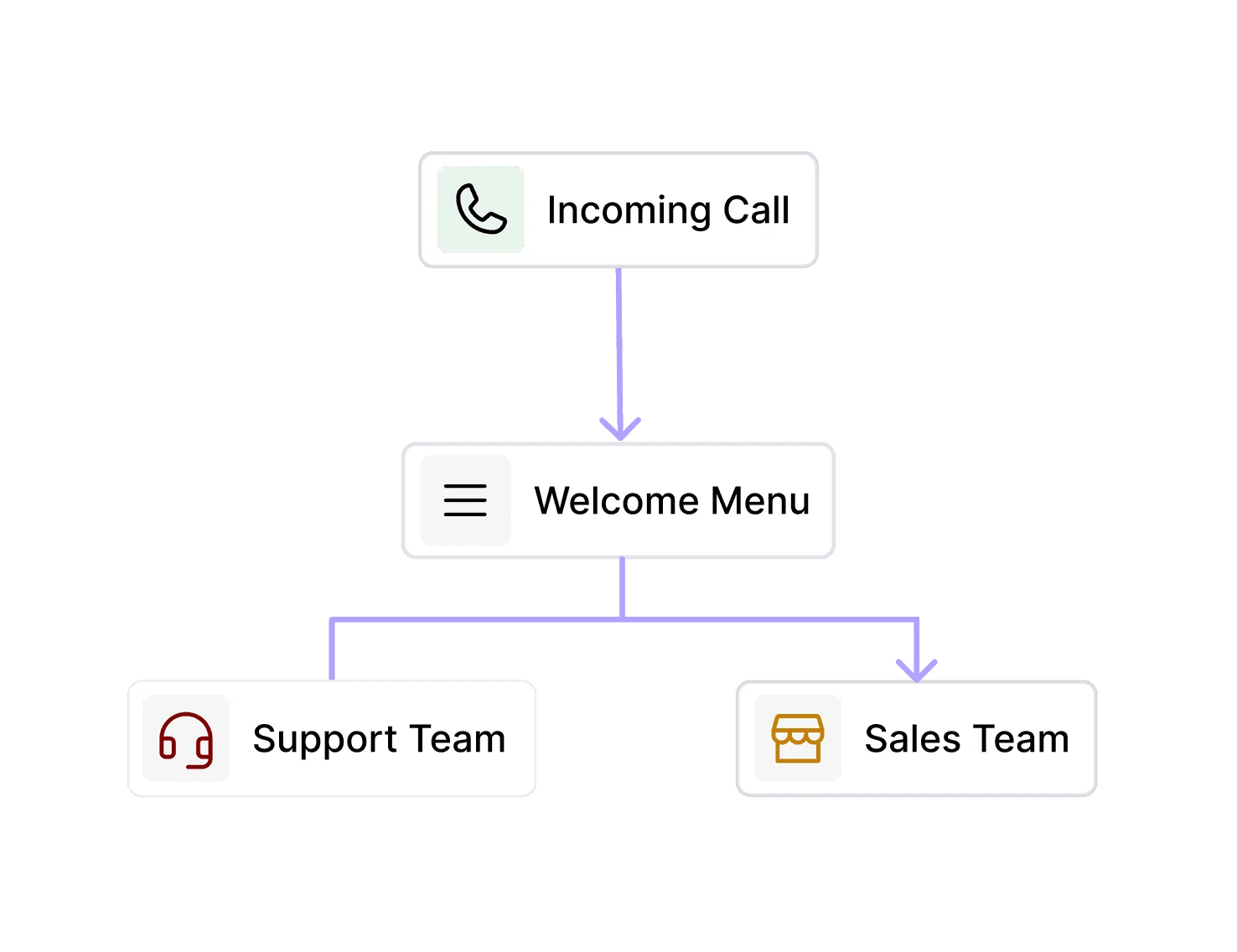
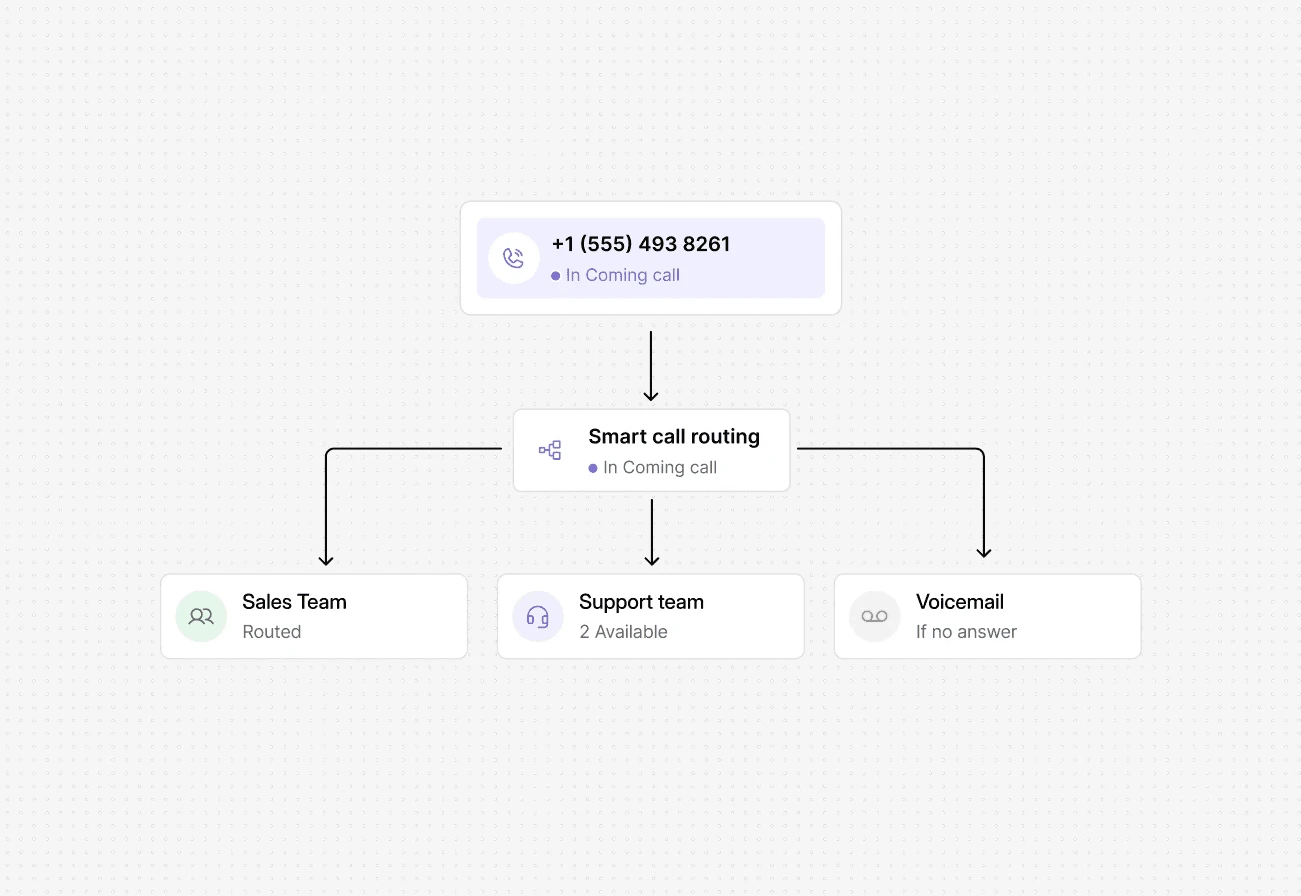
DialBird IVR system routing customer calls to the right department with an automated phone menu.
Trusted by over 500+ businesses
  • dialbird customer logo of tunic pay
  • dialbird customer logo of posthog
  • dialbird customer logo of StackOne
  • dialbird customer logo of Worldwide clinical trials
  • dialbird customer logo of Kope
  • dialbird customer logo of tunic pay
  • dialbird customer logo of posthog
  • dialbird customer logo of StackOne
  • dialbird customer logo of Worldwide clinical trials
  • dialbird customer logo of Kope
  • dialbird customer logo of tunic pay
  • dialbird customer logo of posthog
  • dialbird customer logo of StackOne
  • dialbird customer logo of Worldwide clinical trials
  • dialbird customer logo of Kope

Built for teams that aren’t always in the same place

Built for teams that aren’t always
in the same place

Everything a growing team needs to stay connected

Stay reachable anywhere

Handle business conversations from desktop or mobile, wherever work happens.

Share the full context

Keep notes, messages, and history together so teammates can pick up quickly.

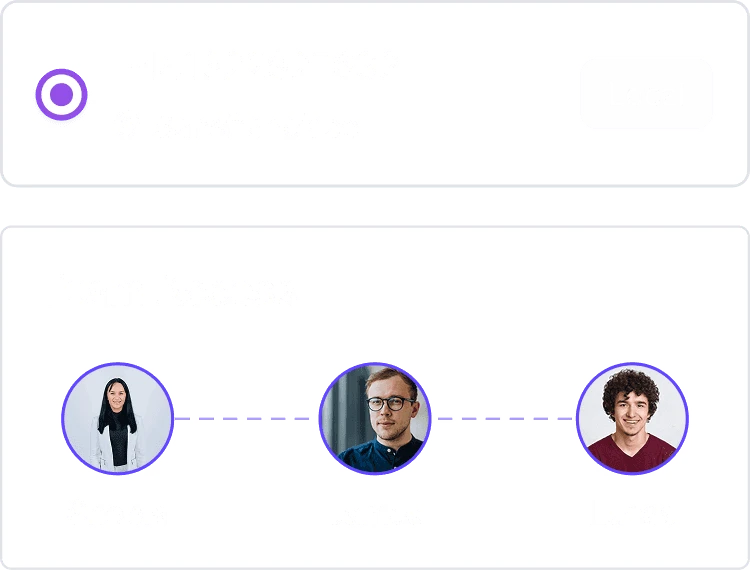
Reach the right teammate

Route conversations based on availability, role, and responsibility.

Make handovers easier

Pass conversations between teammates without losing important context.

Make handovers easier

Pass conversations between teammates without losing important context.

Work without location limits

Give teammates the freedom to stay productive from wherever they’re working.

The intake problems every firm know

The intake problems
every firm know

Before Dialbird

Customer conversations live across different apps

Teammates don’t know who is handling what

Calls depend on who happens to be available

Important context gets lost between handovers

Customers wait while teams check internally

Managers struggle to see what needs attention

After Dialbird

Calls and messages stay in one place

Clear ownership for every conversation

Smarter routing based on availability

Full context follows every handover

Faster responses without extra back-and-forth

Better visibility across the whole team

One workspace for every customer conversation

Everything you need in a modern business phone system

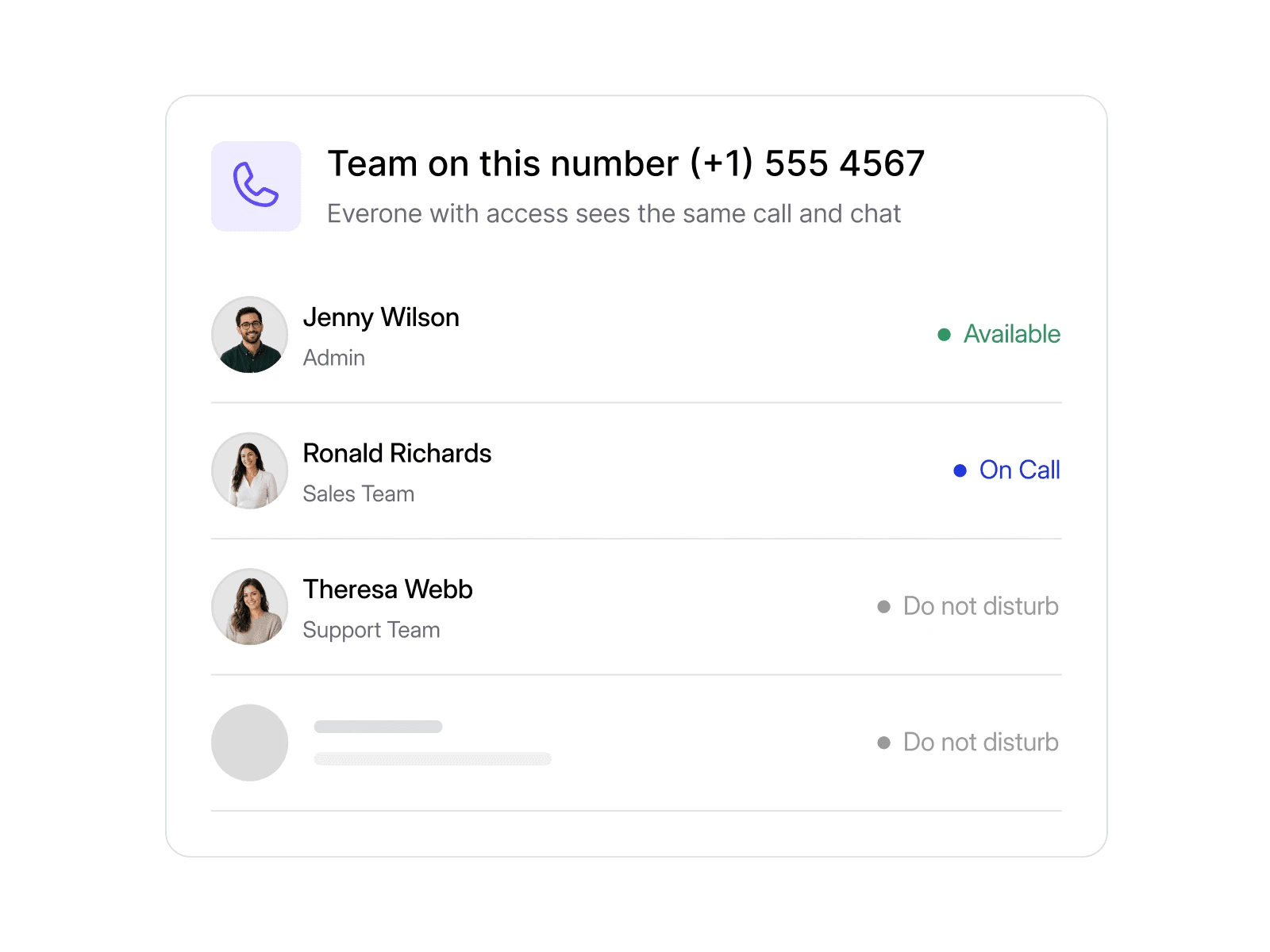
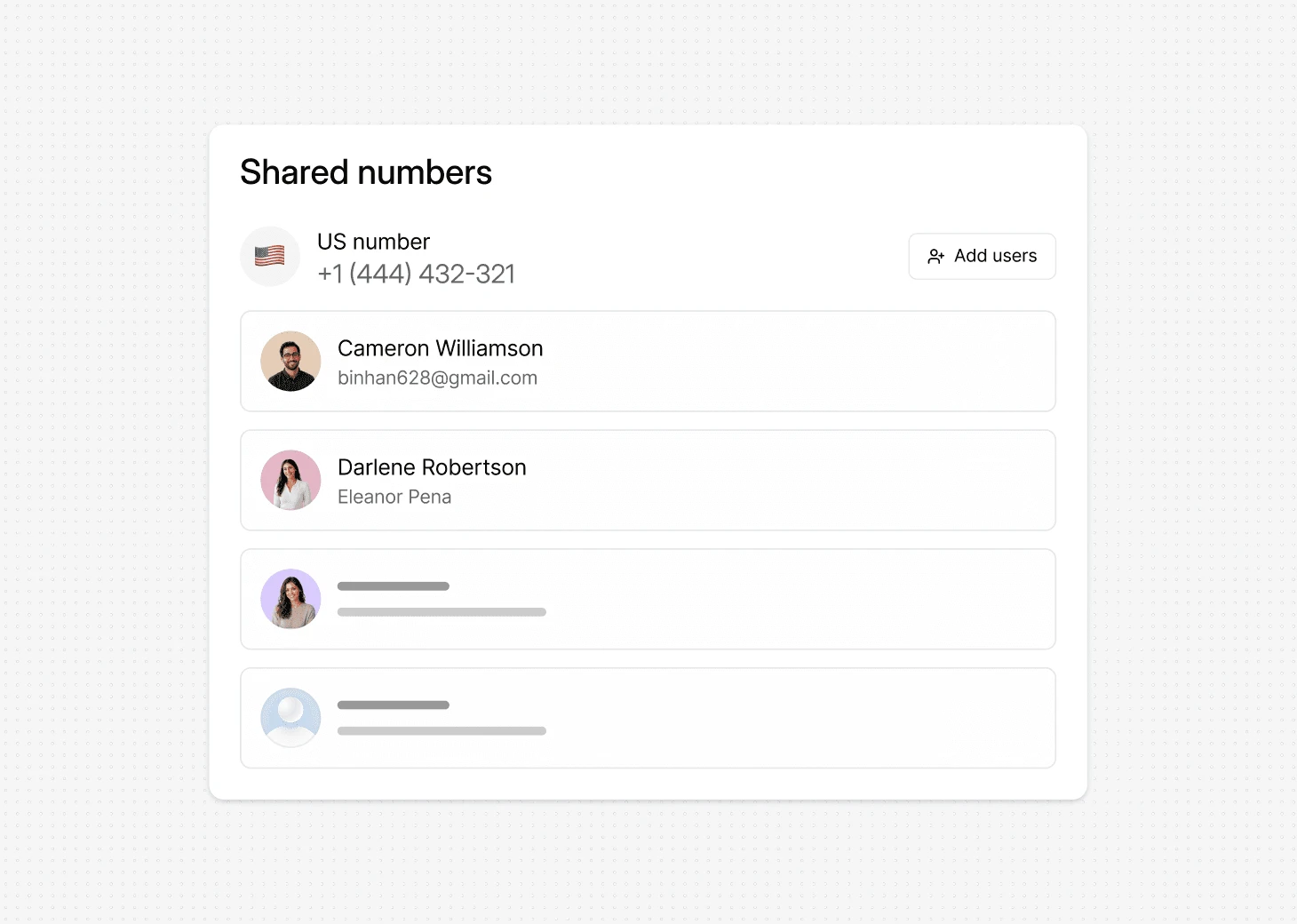
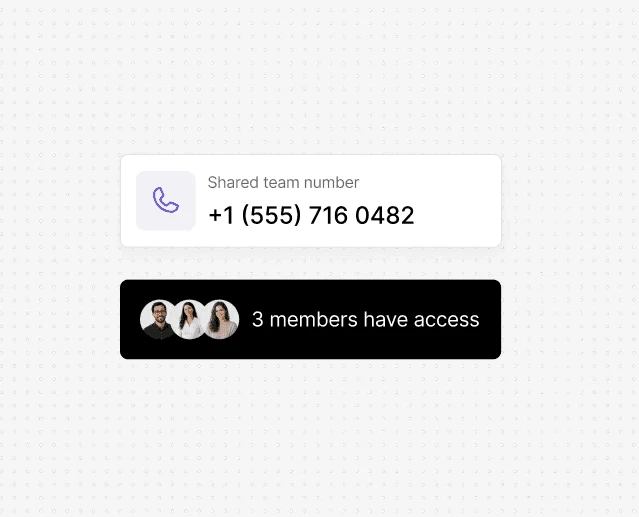
Shared Number

Let remote teammates use one business number together while keeping conversations easy to manage.
Smart Routing

Send each conversation to the right teammate based on availability, role, or responsibility.
One number for everyone

Let your team handle calls and texts from one shared number, so customers always know how to reach you.
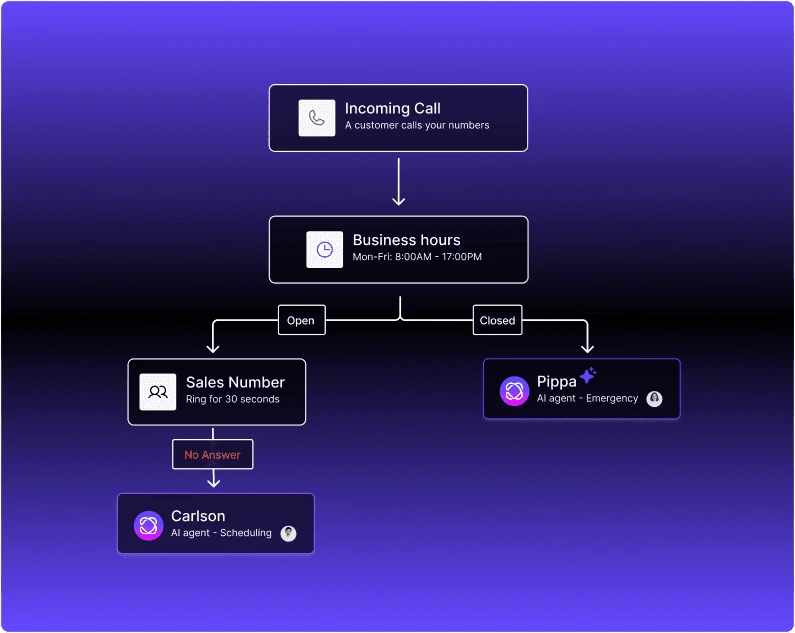
The next sale often starts with a quick response

A prospect might call once, send a message, or come back days later. DialBird keeps those touchpoints together so your team can respond with the right context instead of starting from scratch..

1

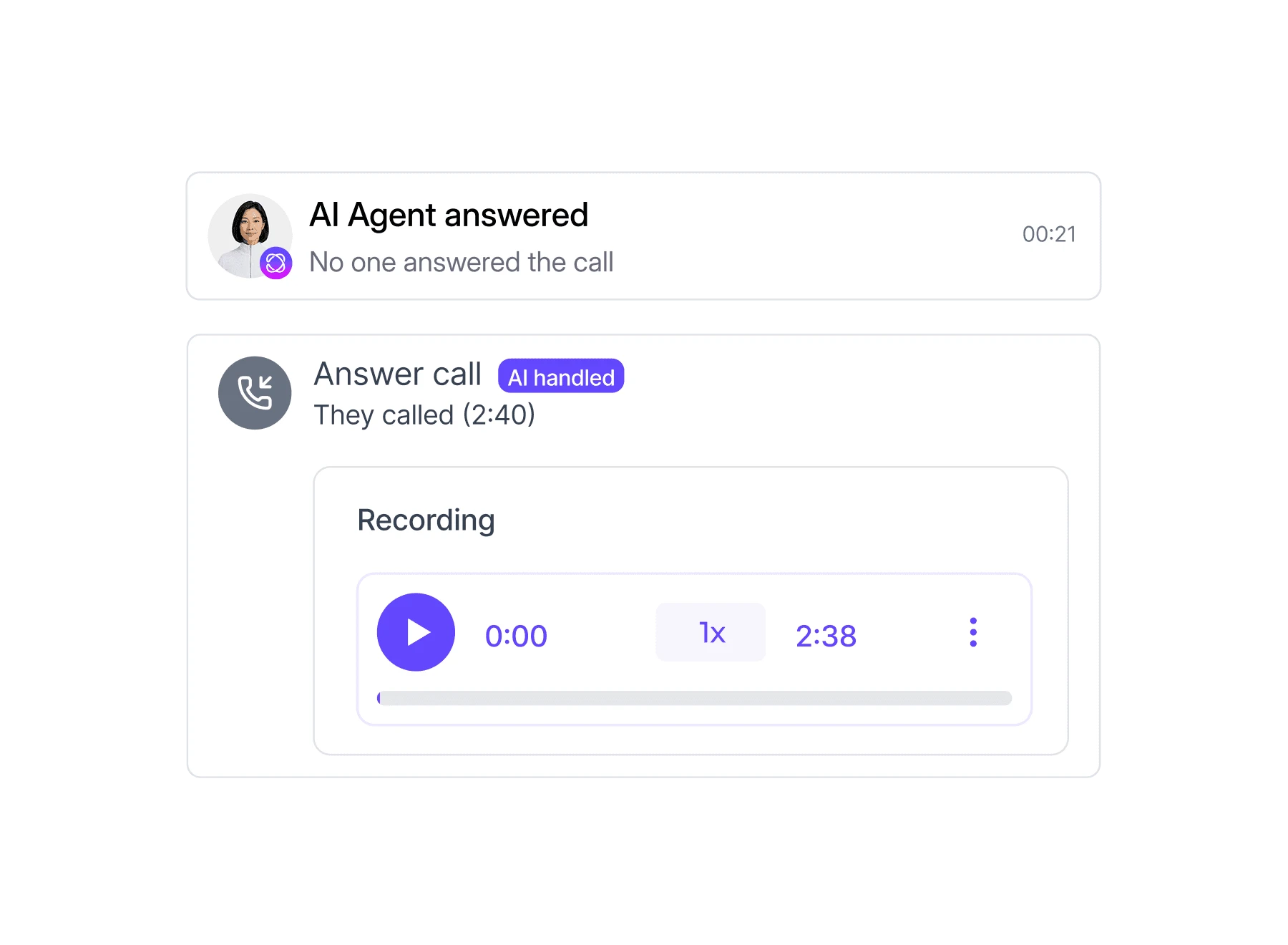
Describe your agent's role, rules and personality

2

Connect it to your custom knowledge base, files and website

3

Drop it into any step in your call flow

4

Set your agent live and start answering calls 24/7

What a modern phone system does for a firm

90

%

Fewer missed calls

5

hrs

Saved each week

92

%

Calls answered first time

1

mins

To get set up

Ready to try Dialbird?

Ready to try Dialbird?

The next generation of business communication. Bring all your calls and messages together in dedicated inboxes, and scale with AI and automation.

Frequently Asked Questions


Frequently Asked Questions


Can remote teammates use the same business number?

Yes. Multiple teammates can work from the same business number while keeping conversations organized and ownership clear.

What happens when someone is offline?

Yes. Dialbird numbers send and receive SMS, so you can text reminders and intake follow-ups, and replies come straight back to your shared inbox.

Can teammates hand over conversations easily?

Yes. Notes, history, and customer context stay with the conversation, making handovers much smoother.

How do we know who is handling a customer?

You can see who owns each conversation, helping the team avoid duplicate replies or missed follow-ups.

Can we work across desktop and mobile?

Yes. Teammates can stay connected across devices, making it easier to work from different locations.

Can managers see what needs attention?

Yes. Shared visibility makes it easier to spot unanswered conversations, pending follow-ups, and active work.

Does Dialbird work for hybrid teams too?

Yes. It works just as well for teams split between home, office, and other locations.

Do we need another tool for internal coordination?

Not always. Internal notes, mentions, and shared conversation history help teams coordinate without constantly switching apps.

Dialbird company logo

The next-gen business phone system

© 2026 Dialbird, a product of Ramo Technologies LLC. All rights reserved.

Product

Download

Company

Resources

Features

Business Solution

Virtual Phone Numbers

Dialbird LinkedIn page
Dialbird Facebook page
Dialbird Reddit community
Dialbird company logo