Stop losing patients to missed calls, no-shows, and full voicemail boxes. Dialbird routes every call to the right person, texts recall and appointment reminders that fill your book, and covers dental emergencies after hours.
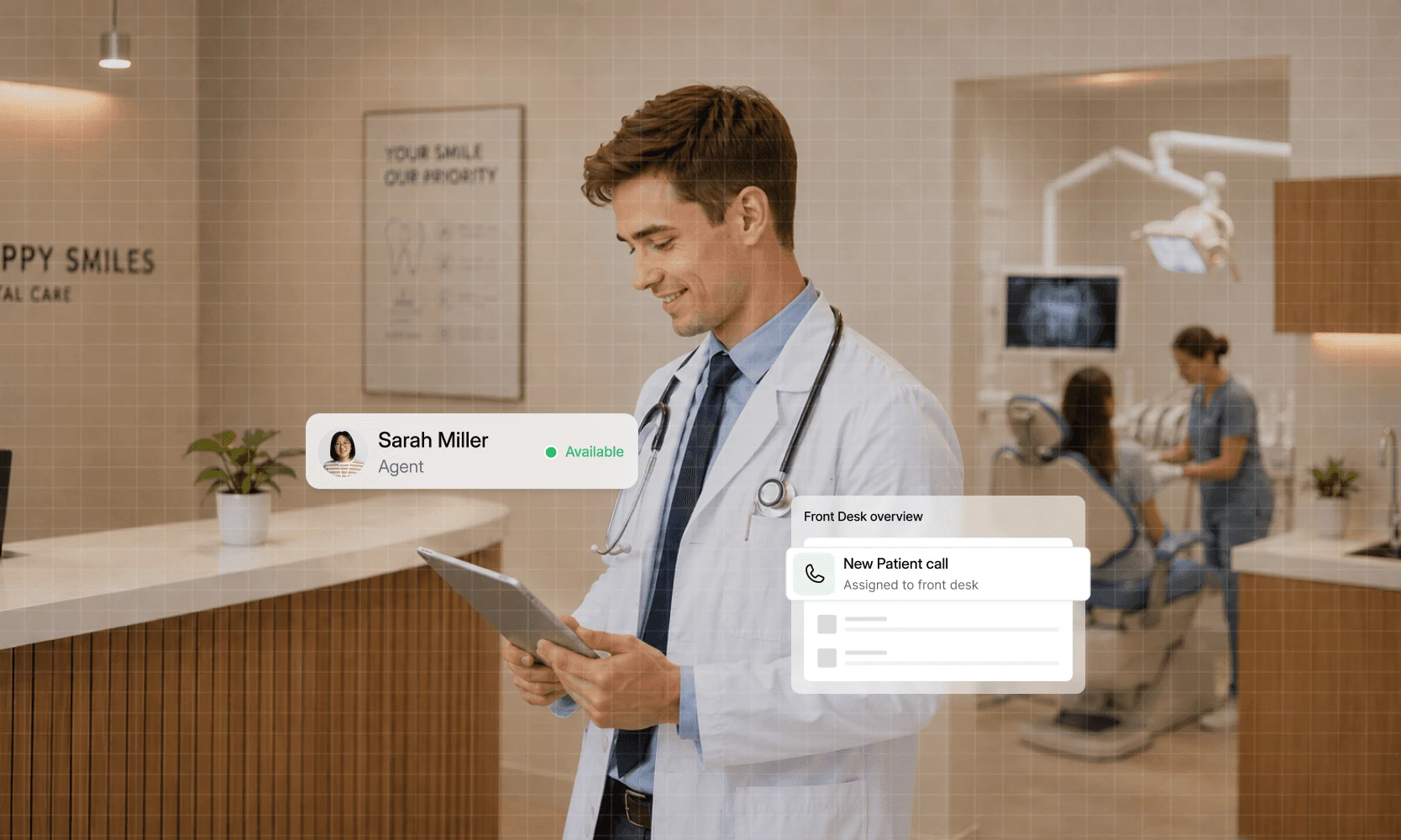
Trusted by 500+ businesses





What changes at the front desk in the first week.
Route new patients, recalls and emergencies to the right person with a simple phone menu.
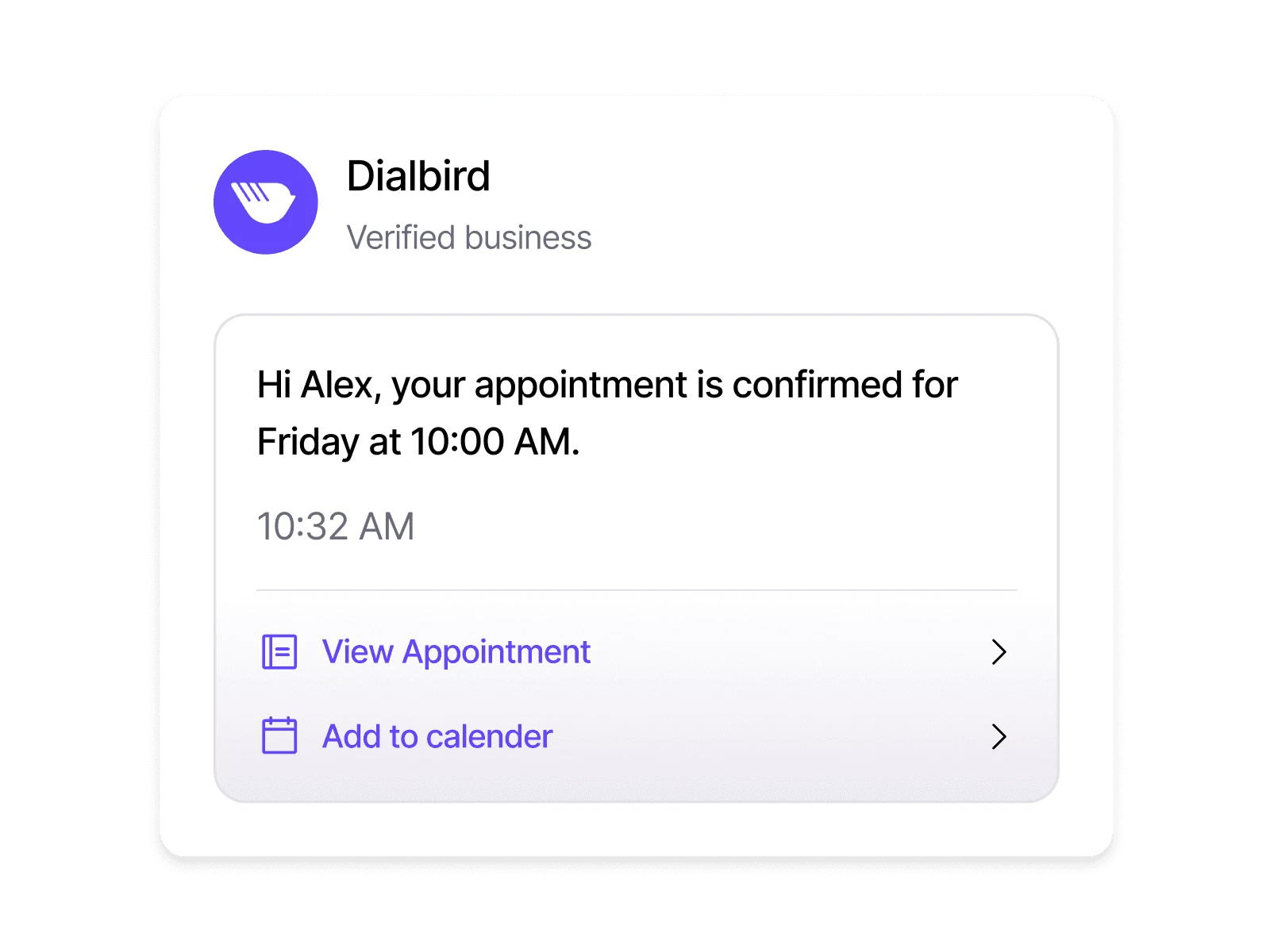
Text recall and hygiene reminders to fill gaps in the appointment book.
Patient calls, texts and voicemails for every chair sit together in one place.
Out-of-hours callers hear your emergency instructions or leave a voicemail for the morning.
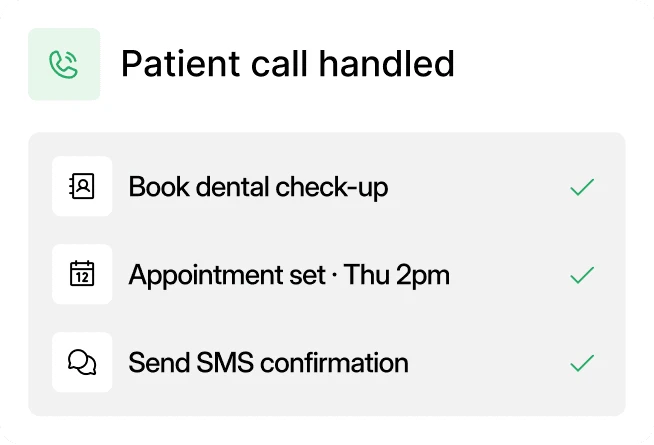
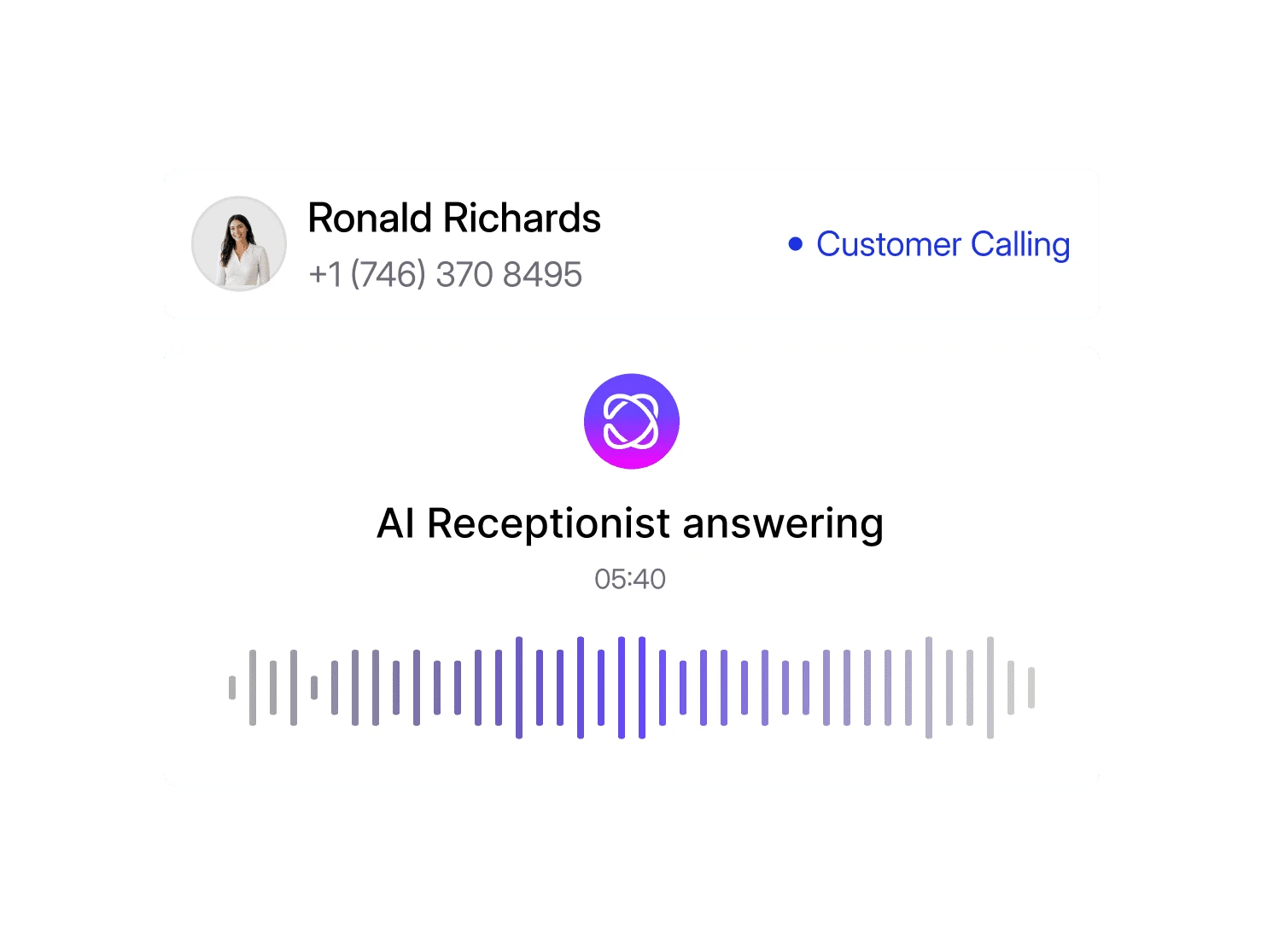
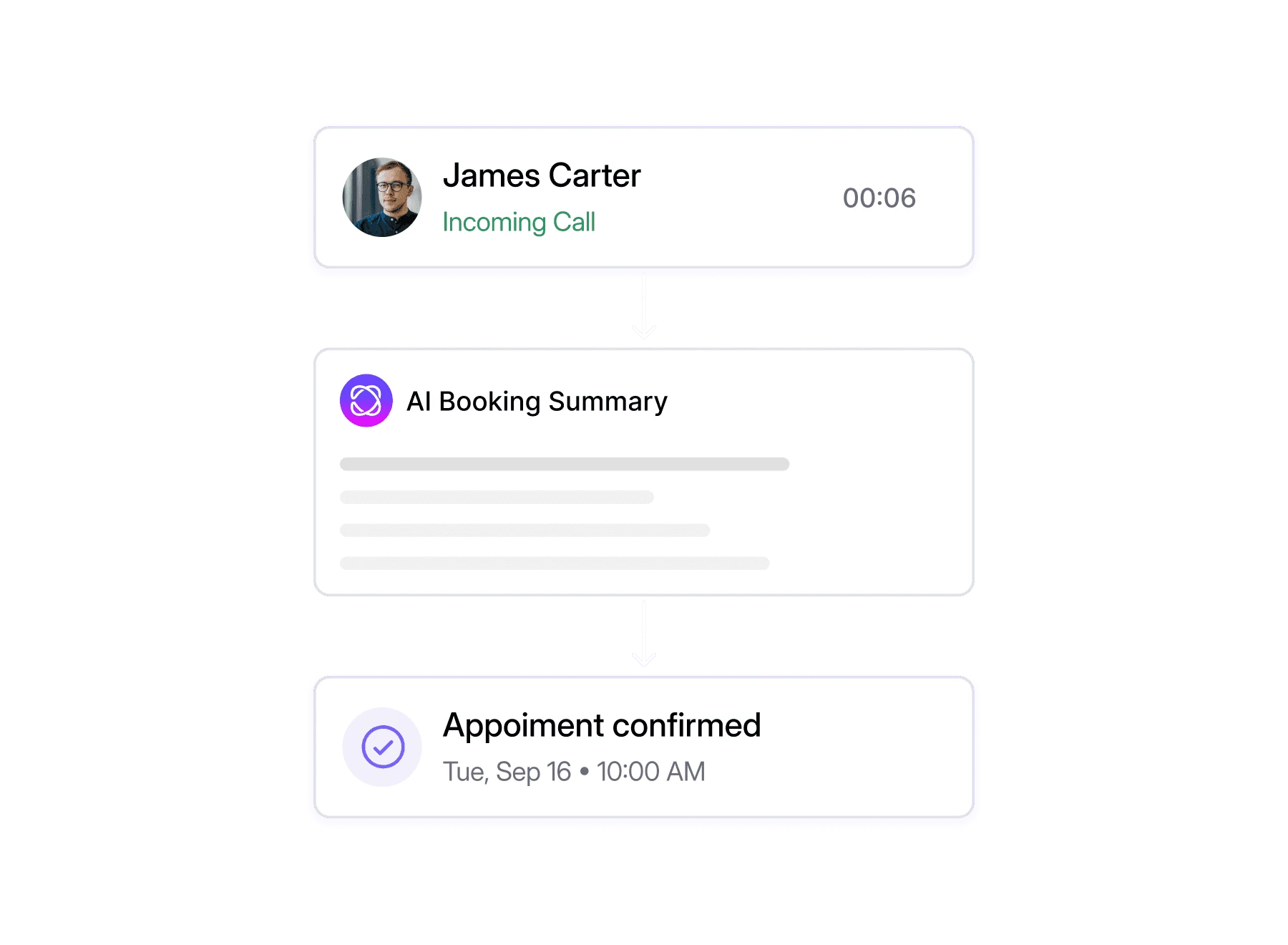
Dialbird’s AI agent picks up calls
Collects patient and booking details
Books appointments during the call
Warm-transfers callers to your team when human help is needed
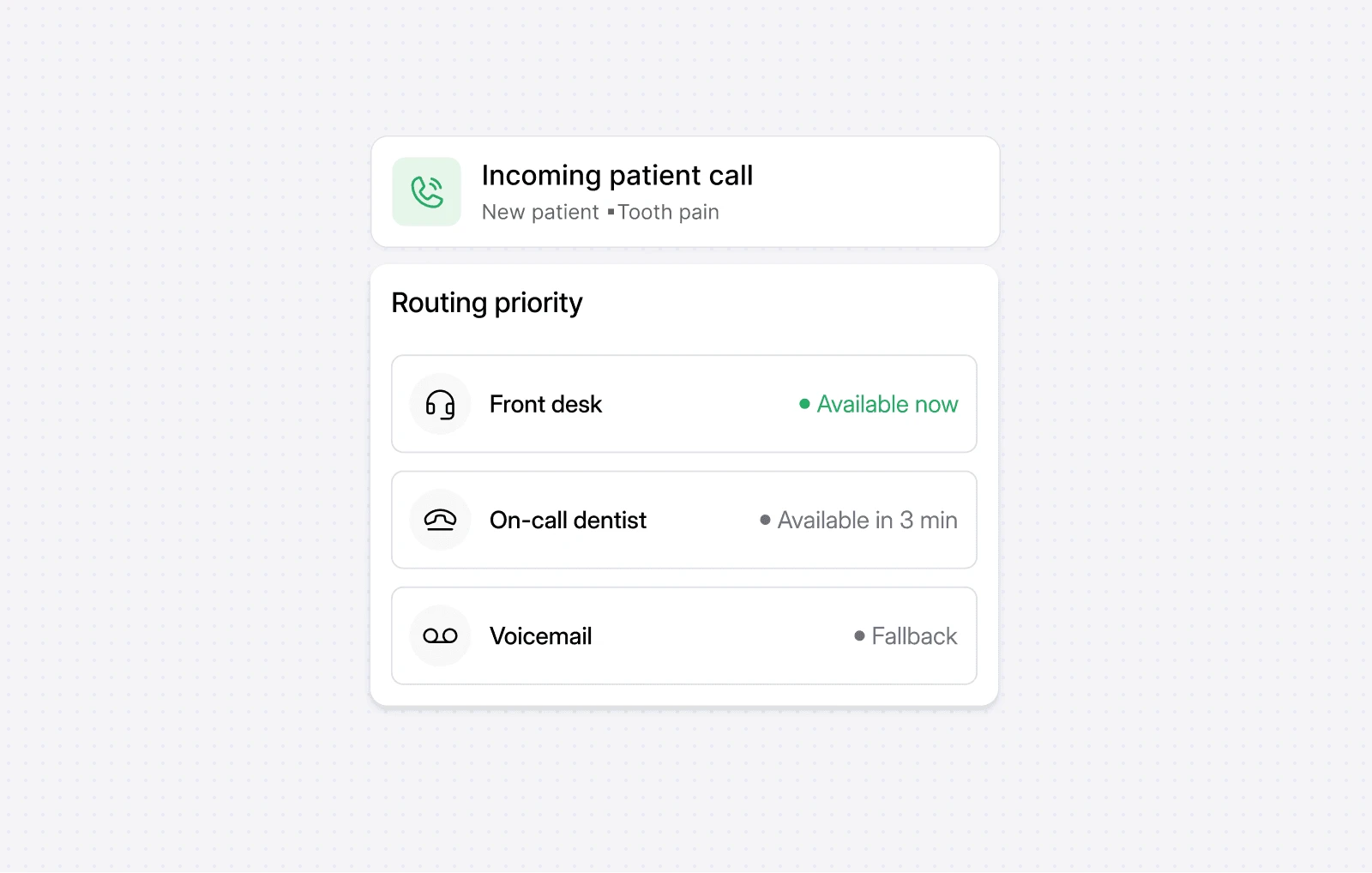
Features: IVR / Auto-Attendant, Business Hours, Custom Greetings, Virtual Phone Numbers (Local & Toll-Free).
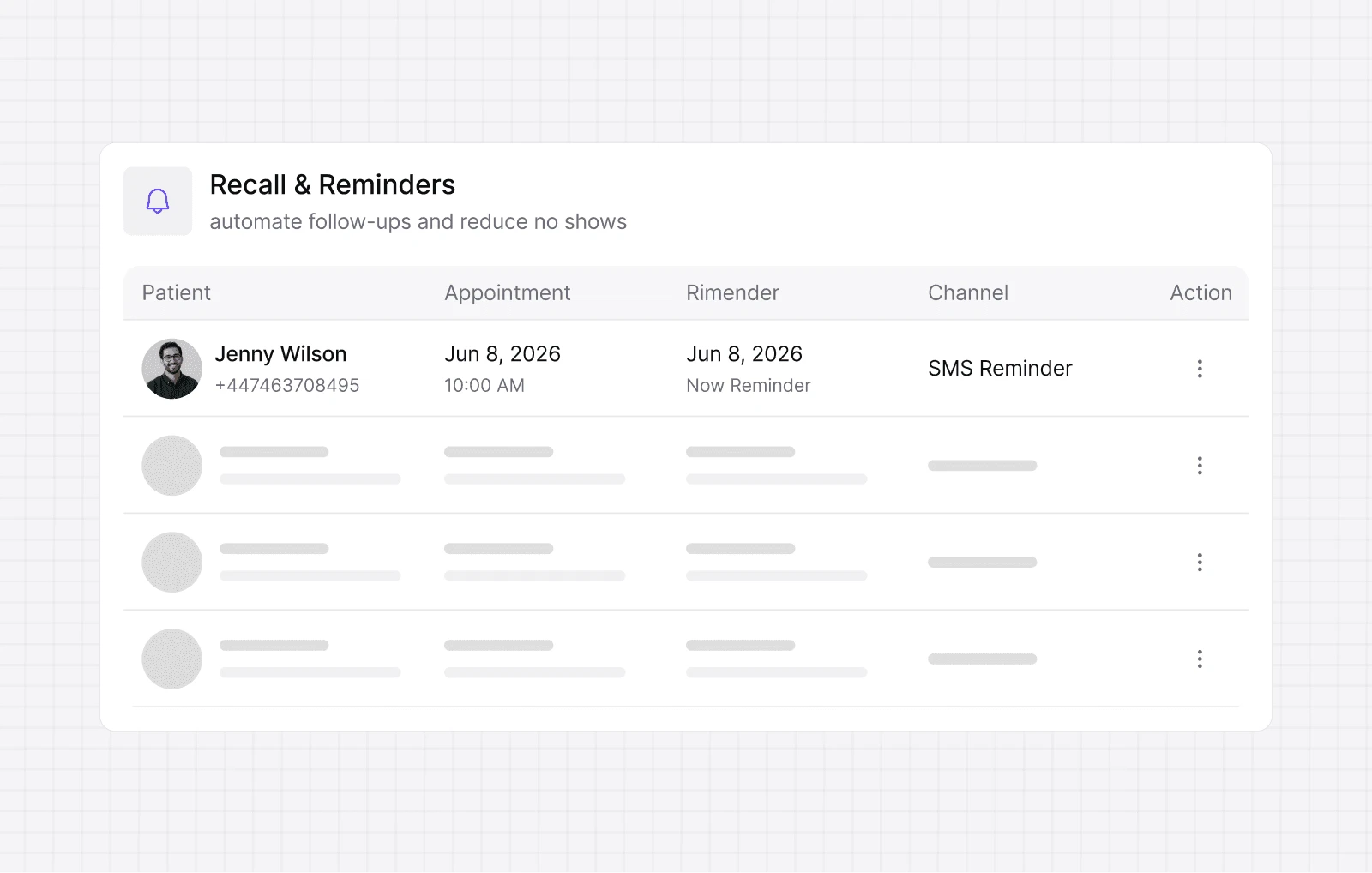
IVR menus, business hours, recall and appointment reminders by text, shared inboxes, call routing, voicemail, and forwarding.
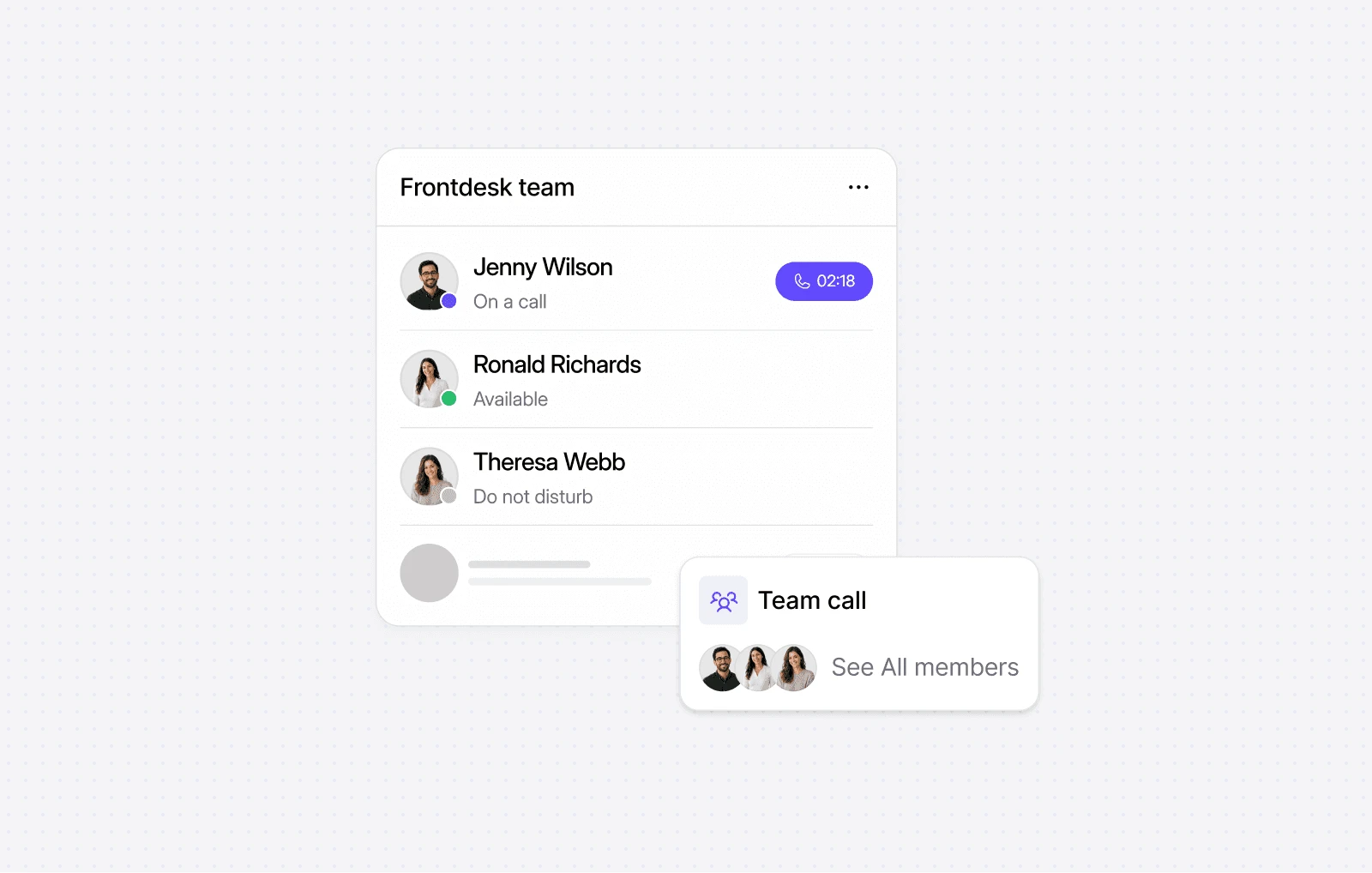
Features: Shared Team Inbox, Ring Groups, Call Transfers, Team Chat & Voice Huddles.
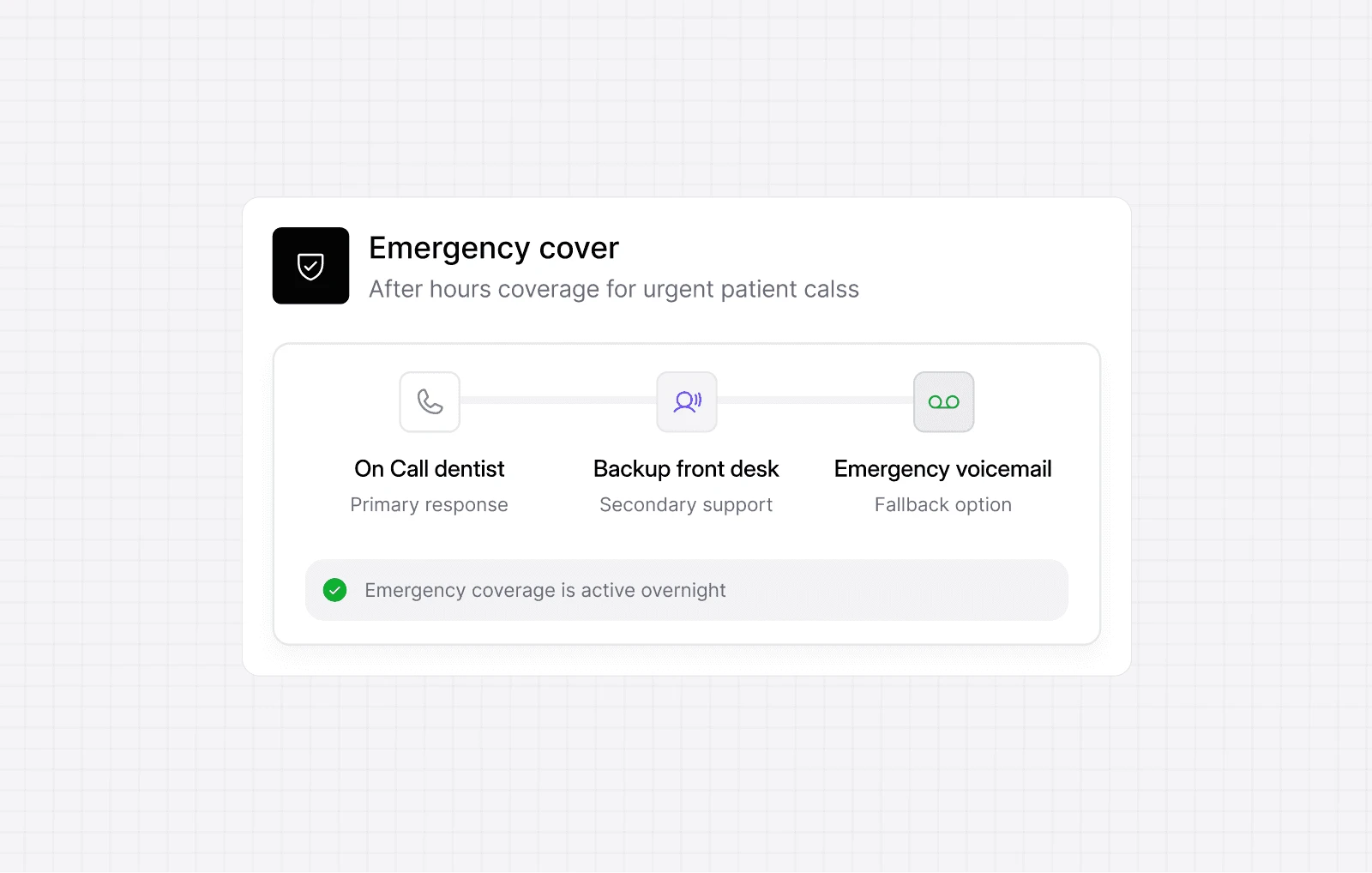
Features: Business Hours, Call Forwarding, Voicemail, AI Agents.

Route patient calls based on what they need, from new enquiries to urgent requests.
Handle bookings, reschedules, and reminders without making the process harder for your team.
Share calls, messages, and follow-ups so everyone knows what has been handled and what still needs attention.
Local, mobile, and toll-free numbers. Live in minutes, no setup required.
Dialbird helps your practice answer more calls, with AI features that can support enquiries
Yes. Build a visual call flow with a menu that sends callers to the right part of the practice, and rings the whole front desk so the first free person answers.
Yes. Dialbird numbers send and receive SMS, so you can text recall, hygiene, and appointment reminders, and replies come straight back to your shared inbox.
Add a business hours step to your call flow. During opening times calls ring your team, and after hours emergency callers hear an on-call message or reach voicemail.
Yes. The practice number rings the whole front desk at once, and every receptionist sees the same call and text history, so patients never have to repeat themselves.
Yes. Porting is free with no downtime, so patients keep calling the number on your website, appointment cards and online listings.
Yes. The on-call dentist can take practice calls in the Dialbird mobile app, so emergency patients reach someone without anyone sharing a personal number.
Most practices switch over the same day. Pick or port your number, set your opening hours and emergency message, and start taking patient calls with no new hardware.