The phone system built for healthcare practices

Stop losing patients to missed calls and endless voicemail. Dialbird routes every call to the right person, sends appointment reminders by text, and keeps your whole front desk answering from one shared number.
Try for free

Set up in minutes

Works on staff mobiles

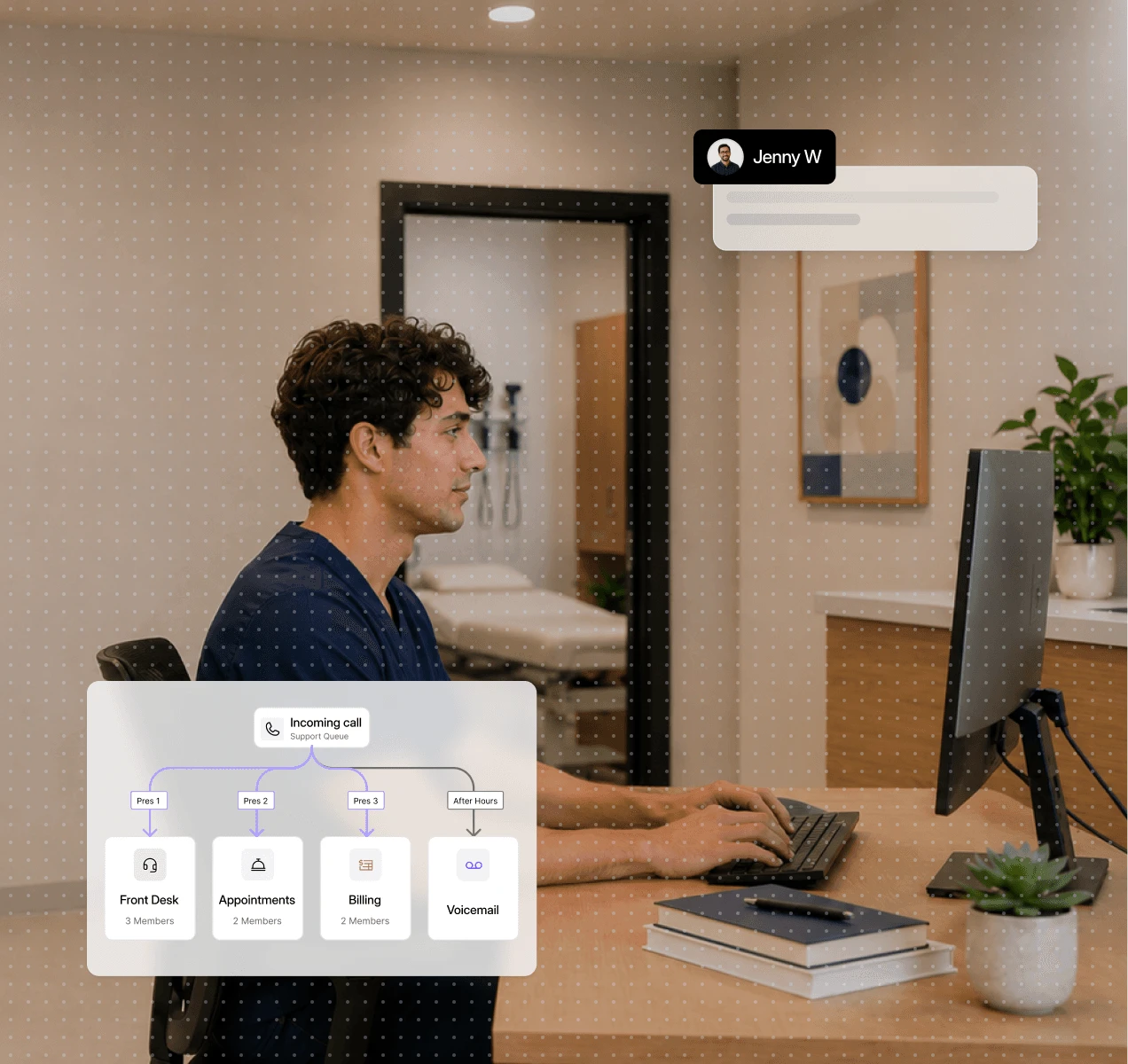
Route patients to the right team with a visual call flow

Build a flow that sends callers to reception, finance or elsewhere

Send appointment reminders and confirmations by text

Let AI agents answer routine questions instead of your busy team

Share one number so the whole front desk can answer

Hand the patient to a real person the moment one is needed

Trusted by over 500+ businesses
  • dialbird customer logo of tunic pay
  • dialbird customer logo of posthog
  • dialbird customer logo of StackOne
  • dialbird customer logo of Worldwide clinical trials
  • dialbird customer logo of Kope
  • dialbird customer logo of tunic pay
  • dialbird customer logo of posthog
  • dialbird customer logo of StackOne
  • dialbird customer logo of Worldwide clinical trials
  • dialbird customer logo of Kope
  • dialbird customer logo of tunic pay
  • dialbird customer logo of posthog
  • dialbird customer logo of StackOne
  • dialbird customer logo of Worldwide clinical trials
  • dialbird customer logo of Kope

Why healthcare practices choose Dialbird

Why healthcare practices choose Dialbird

The everyday wins a practice feels in the first week.

The everyday wins a practice feels in the first week.

Reach every patient

Answer more calls with IVR menus, smart routing, and a whole team sharing one number.

Cut the no-shows

Automatic text reminders and confirmations help keep your appointment book full.

One organized inbox

Every call, text, and voicemail for the practice lives in one shared place.

Cover after hours

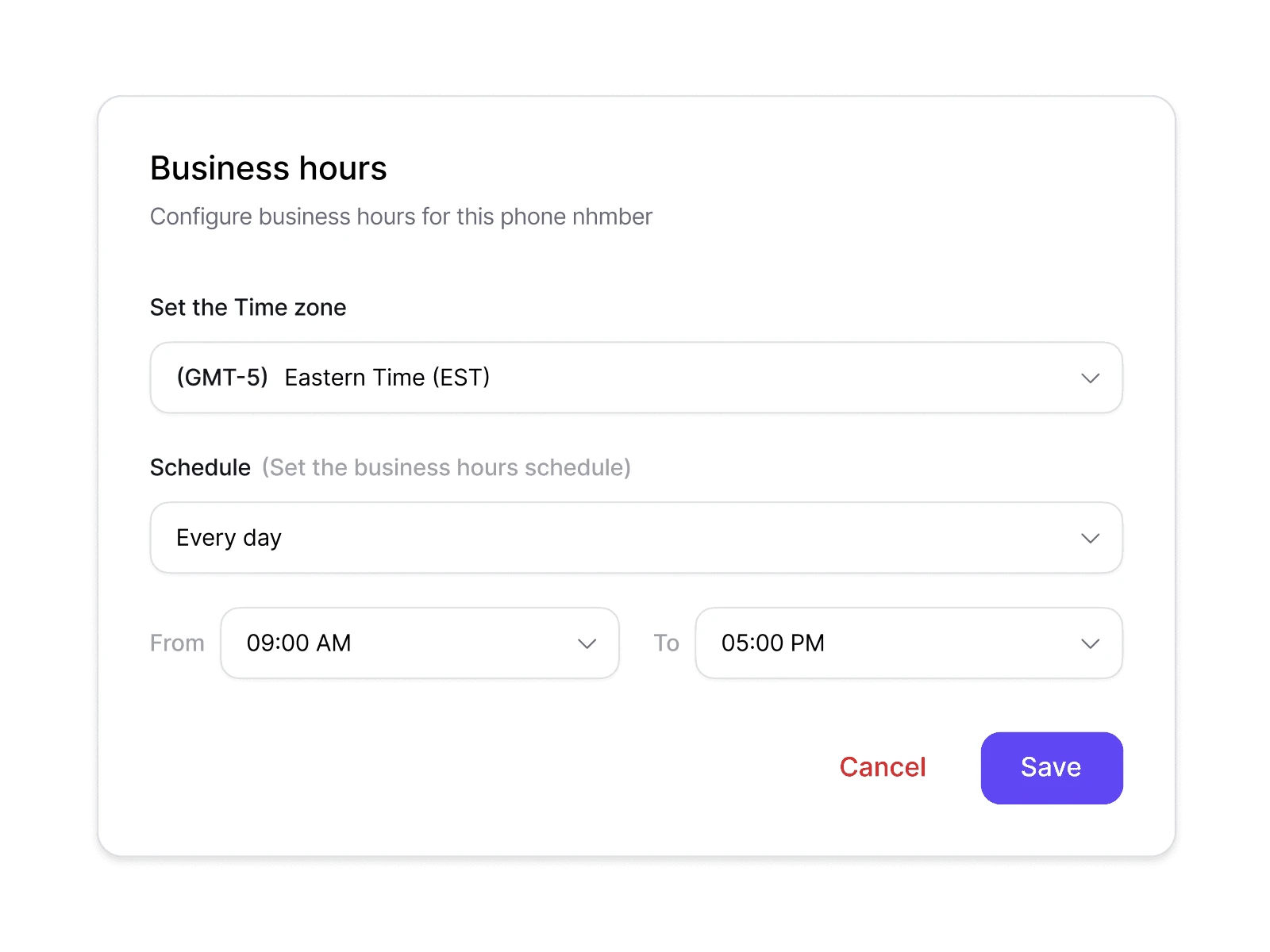
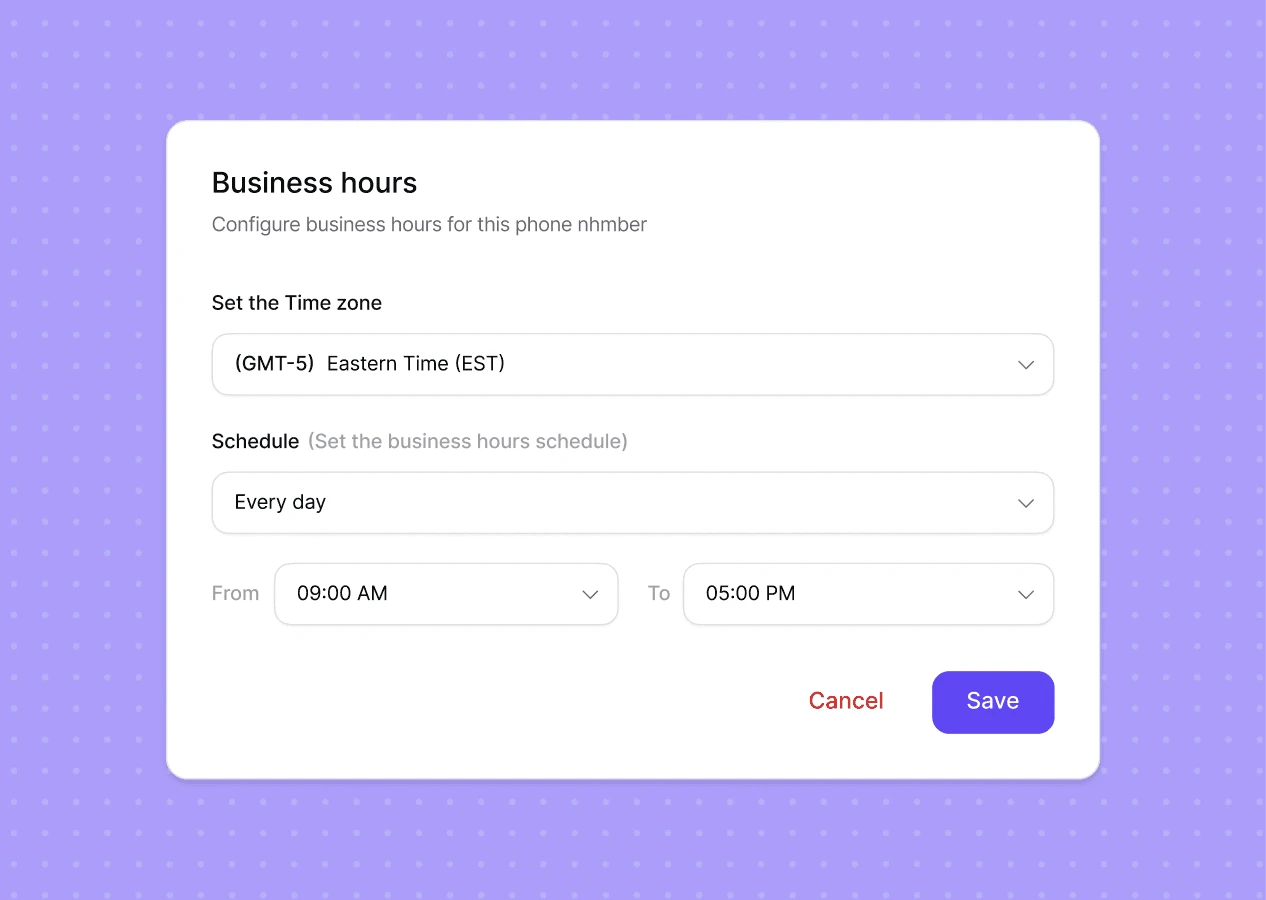
Business-hours rules send out-of-hours callers to voicemail or a recorded message.

The front-desk problems every practice know

Before Dialbird

Staff hand out personal mobiles just to keep up.

Reminders go out by hand, if at all.

No shared record of who called or why.

After-hours calls disappear with no message.

Calls ring one busy desk while other lines sit free.

Patients hit voicemail and never call back.

After Dialbird

A visual call flow sends each patient to the right team.

Calls ring the whole front desk, so the first free person answers.

Appointment reminders and confirmations go out by text automatically.

After hours, callers reach voicemail or a message with your opening times.

One shared inbox keeps the full history of every patient call and text.

One business number covers the practice, with no personal mobiles.

Give patients a faster first response

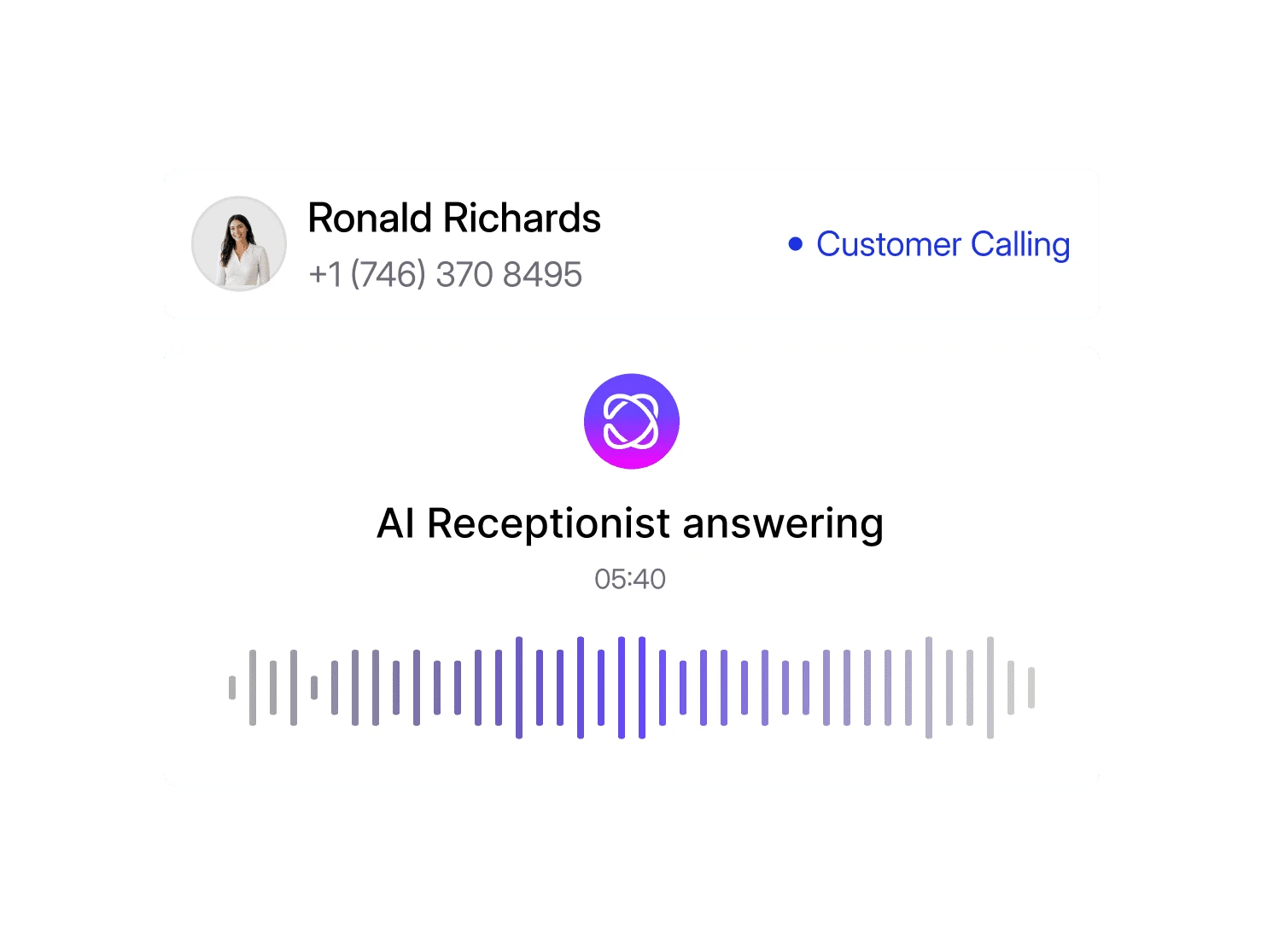
Let AI answer routine patient questions, collect basic information, and route calls to the right staff member so your team can focus on conversations that need more attention.

Set how AI should respond

Define how the agent greets patients and handles common enquiries.

Add practice information

Provide opening hours, services, FAQs, and other routine information.

Connect AI to your call flow

Choose which calls AI handles and when a staff member should take over.

Start answering patient calls

Let AI handle routine calls while your team focuses on what matters most.
Everything a practice
needs to answer every patient

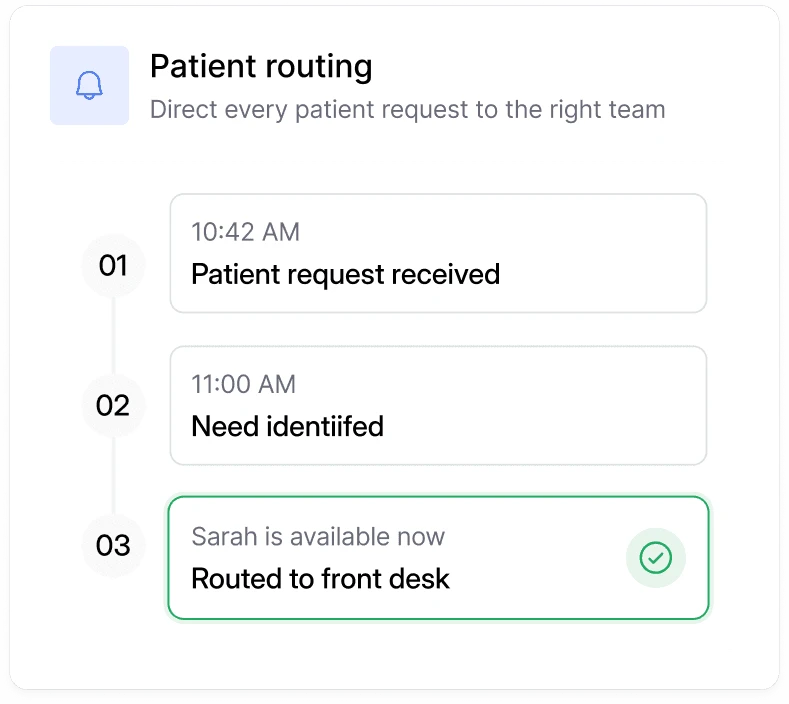
Patient routing

Automatically identify each patient’s needs and route their request to the right person or team without unnecessary transfers.
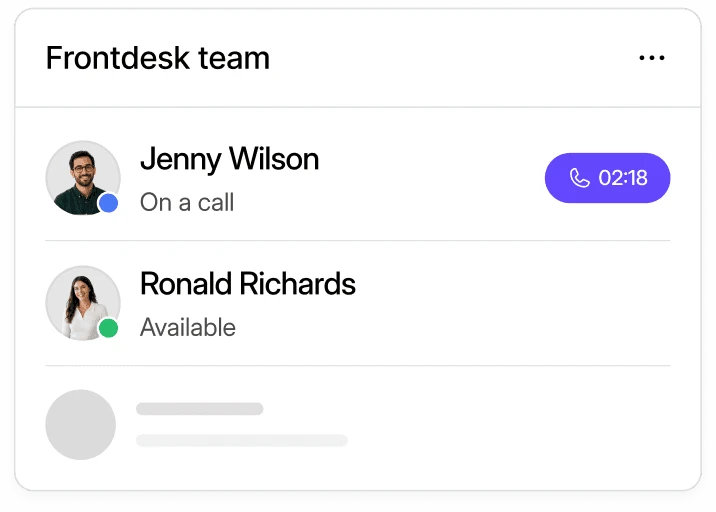
Front desk teamwork

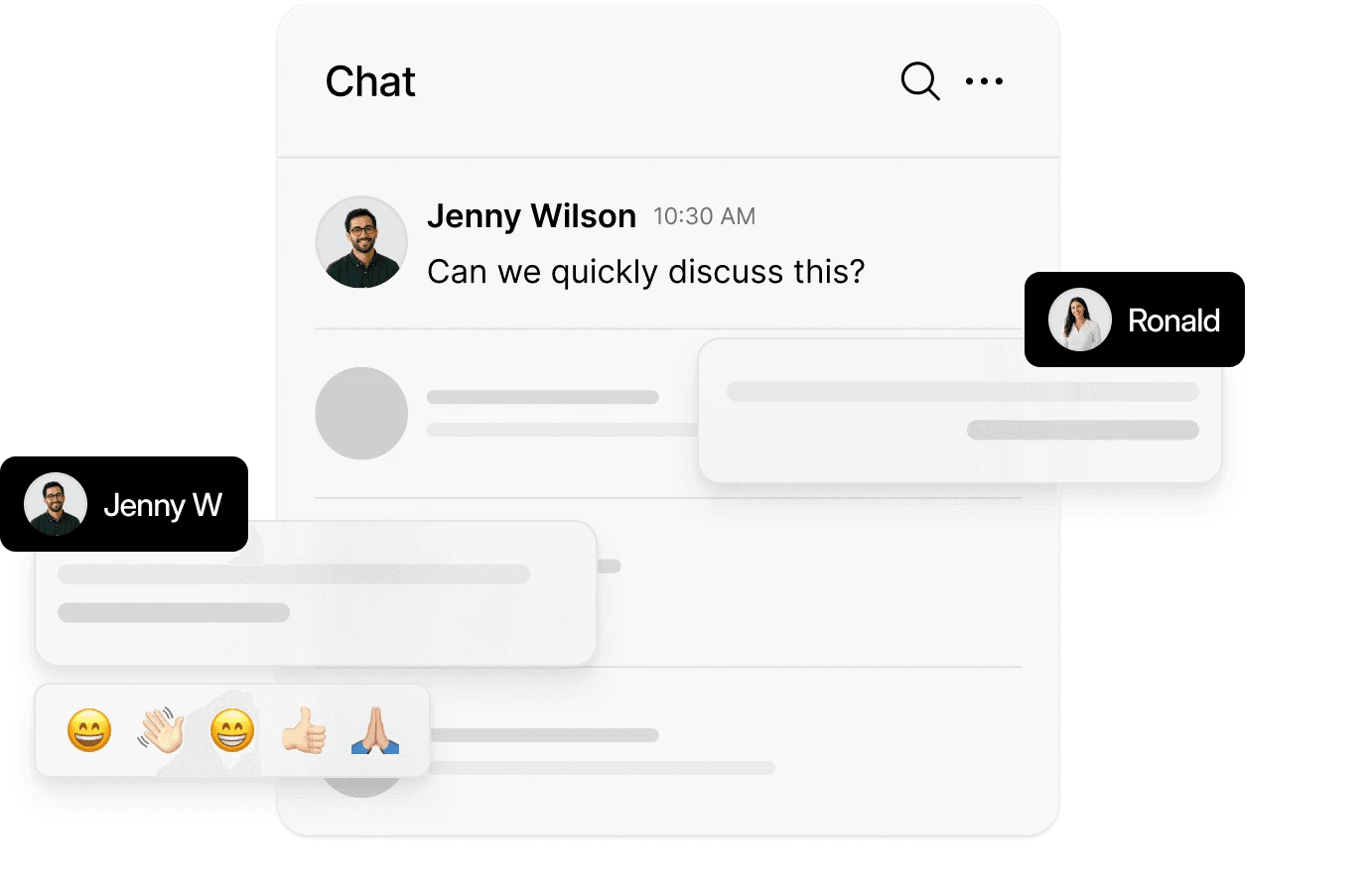
Help your front desk see team availability and manage patient calls together more efficiently.
Front desk teamwork

Help your front desk see team availability and manage patient calls together more efficiently.

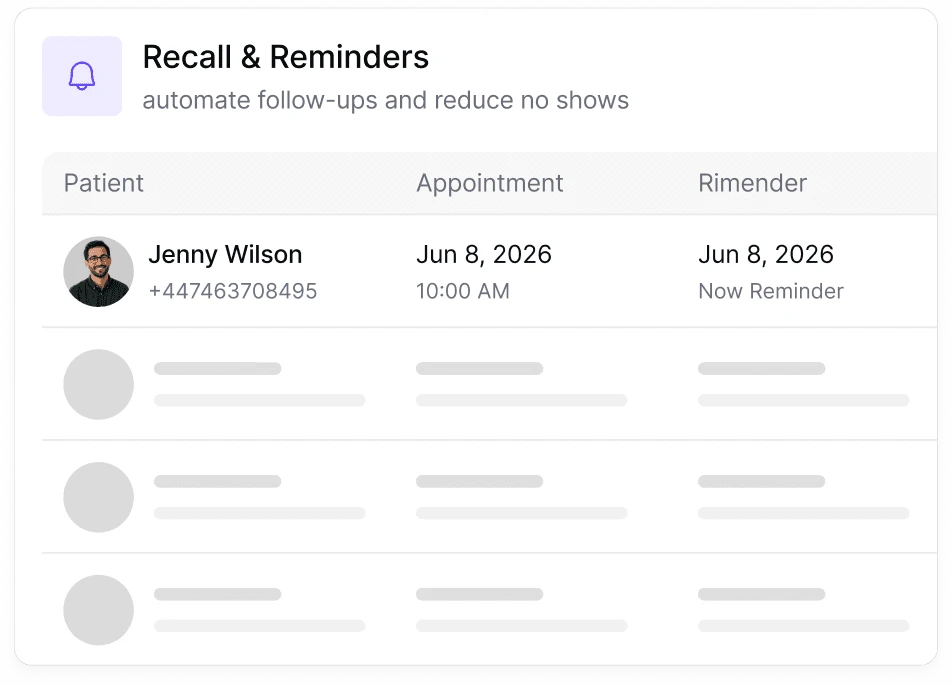
Reminders and texts

Send timely appointment reminders and follow-up messages to reduce no-shows and keep patients on schedule.
Reminders and texts

Send timely appointment reminders and follow-up messages to reduce no-shows and keep patients on schedule.

After-hours cover

Set your practice hours and define how patient calls are handled when the office is closed.
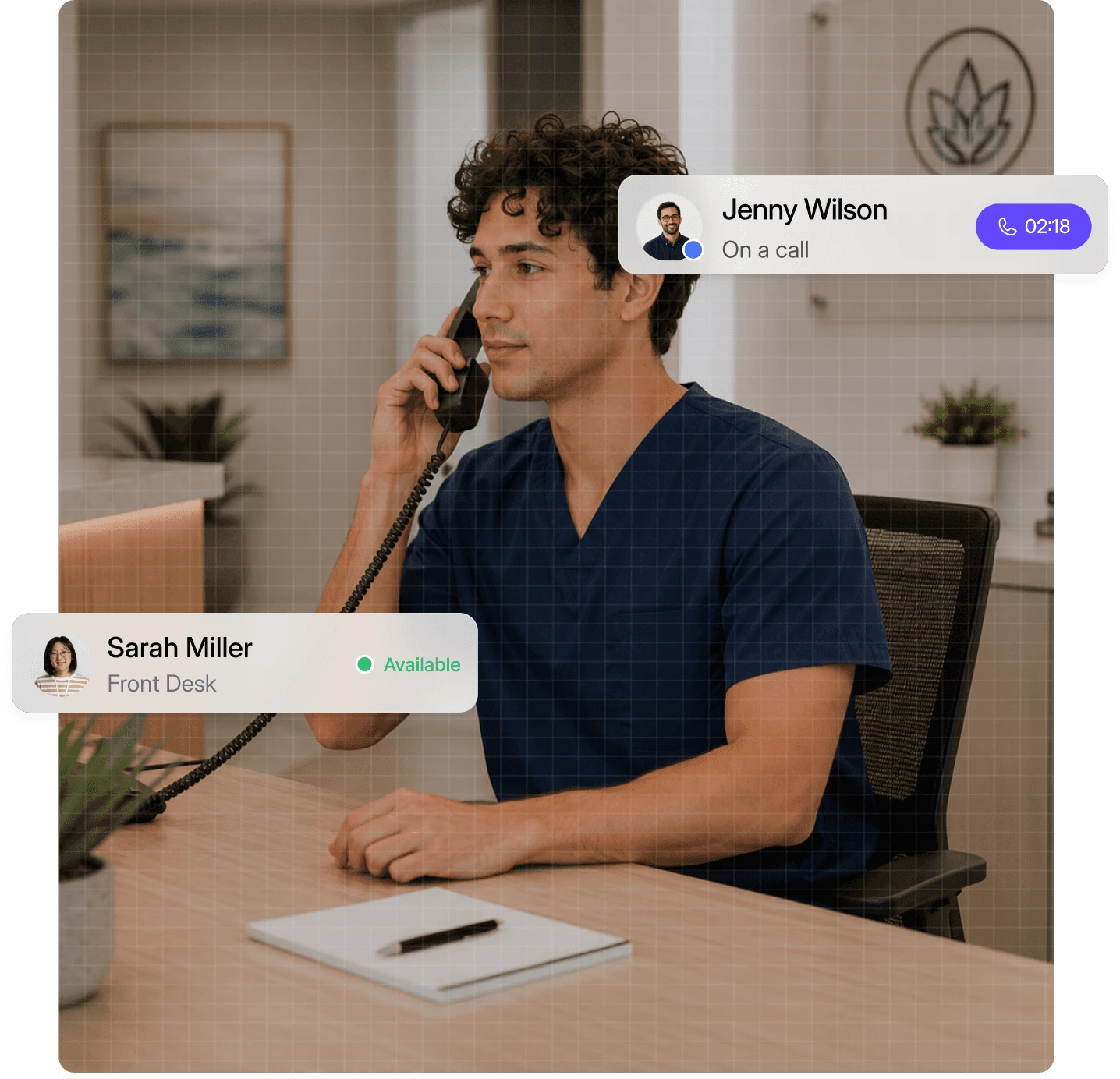
What a modern phone
system does for other practices

90

%

Fewer missed calls

5

hrs

Saved each week

92

%

Calls answered first time

1

mins

To get set up

How Dialbird supports your practice throughout the day

01

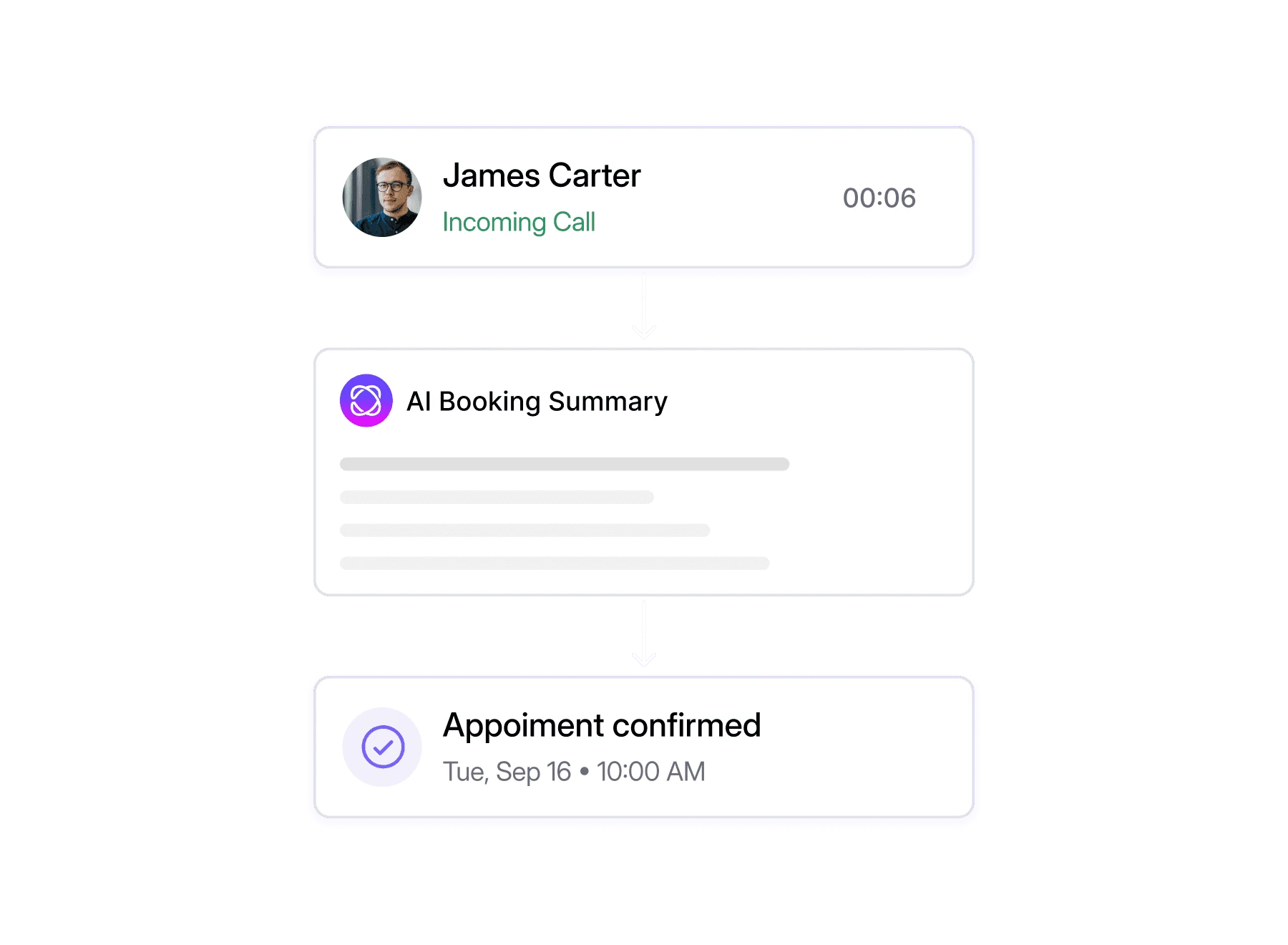
Every call runs through your custom call flow. It greets the patient, checks your business hours, and decides where the call goes before a single phone rings.

02

Youd Dialbird AI agent picks up routine calls, answering questions about hours, location, and services from the information you gave it.

03

When a call needs to be escalated to human, the agent transfers them to the front desk or the right team member, based on the rules and conditions you set.

04

Out of hours the agent keeps answering, booking appointments and texting patients back, so mornings start with a full book instead of a voicemail queue

Pick a number. Start calling. Dialbird is that simple.

Local, mobile, and toll-free numbers. Live in minutes, no setup required.

How to set up Dialbird for your practice

Pick your number

Get a new local, mobile, or toll-free number, or port your existing practice line.

Build a call flow that sends patients to the right team.

Set business hours and turn on text appointment reminders.

Share the number with your front desk and go live the same day.
Ready to try Dialbird?

Ready to try Dialbird?

The next generation of business communication. Bring all your calls and messages together in dedicated inboxes, and scale with AI and automation.

Frequently Asked Questions


Frequently Asked Questions


Can Dialbird route patients to the right department?

Yes. Build a visual call flow with a menu that sends callers to reception, billing, or a specific practitioner, and rings the whole front desk so the first free person answers.

Can I send appointment reminders by text?

Yes. Dialbird numbers send and receive SMS, so you can text reminders and confirmations, and replies come straight back to your shared inbox.

What happens to calls after hours?

Add a business hours step to your call flow. During opening times calls ring your team, and outside them callers hear a message with your hours or go to voicemail.

Can the whole front desk share one number?

Yes. A Dialbird number is a shared inbox, so everyone you give access to sees the same calls and texts and can pick up where a colleague left off.

Can we keep our existing practice number?

Yes. You can port your existing number to Dialbird for free, or start with a new local, mobile, or toll-free number.

Does it work on staff mobiles?

Yes. Dialbird runs on web, iOS, and Android in sync, so staff can answer the practice line from a computer or their phone without giving out a personal number.

How long does it take to set up?

Most practices are live in minutes. Pick or port a number, build your call flow, and start taking calls the same day, with no new hardware.

Dialbird company logo

The next-gen business phone system

© 2026 Dialbird, a product of Ramo Technologies LLC. All rights reserved.

Product

Download

Company

Resources

Features

Business Solution

Virtual Phone Numbers

Dialbird LinkedIn page
Dialbird Facebook page
Dialbird Reddit community
Dialbird company logo