Give customers a number that feels familiar, wherever your team is working. Choose a local number, then manage calls and messages together in Dialbird.
Trusted by 500+ businesses





Give customers a number they recognise, while your team keeps working from wherever they are.
A familiar area code can make your business feel easier to reach and more relevant to the people you serve.
Add local numbers as you start serving new cities or regions, without needing a new office in each one.
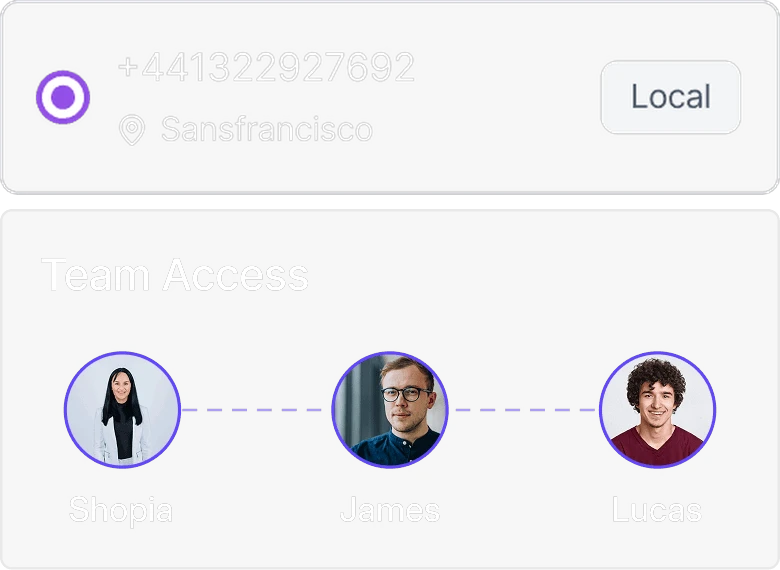
Give your team a business number to use without relying on personal phone numbers.
Share the number with the people who need it, so calls don’t depend on one person or one device.
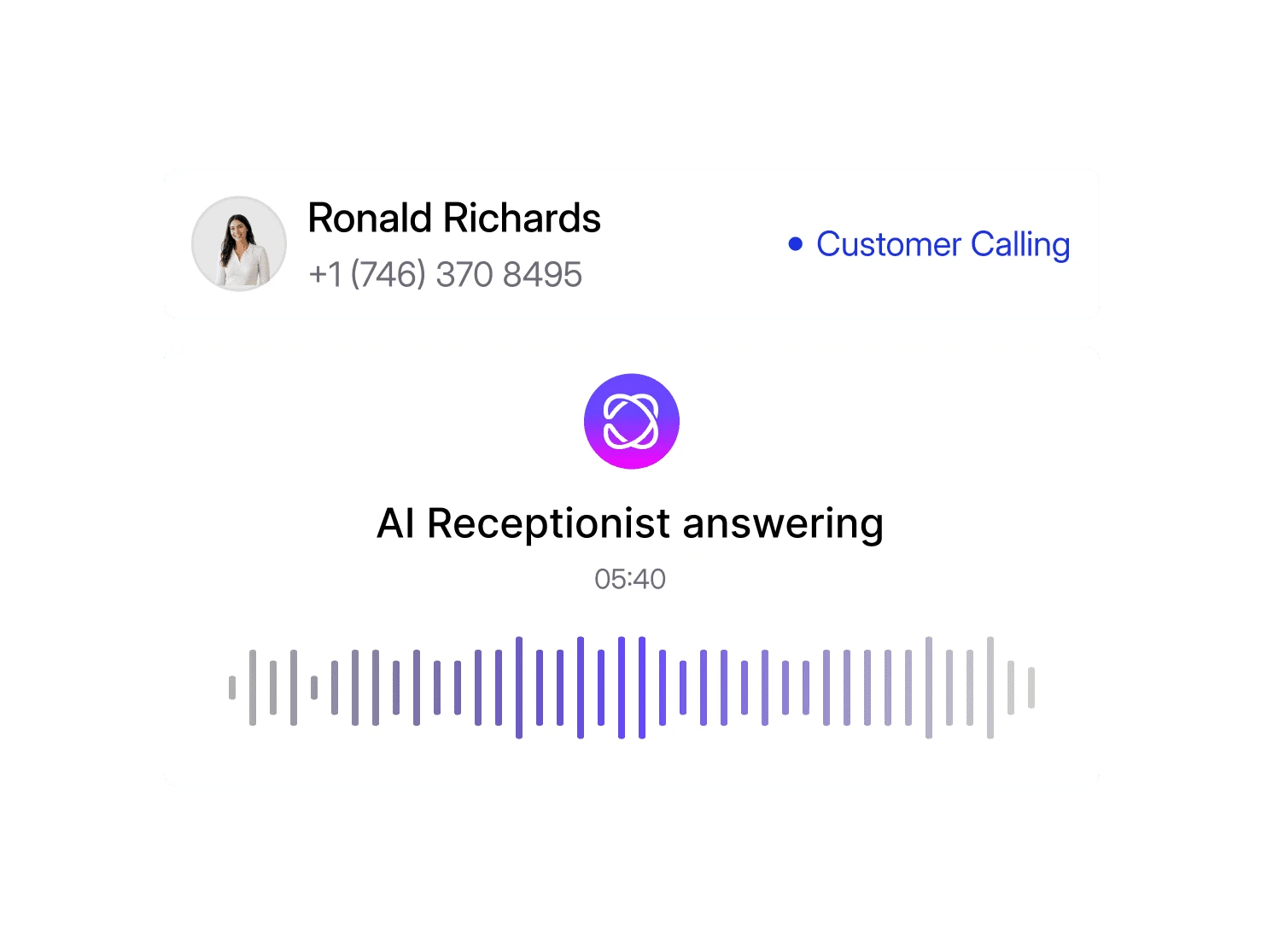
Let Dialbird AI answer routine enquiries, capture caller details, and route important
conversations to the right person while your local number stays responsive.
Set its role, tone, and how it should handle initial calls.
Give it service details, opening hours, FAQs, and location-specific information.
Choose when AI should answer, route, or hand calls to your team.
Let AI support incoming calls while your team stays focused on active matters.

Manage calls and messages together, so your team always has the full conversation.
Choose a local number for the city or region where your customers are.
Keep calls and messages together so your team always has the full conversation.
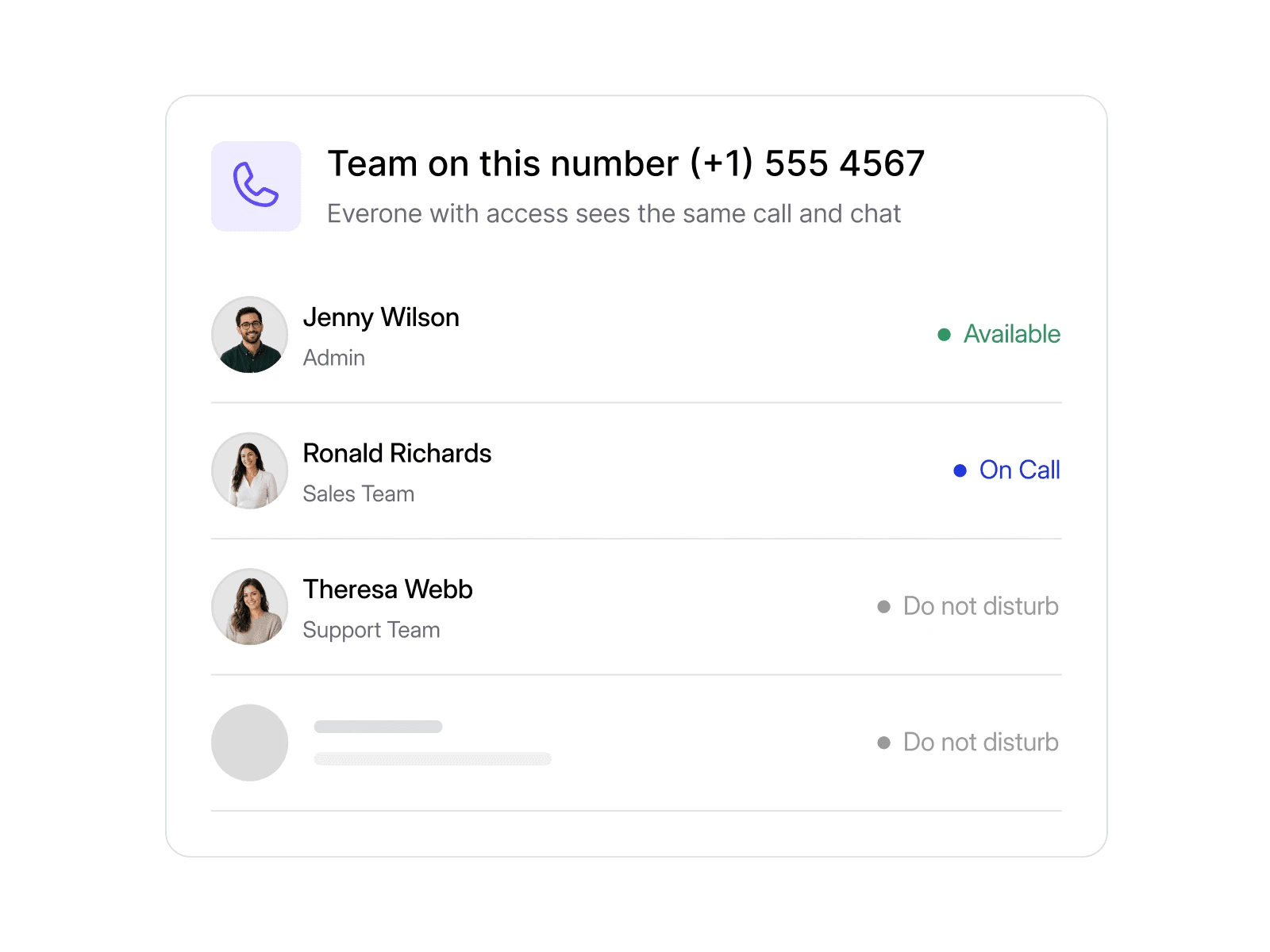
Let the right people answer and reply from the same business number.
Local, mobile, and toll-free numbers. Live in minutes, no setup required.
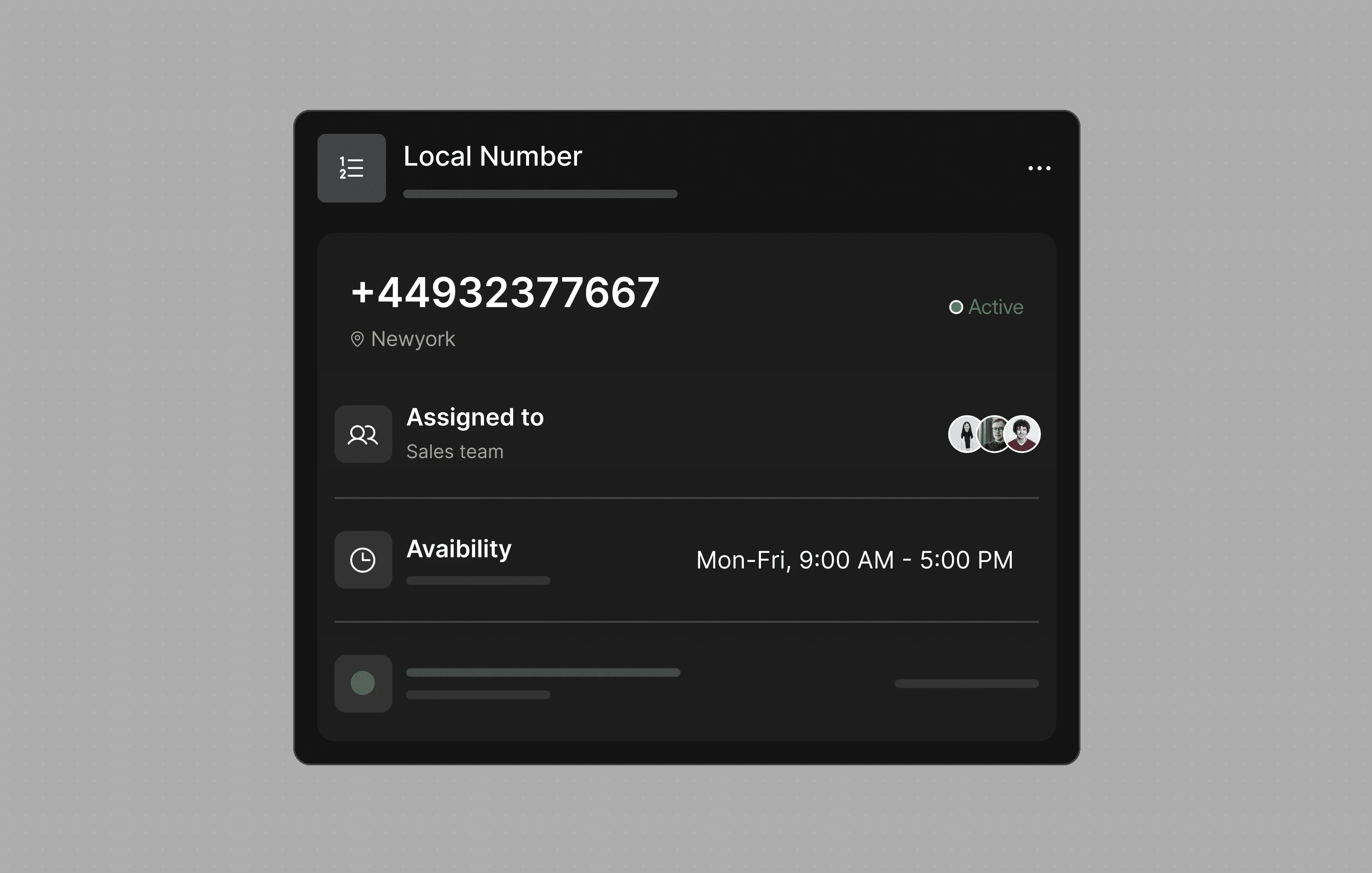
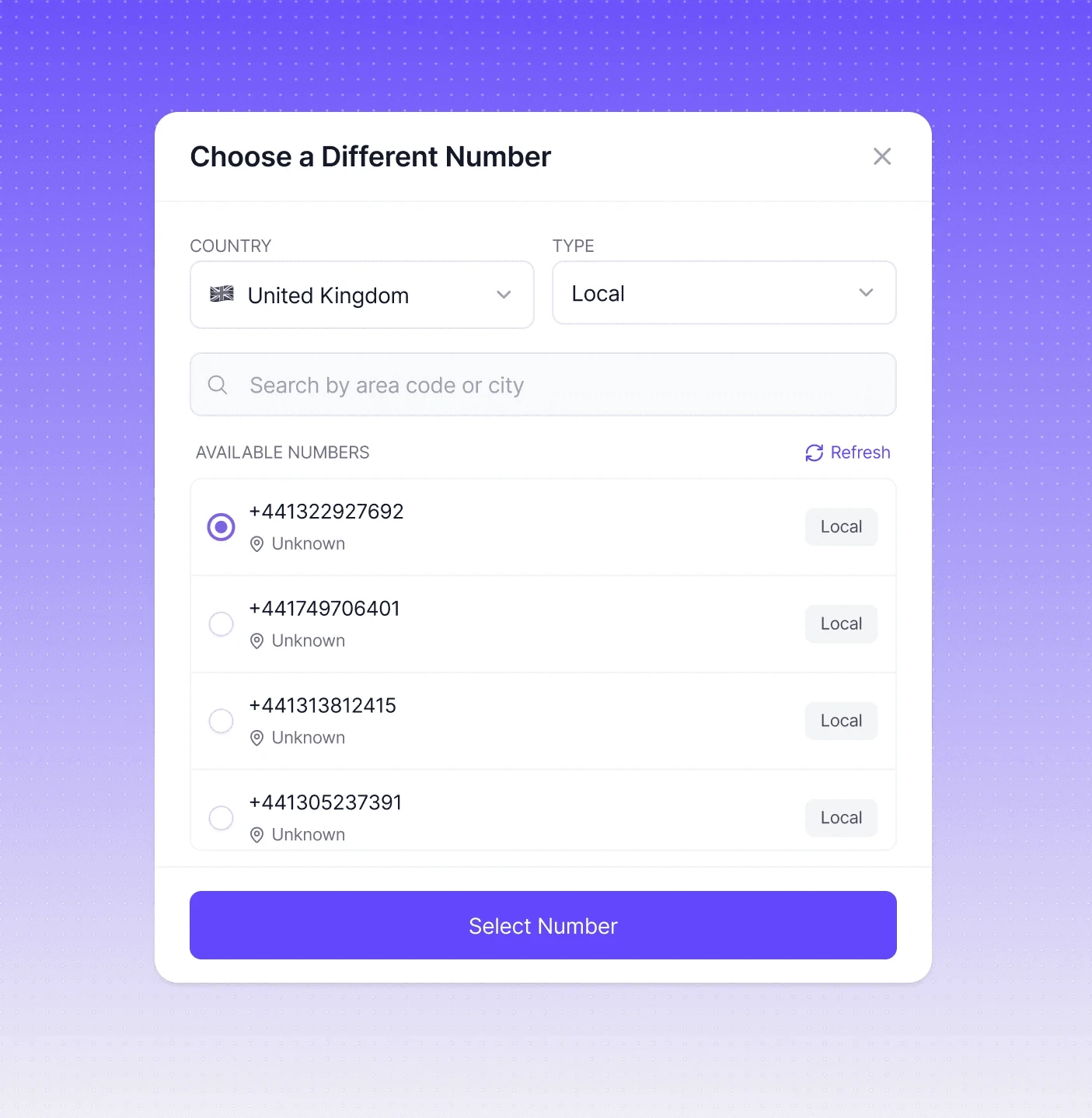
Use a familiar area code in the markets you serve, even if your team is based somewhere else.
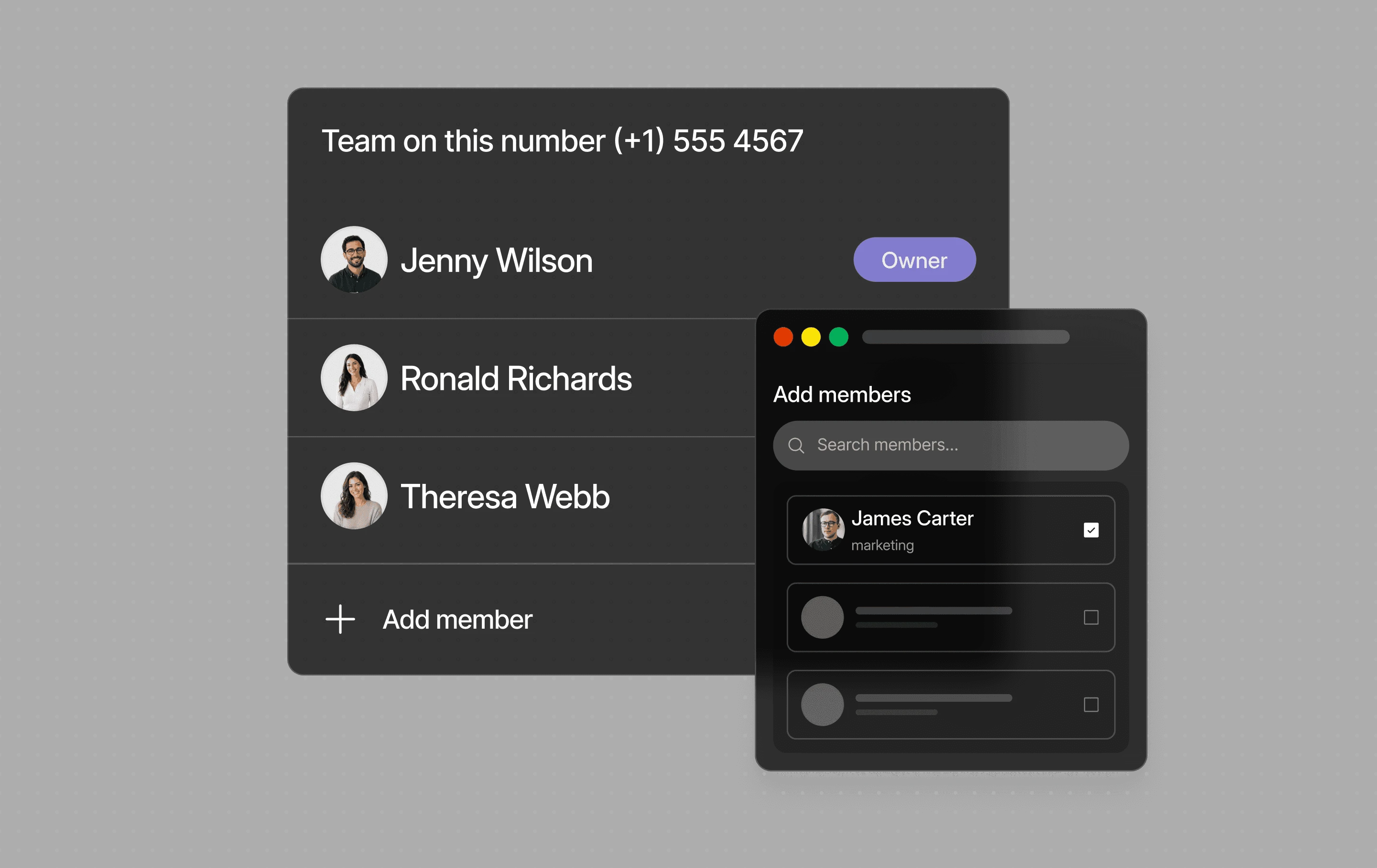
Let multiple team members answer calls and messages from the same local business number.
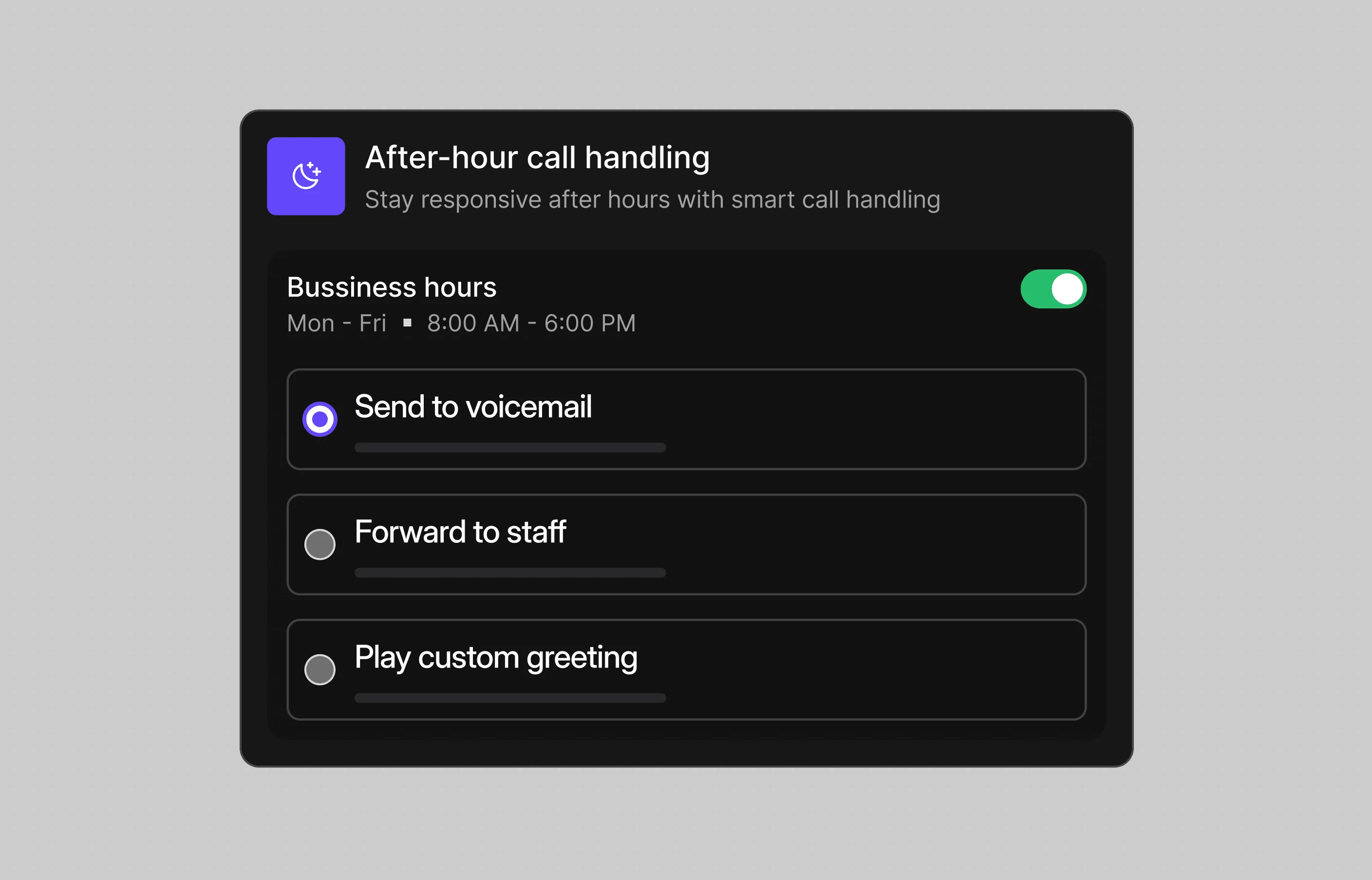
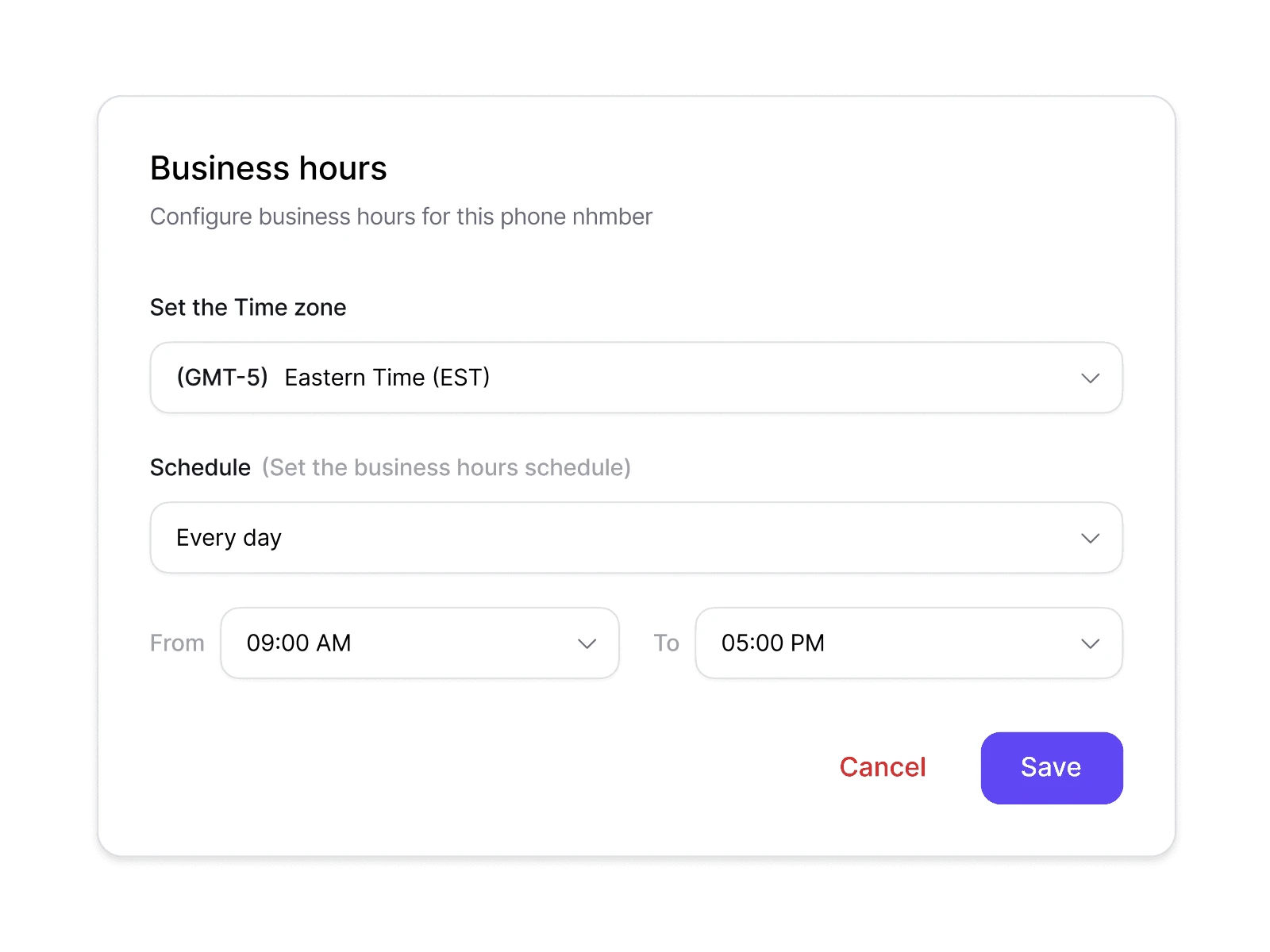
Choose what happens when your team is offline, from voicemail and greetings to forwarding calls elsewhere.
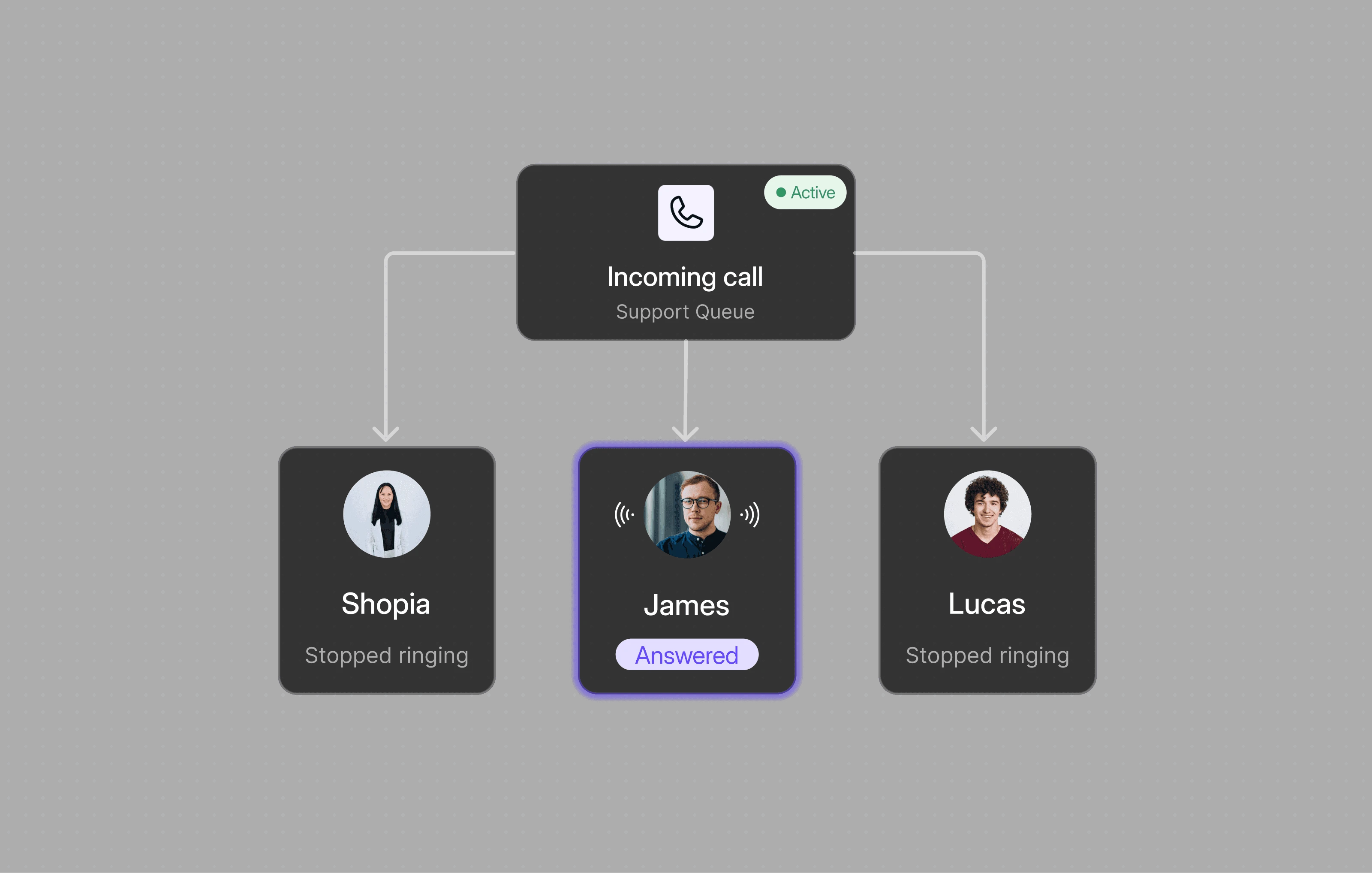
Route incoming calls by team, availability, or business needs so customers reach the right person faster.
Choose the market you want to serve and find the right local number for your business. Browse available options for the US and UK, and set your team up to handle calls with confidence.
A local phone number uses an area code associated with a specific city or region, giving customers a familiar number to call.
No. You can use a local number for an area you serve without having a physical office there.
Yes. Multiple team members can use the same number to handle calls and messages.
Yes. You can use different numbers for different cities, regions, or teams.
Where messaging is supported, your team can handle both calls and messages from the same local number.
Yes. Dialbird’s iOS and Android apps stay in sync with the web app, so you can make and take calls on your local number from your phone, and text from it where messaging is supported.
Yes. Calls to your local number ring in the Dialbird mobile app as well as the browser, so your team can answer from anywhere while callers see a local number.