Every unanswered call could mean a missed customer, lead or opportunity. Dialbird helps your team stay reachable with smarter call handling built into one complete business phone system.
The phone system used by 500+ modern businesses





Customers often call when they are ready to ask a question, book, buy or get help. If nobody answers, they may not wait around.
First-time callers can quickly move on to another business when they cannot reach you.
A promising lead can disappear before your team gets the chance to follow up.
Existing customers expect a clear way to reach someone when they need support.
Calls outside your normal working hours can easily go unanswered without the right setup.
Dialbird gives your team multiple ways to answer,
route and manage calls, so callers are less likely to reach a dead end.
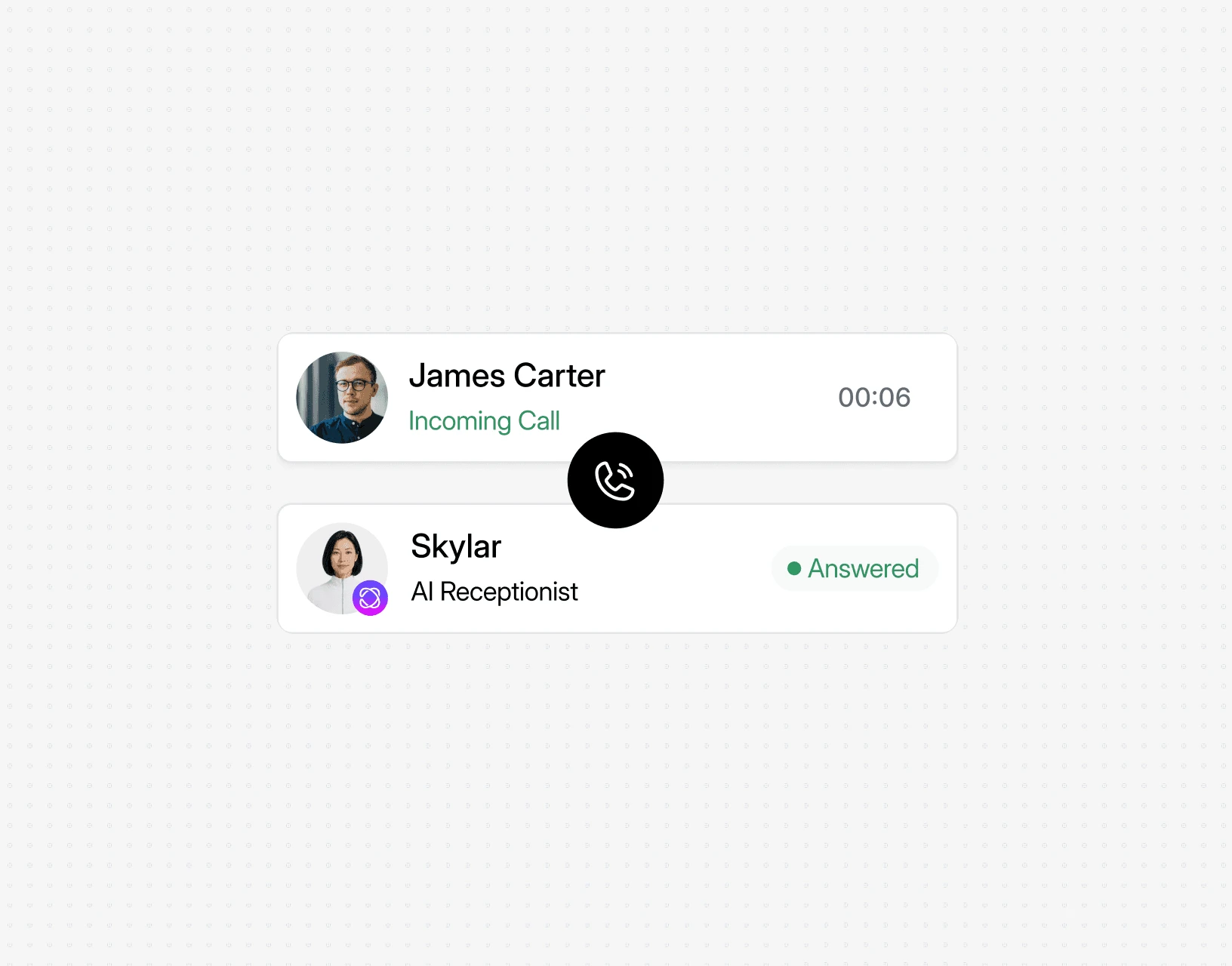
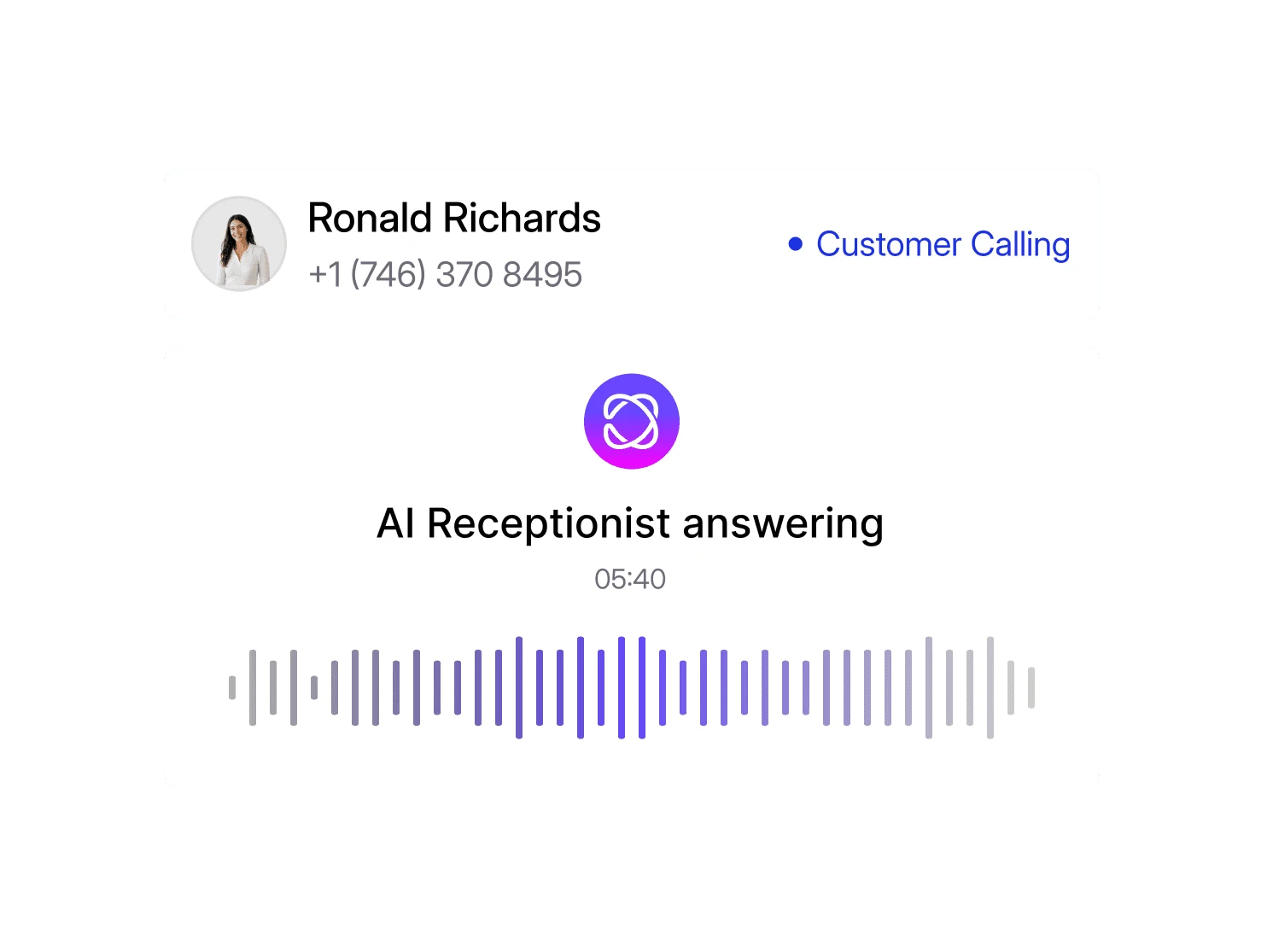
Let AI answer incoming calls when your team is busy or unavailable.
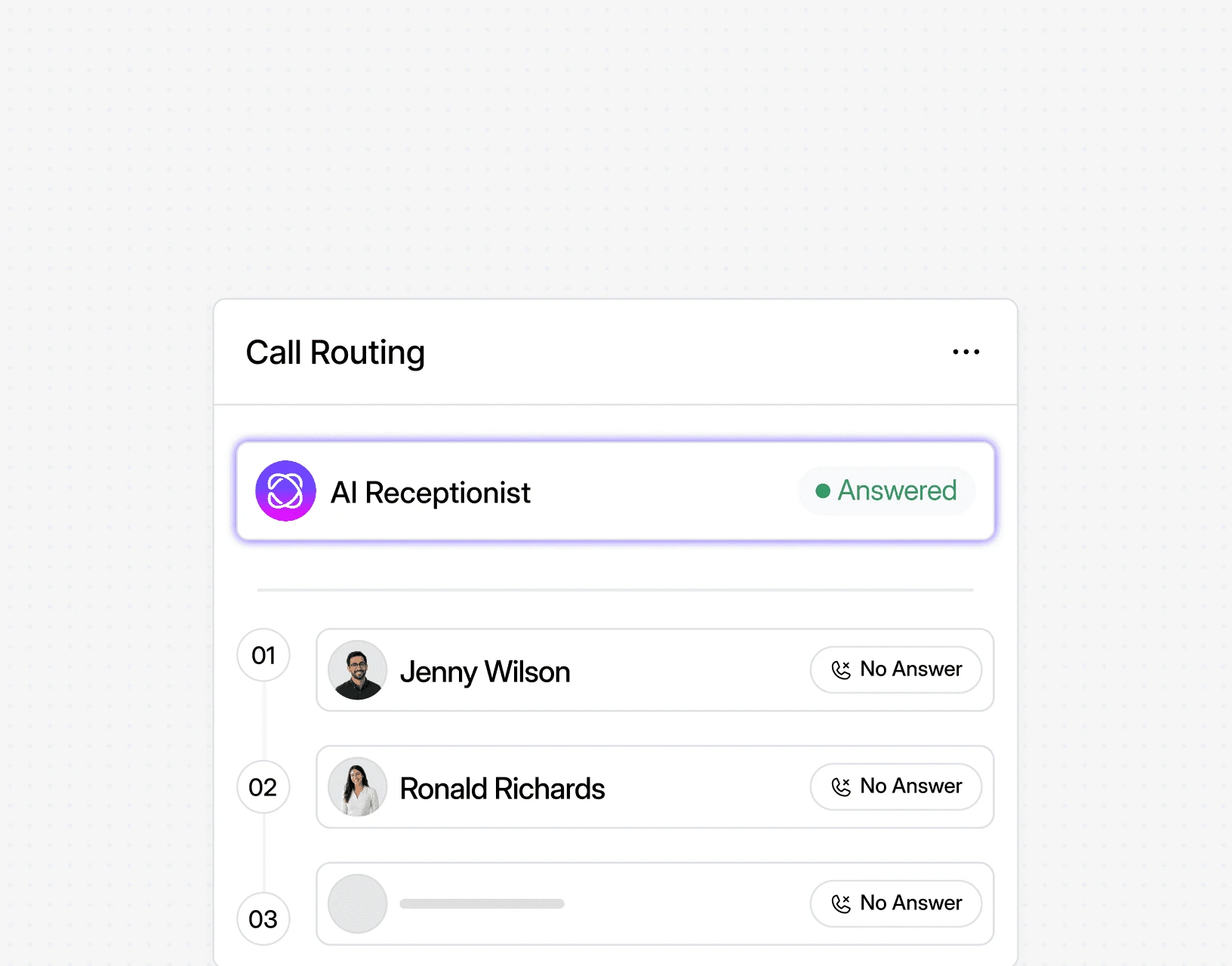
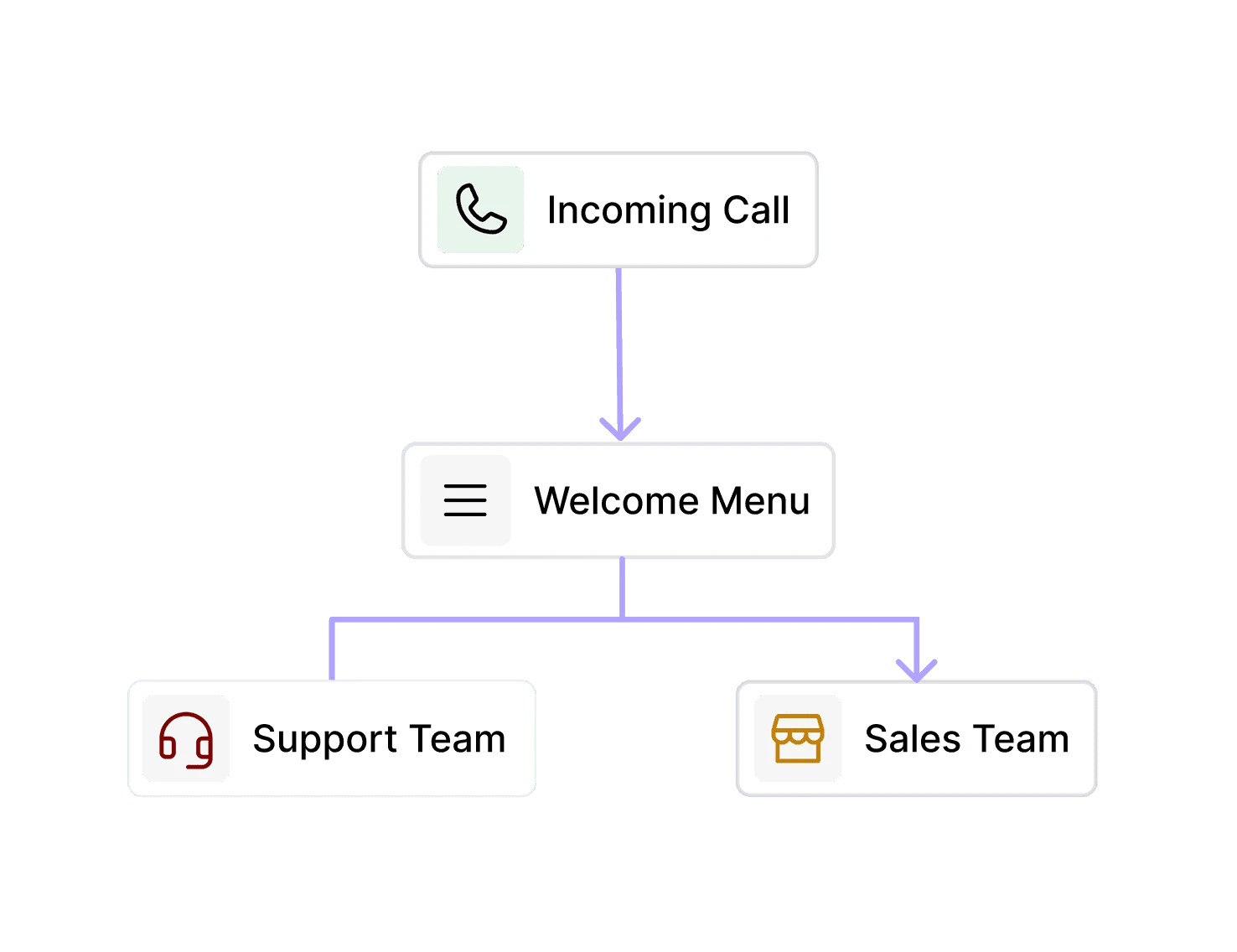
Send every caller to the right person, team, or destination automatically.
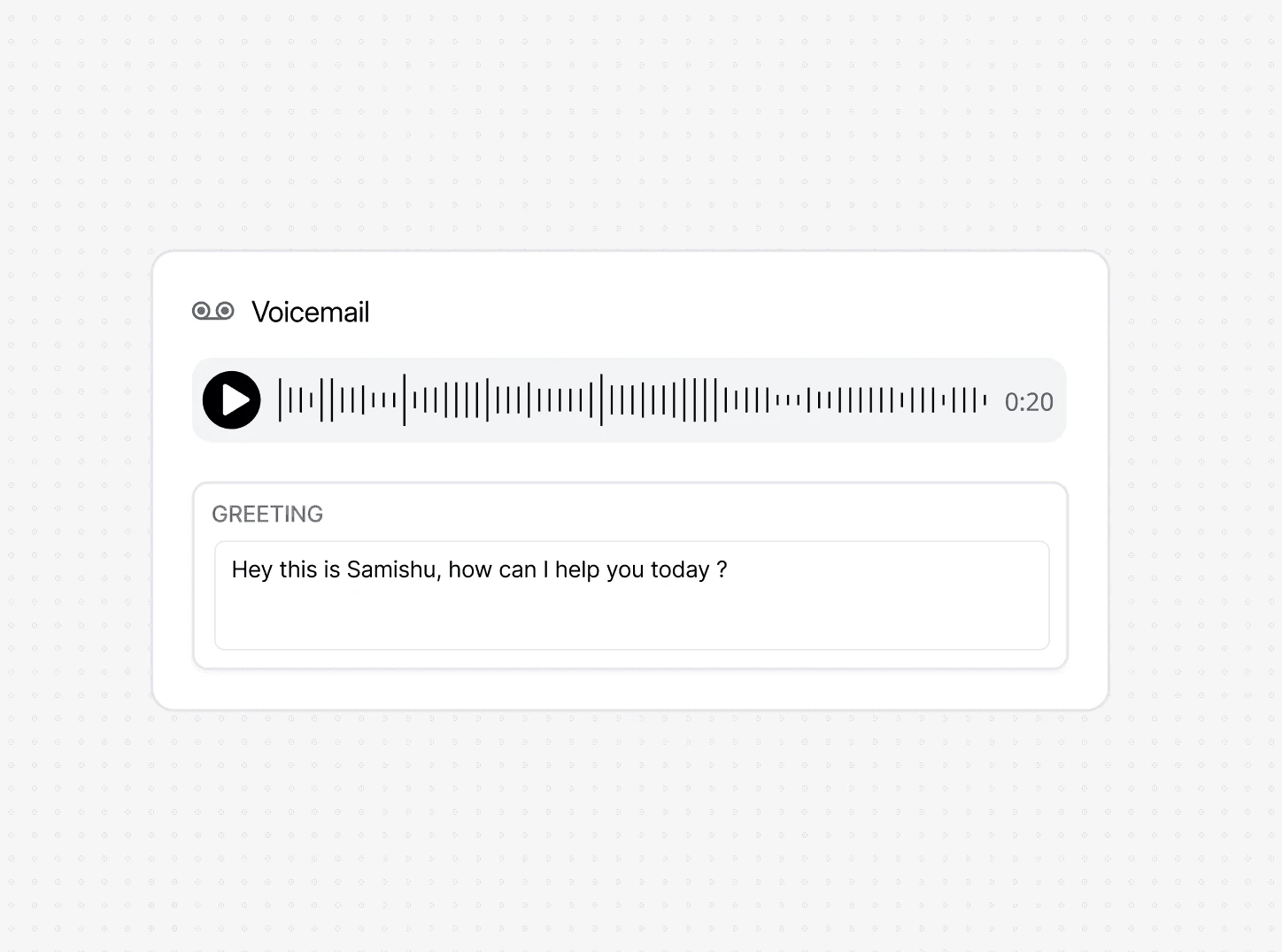
Give callers a clear fallback whenever nobody is available to answer.
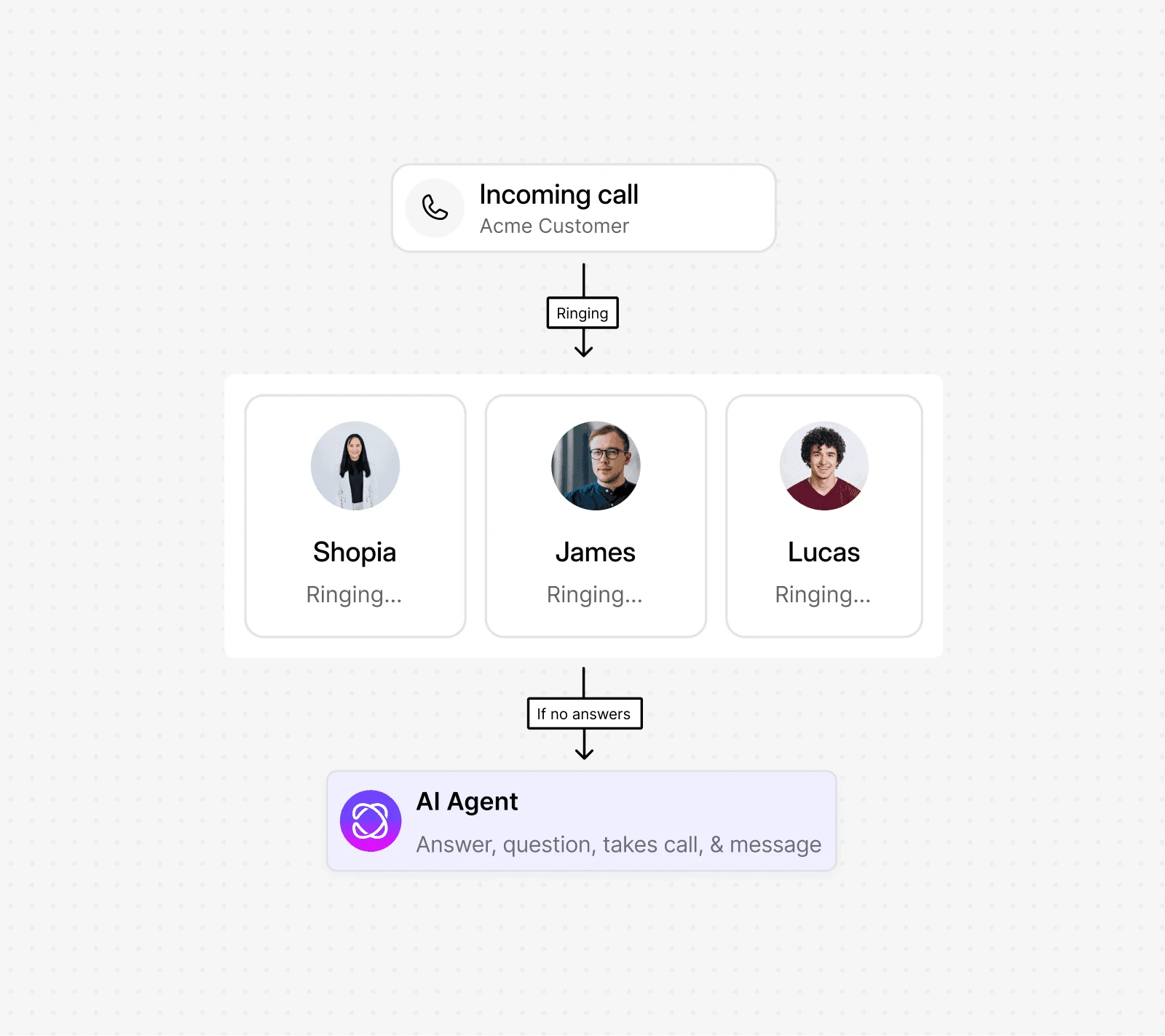
Ring multiple teammates at once so more incoming calls get answered faster.
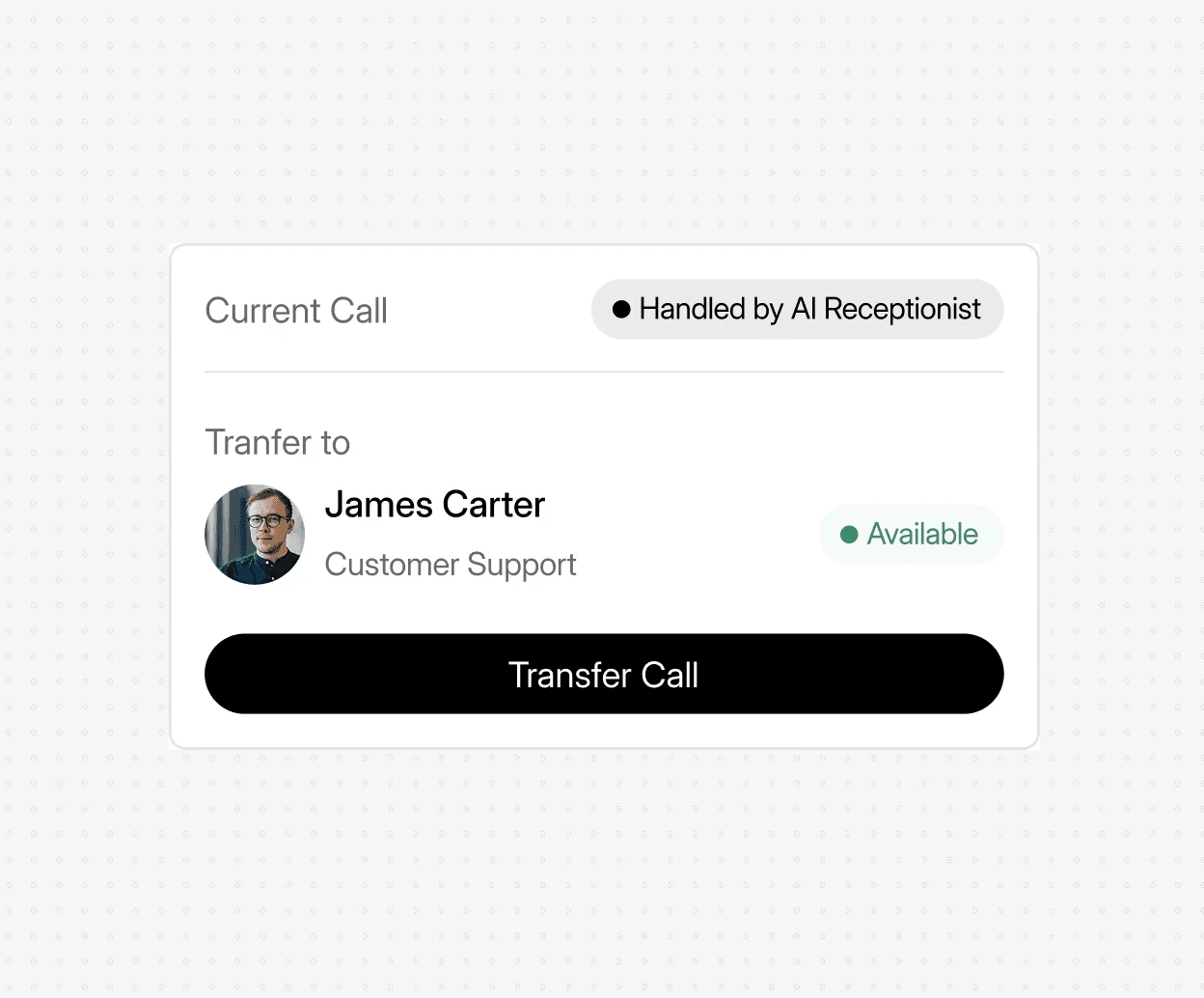
Transfer callers from AI to a real team member whenever a conversation needs personal support.
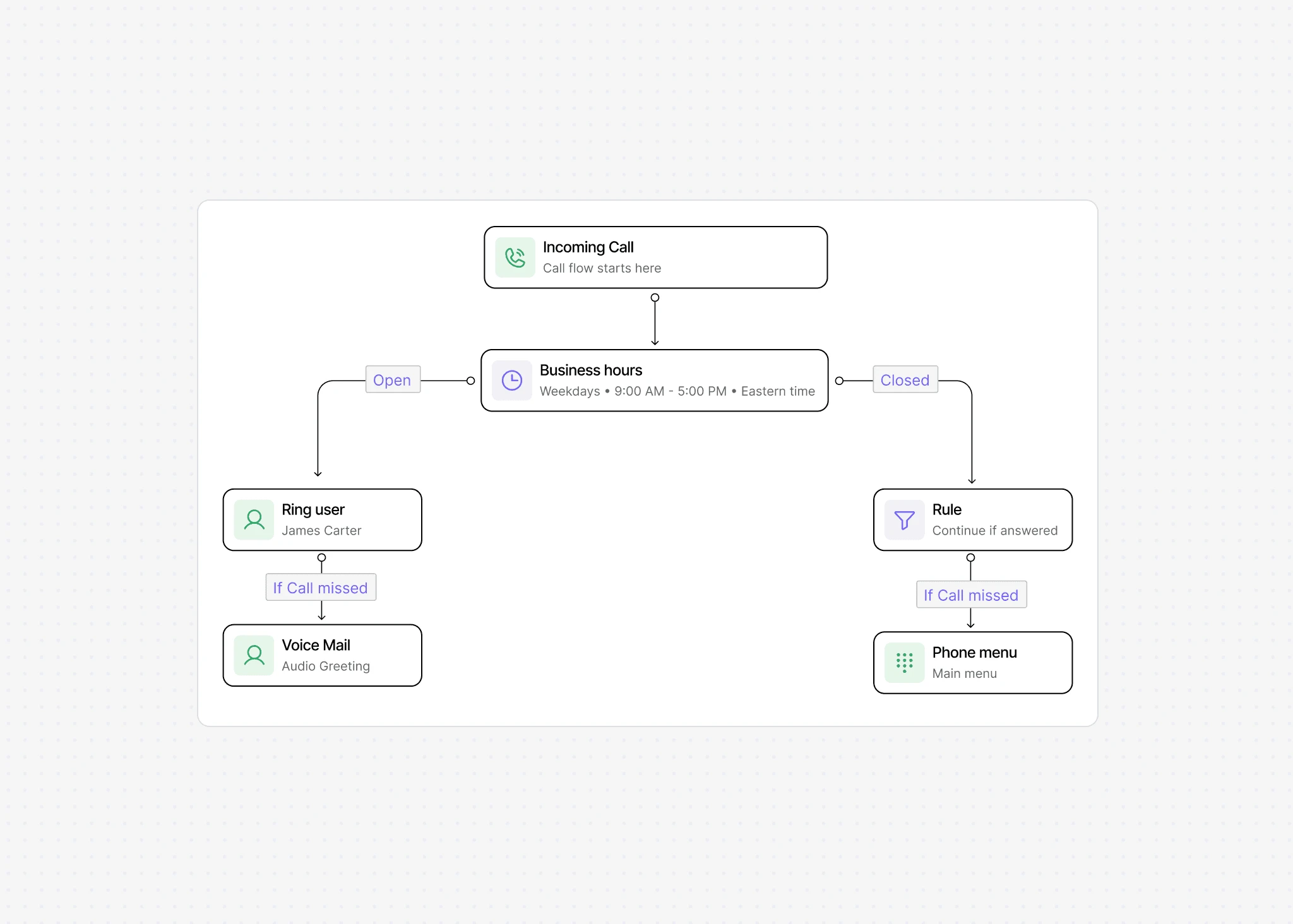
Create clear steps for how each incoming business call should be handled.
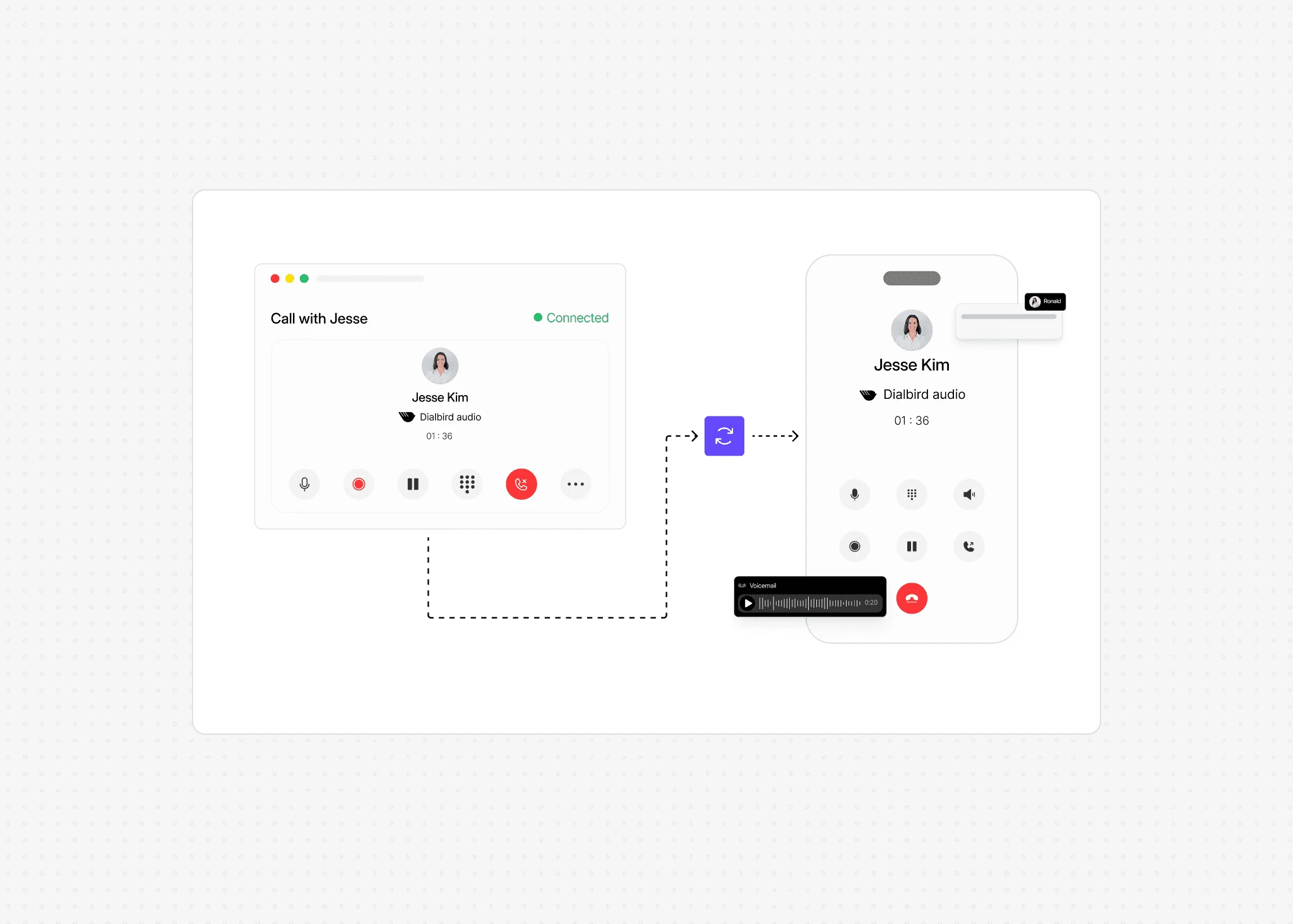
Answer business calls from your phone or computer wherever your team works.
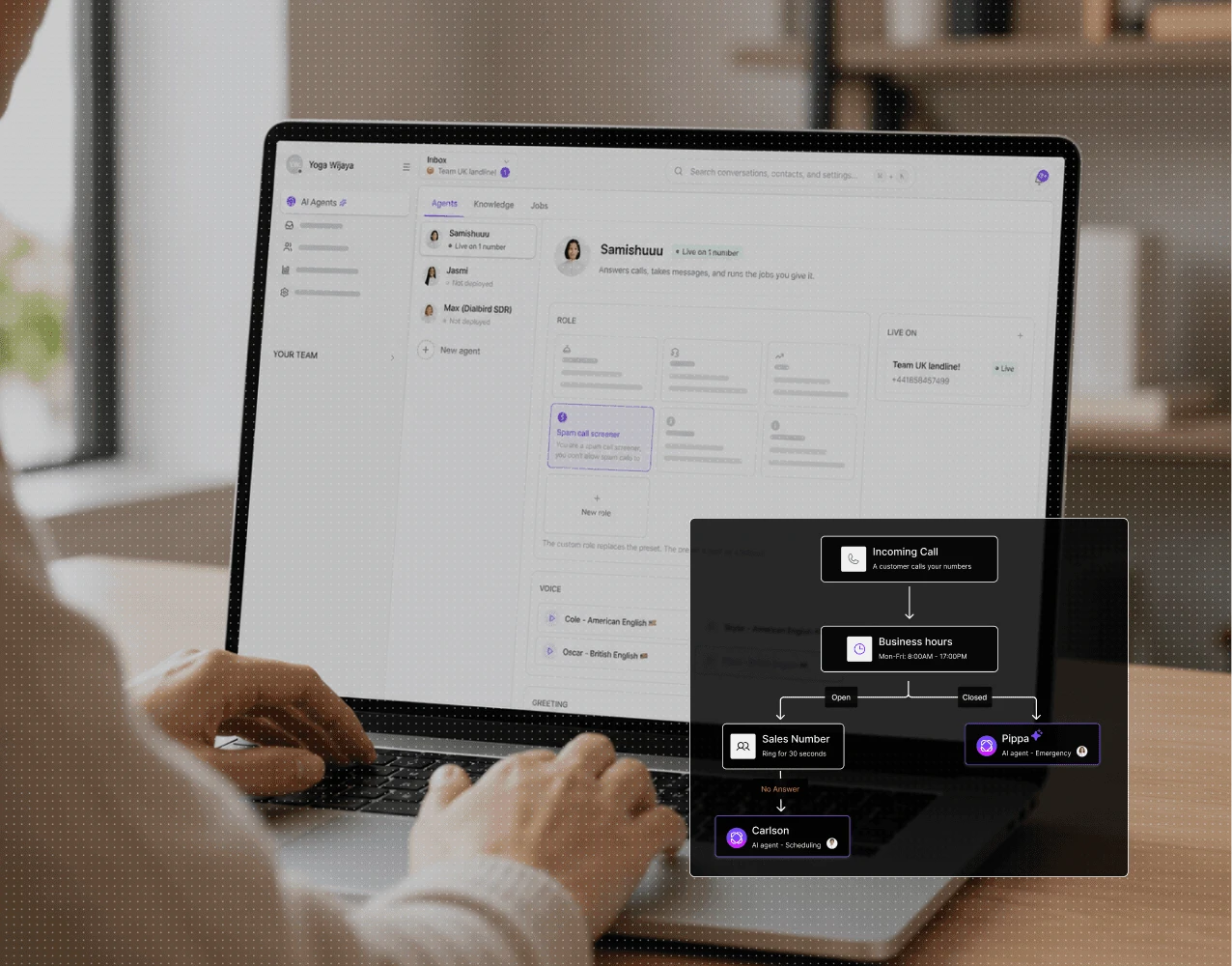
Let Dialbird AI answer routine calls, understand what callers need, and route important conversations to the right person.
Set its role, tone, and how it should handle initial calls.
Add business information, FAQs, and details it needs to answer callers clearly.
Choose when AI should answer, route calls, or transfer callers to your team.
Let AI handle incoming calls while your team stays focused on their work.
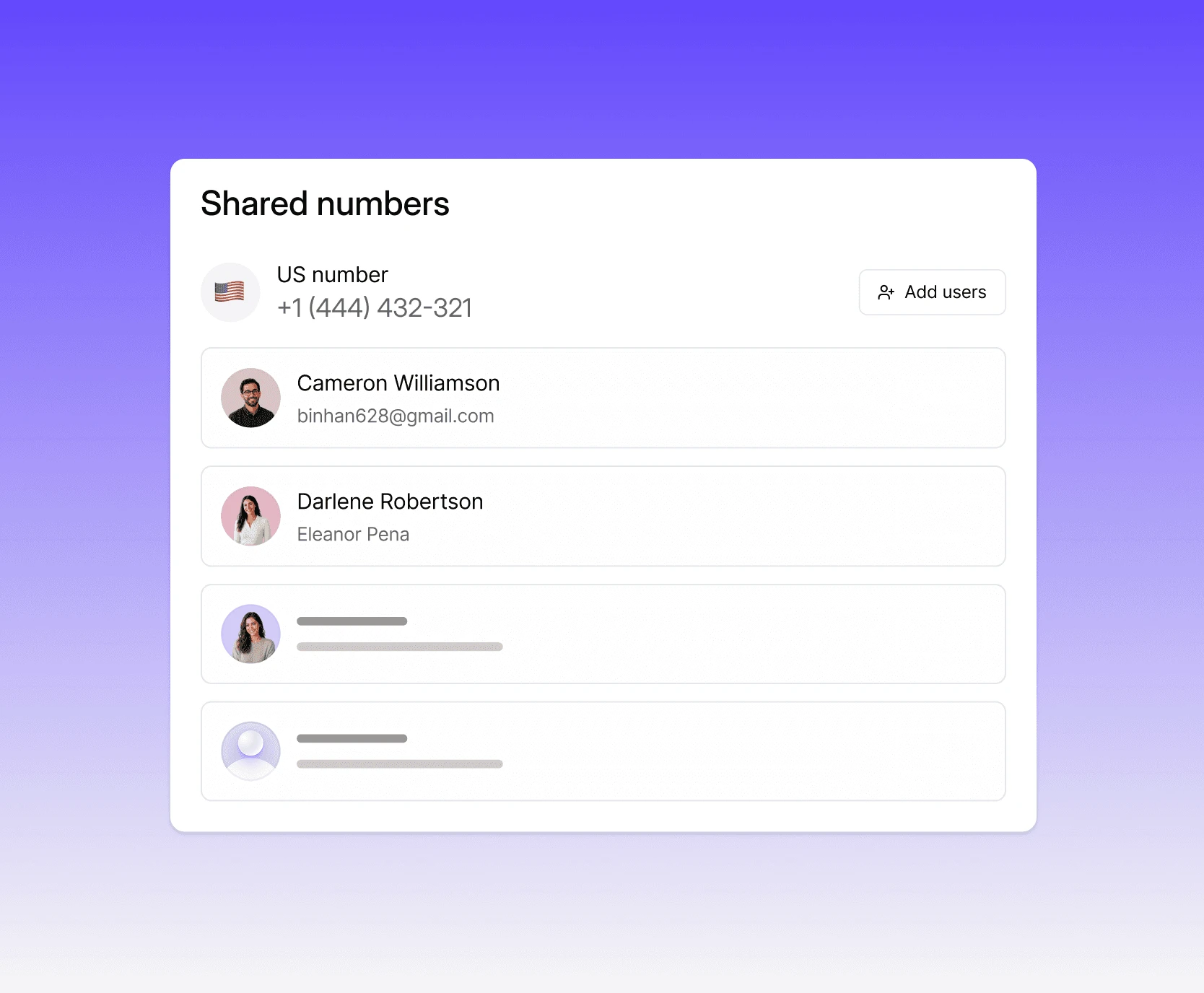
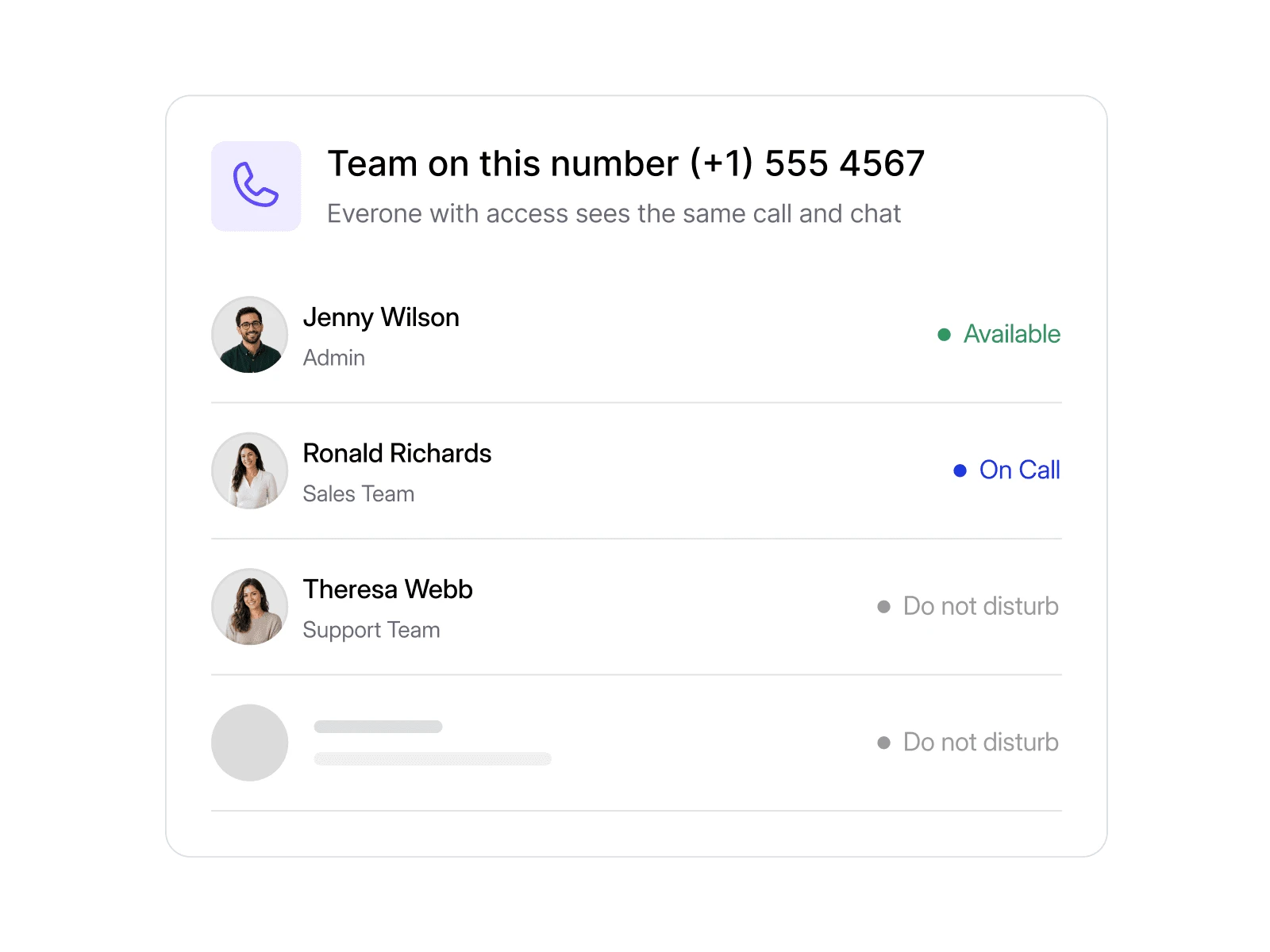
Share the same business number across your team so incoming calls do not depend on one person being available.
Everyone who needs access can answer from their own device while customers continue calling the same familiar number.
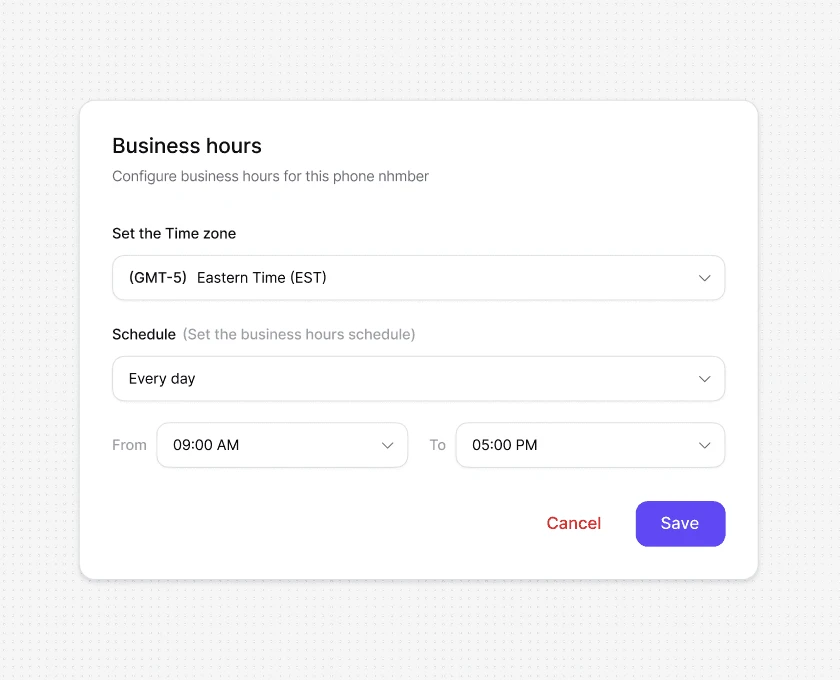
Set your opening hours and automatically control what happens before, during and after the working day.
Ring your team while you are open, then route calls to AI, voicemail or another destination when nobody is available.
Keep calls and messages together with Dialbird, stay easier to reach, and use AI and automation to support your communication.
You can choose what happens next. The call can go to another teammate, an AI phone agent, voicemail, or another destination you’ve set up.
Yes. With shared numbers, multiple team members can answer calls using the same business number.
You can set different rules for after-hours calls, such as sending them to AI, voicemail, or another team member.
Yes. Simultaneous ringing lets several team members receive the call at the same time, so someone can pick up faster.
Yes. An AI phone agent can answer the call, understand what the caller needs, provide information, and collect details when your team is unavailable.
Yes. If the caller needs a real person, the AI can hand the call over to the right team member.
Yes. Team members can answer business calls from the Dialbird mobile or web app wherever they’re working.
You can decide where it goes next, whether that’s voicemail, another person, AI, or a different call route.
Yes. You can create different call flows depending on your team, business hours, availability, or how you want certain calls handled.
Yes. Dialbird keeps a record of your calls, so your team can easily see which calls were answered, missed, or completed.