
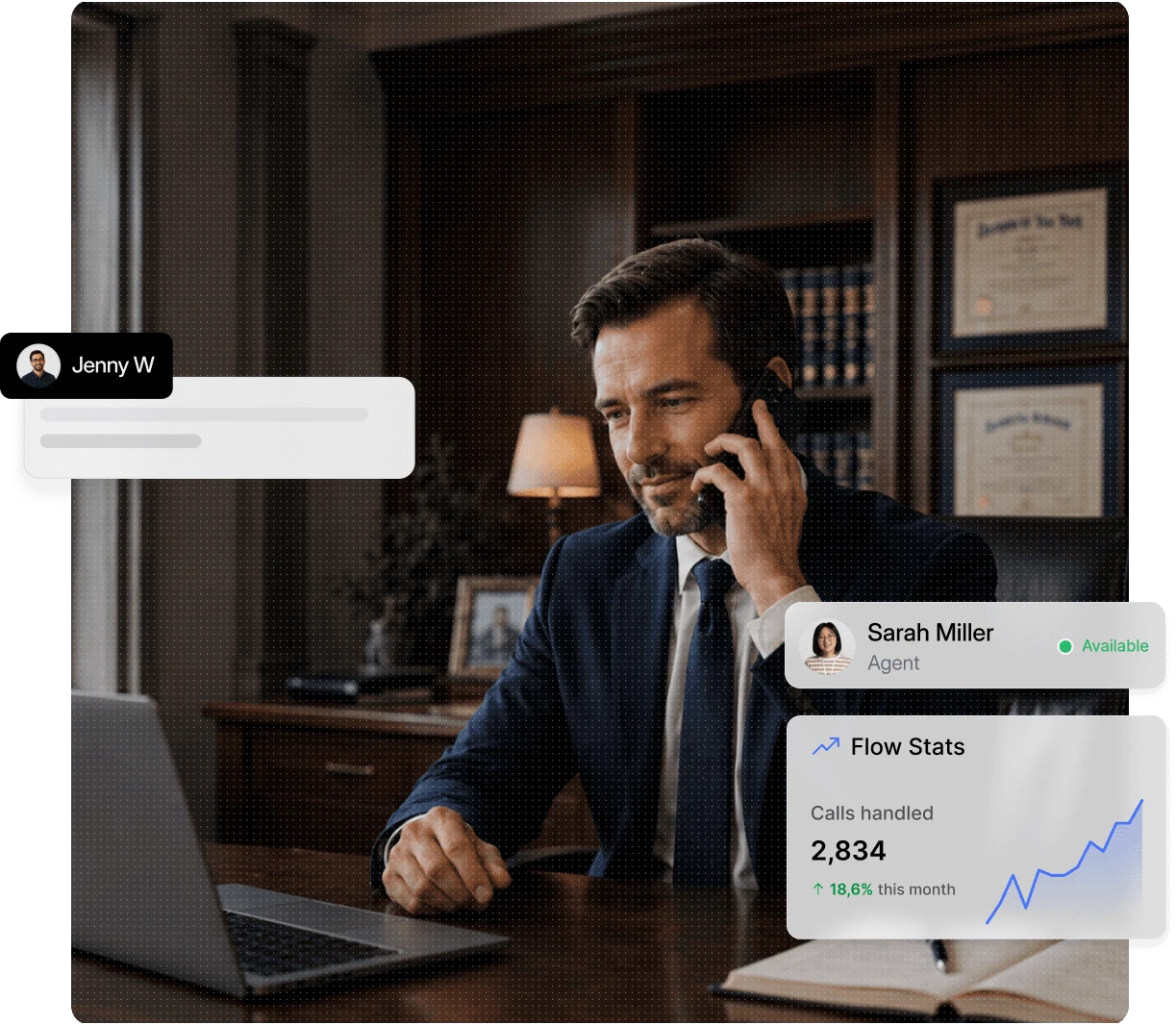
Stop losing new clients to missed calls and voicemail. Dialbird routes every call to the right attorney or practice area, helps your team send appointment and intake reminders by text, and keeps your whole team answering from one shared number.
Trusted by 500+ businesses





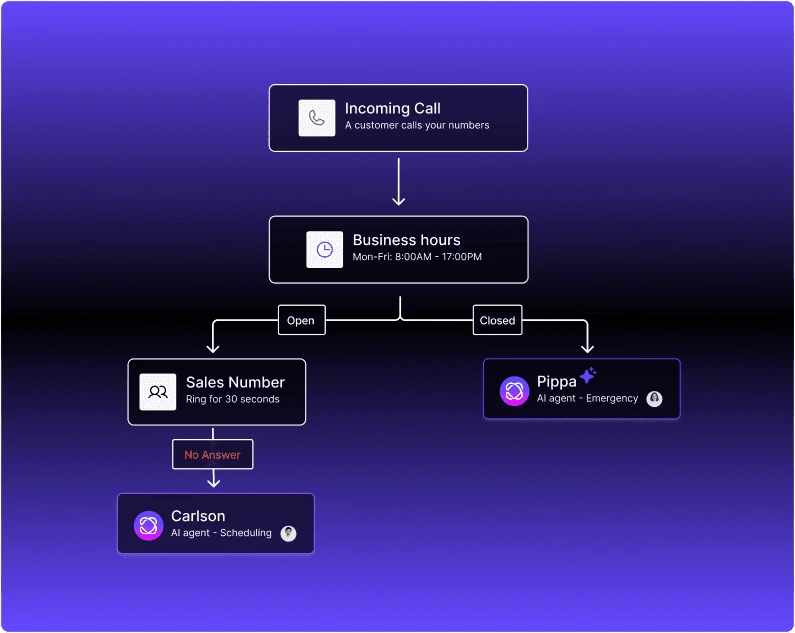
Let Dialbird AI answer initial calls, collect key caller details, and route conversations to the right person so your team can focus on the matters that need more attention.
Set its role, tone, and how it should handle initial calls.
Add practice information, FAQs, and the details it needs to respond clearly.
Choose when it should answer, route calls, or hand them to your team.
Let AI support incoming calls while your team stays focused on active matters.
Send new enquiries to the right attorney, practice area, or available team member.
Automatically route callers based on practice area, matter type, attorney, or intake team so every inquiry reaches the right person faster.
Handle missed calls with voicemail, routing rules, and automatic replies when the office is closed.
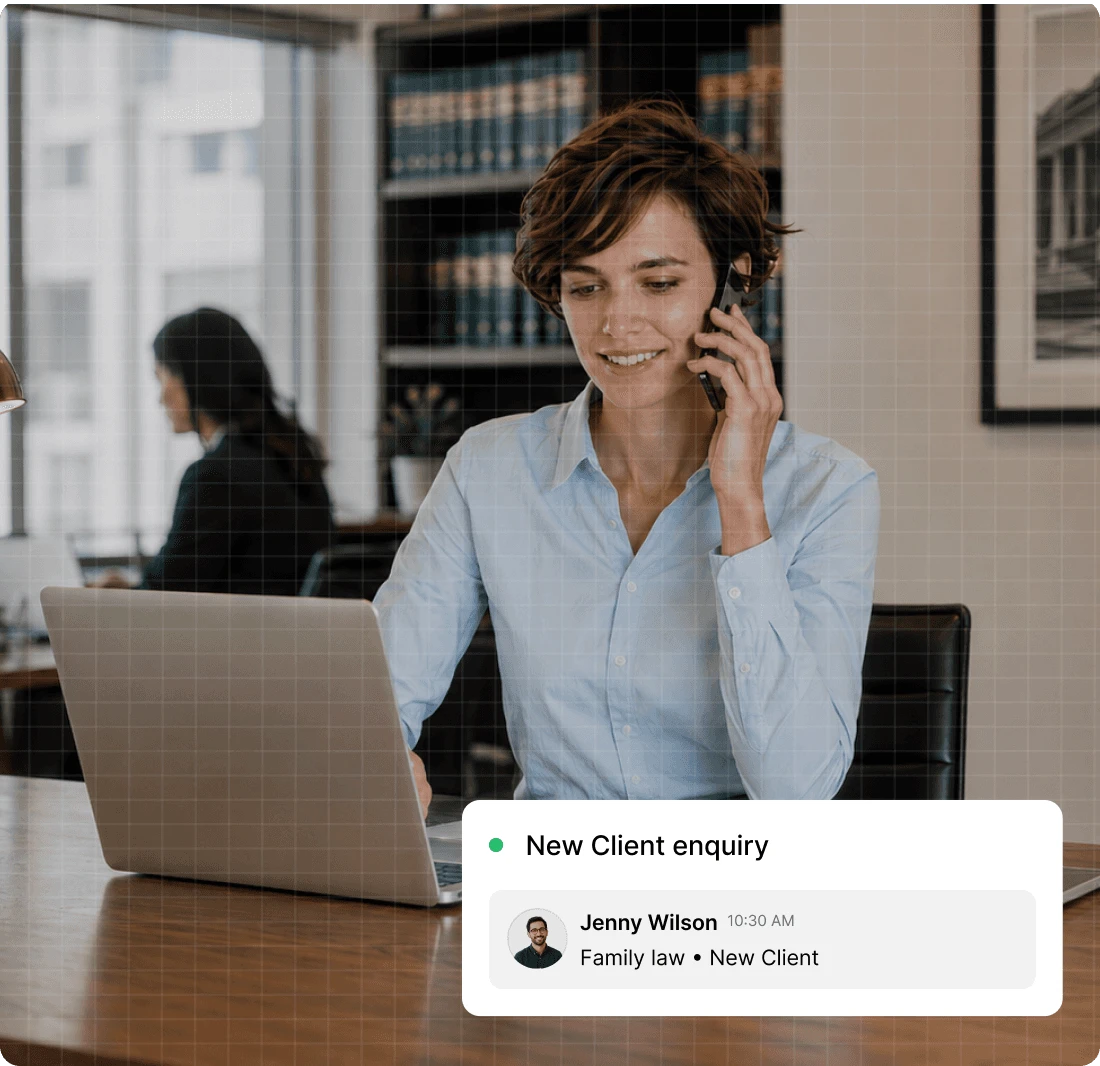
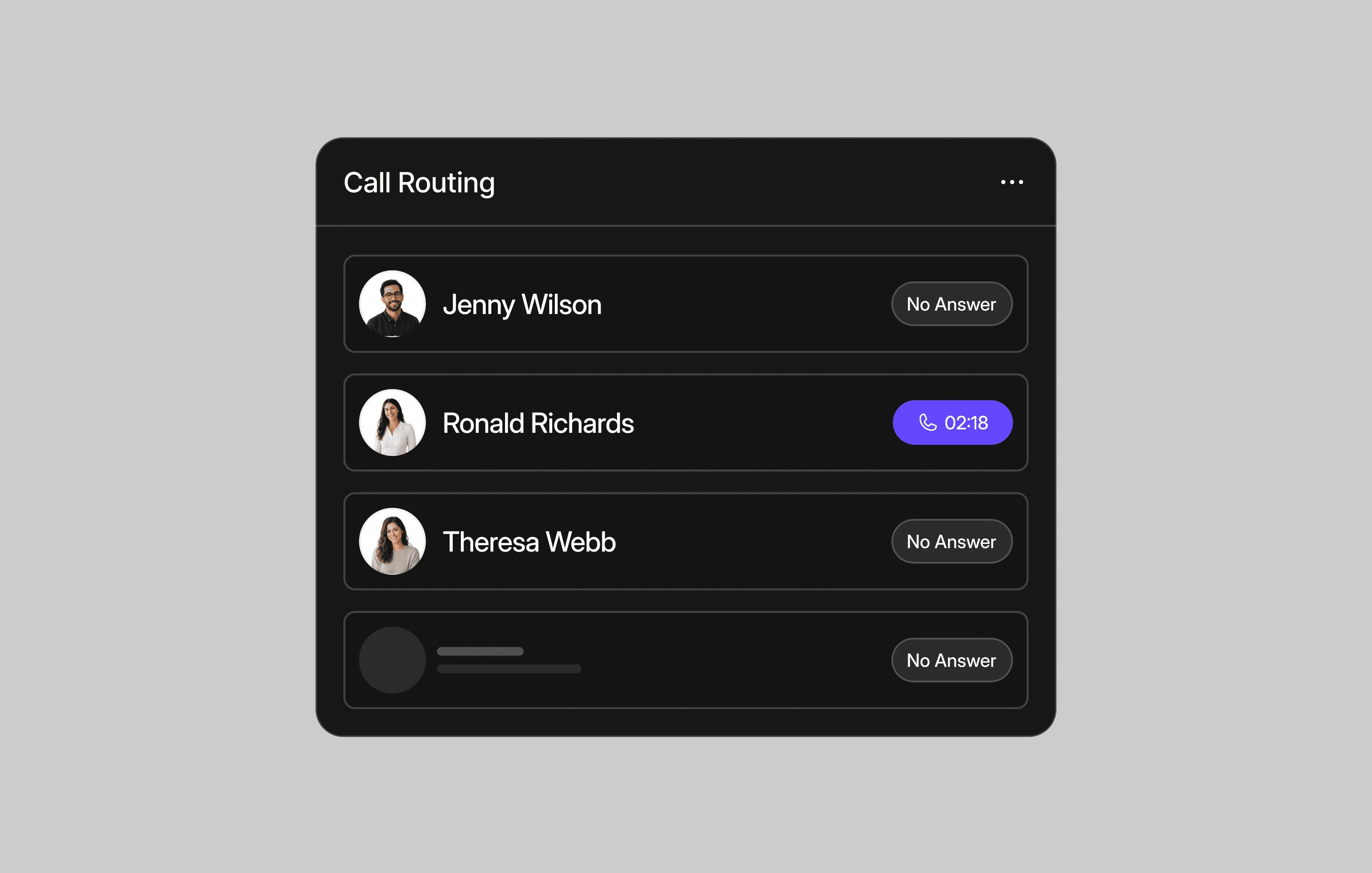
Direct new client calls to the correct attorney, practice area, or intake team based on the caller’s needs.
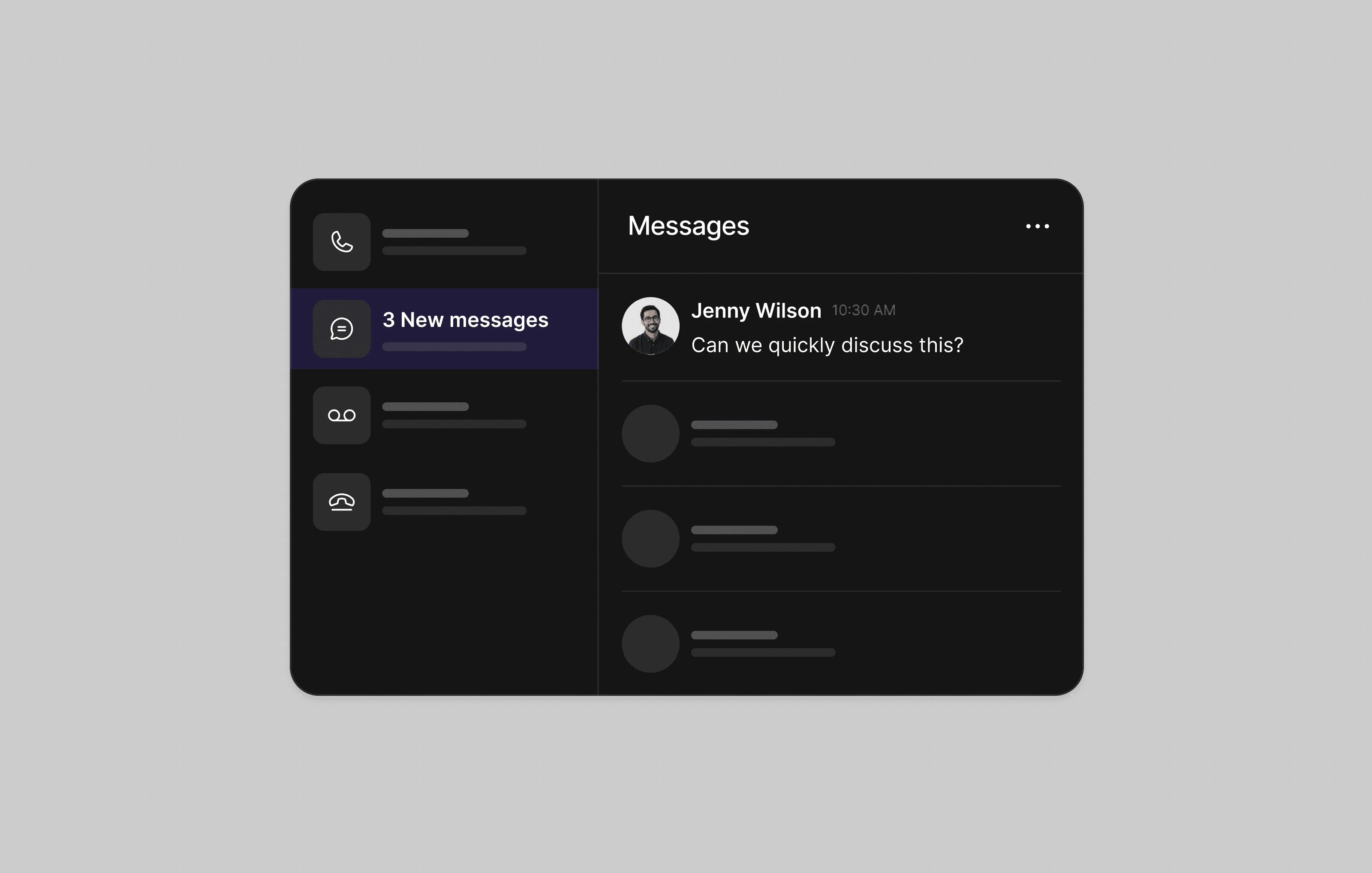
Manage calls, texts, voicemails, and follow-ups from one shared inbox your entire legal team can access.
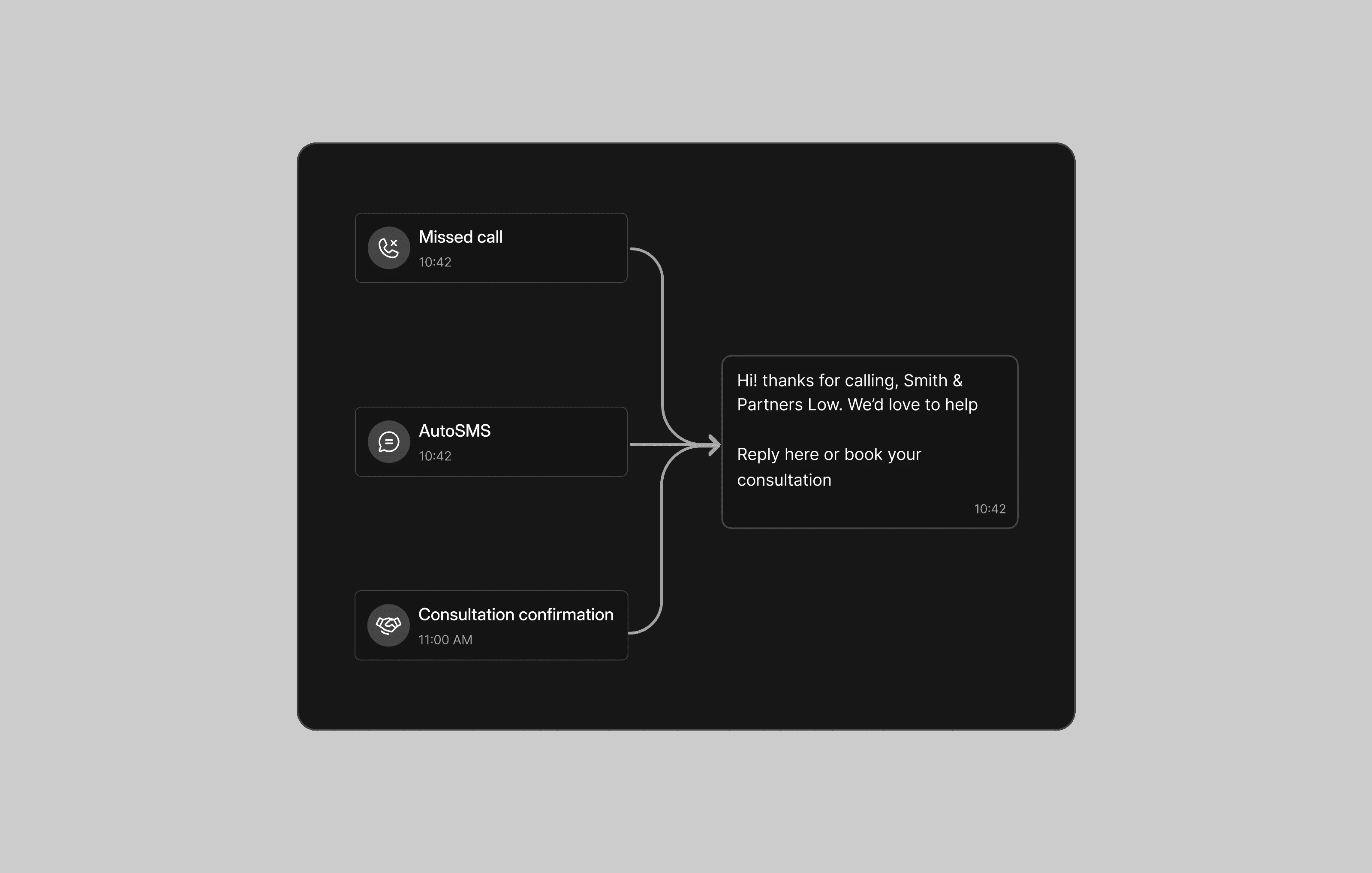
Automatically send consultation confirmations, intake reminders, and missed-call responses by text.
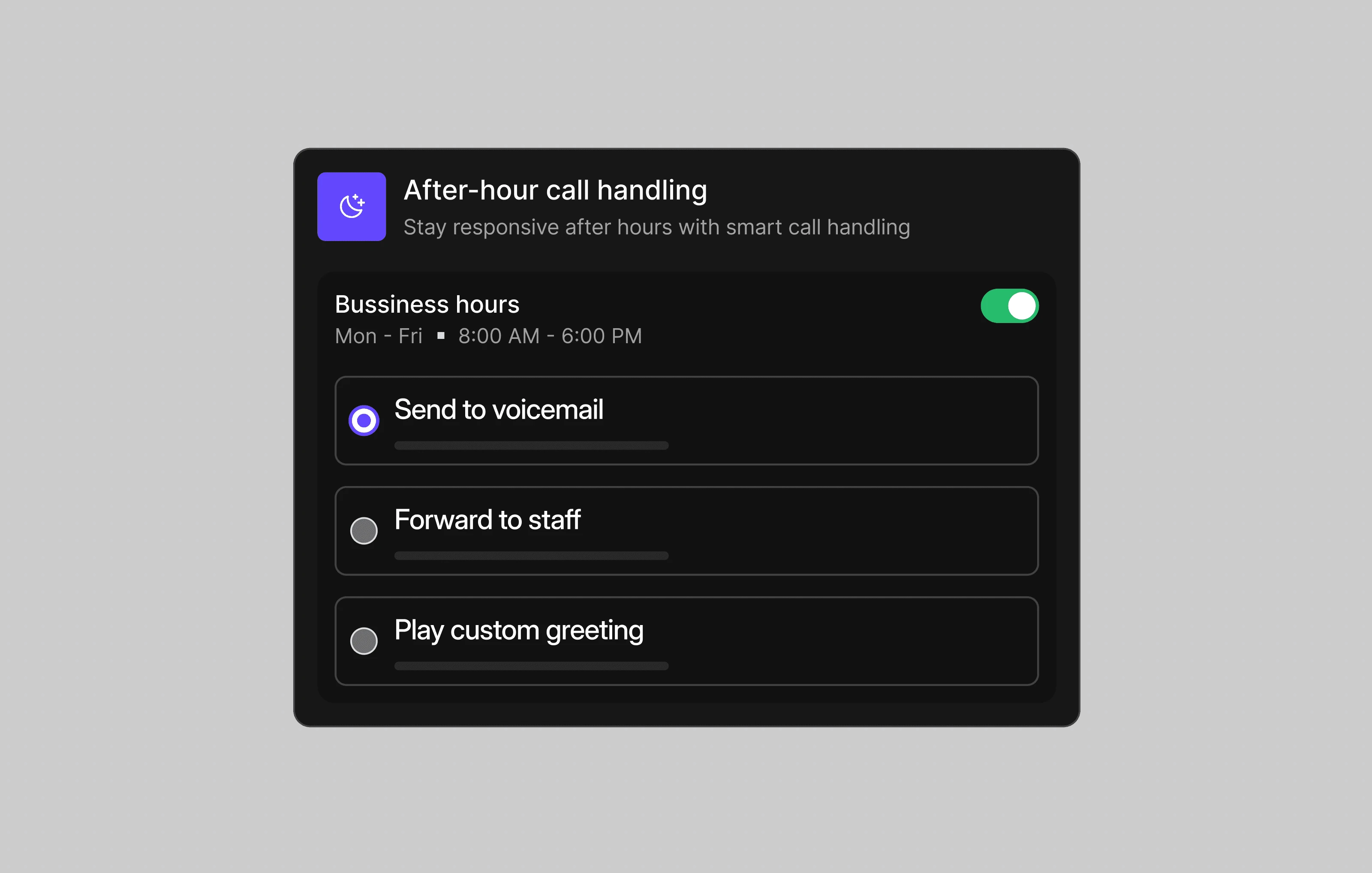
Use business-hour rules, voicemail, recorded greetings, or call forwarding to handle urgent calls after hours.
Answer more calls with IVR menus, smart routing, and a whole team sharing one number.
Text reminders and quick intake follow-ups keep new clients from slipping away.
Every call, text, and voicemail for the firm lives in one shared place.
Business-hours rules send out-of-hours callers to voicemail or an on-call message.
Help your team respond faster, route calls efficiently, and give customers a more consistent support experience.
Dialbird helps manage client calls, with AI features that can help handle routine enquiries when needed.
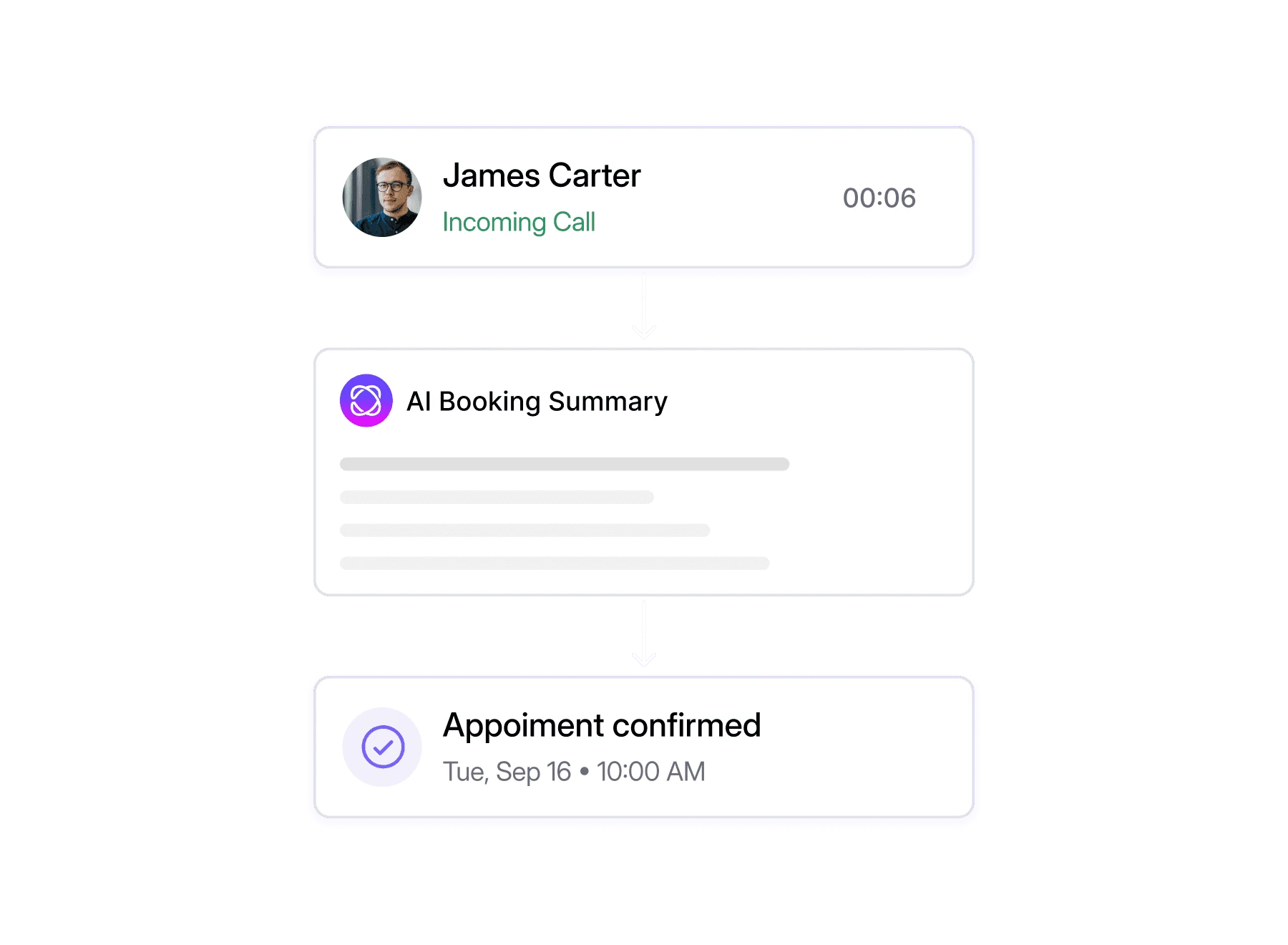
Let AI check availability and book appointments directly during a phone call.
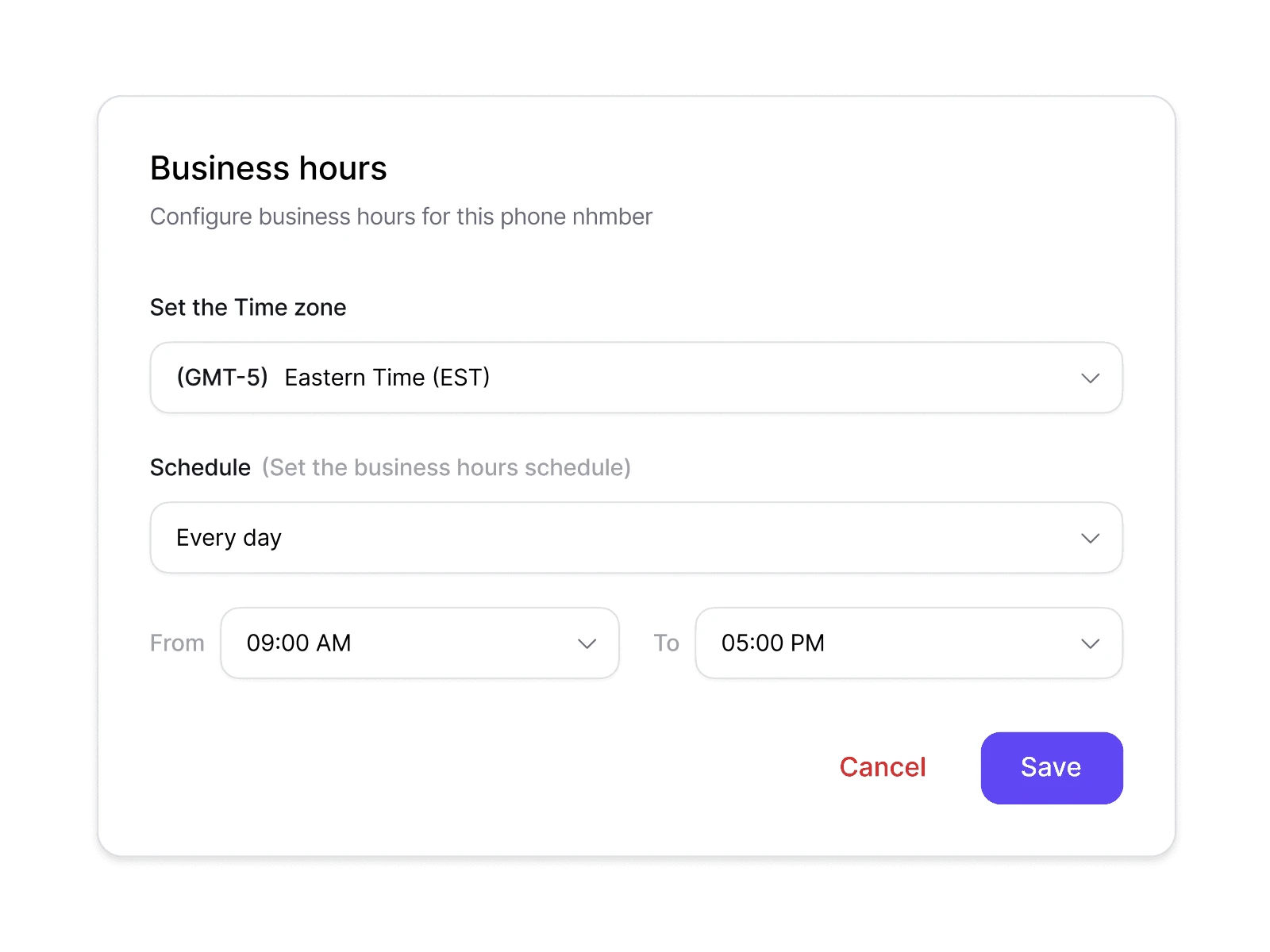
Set when you're open and what happens when you're not.
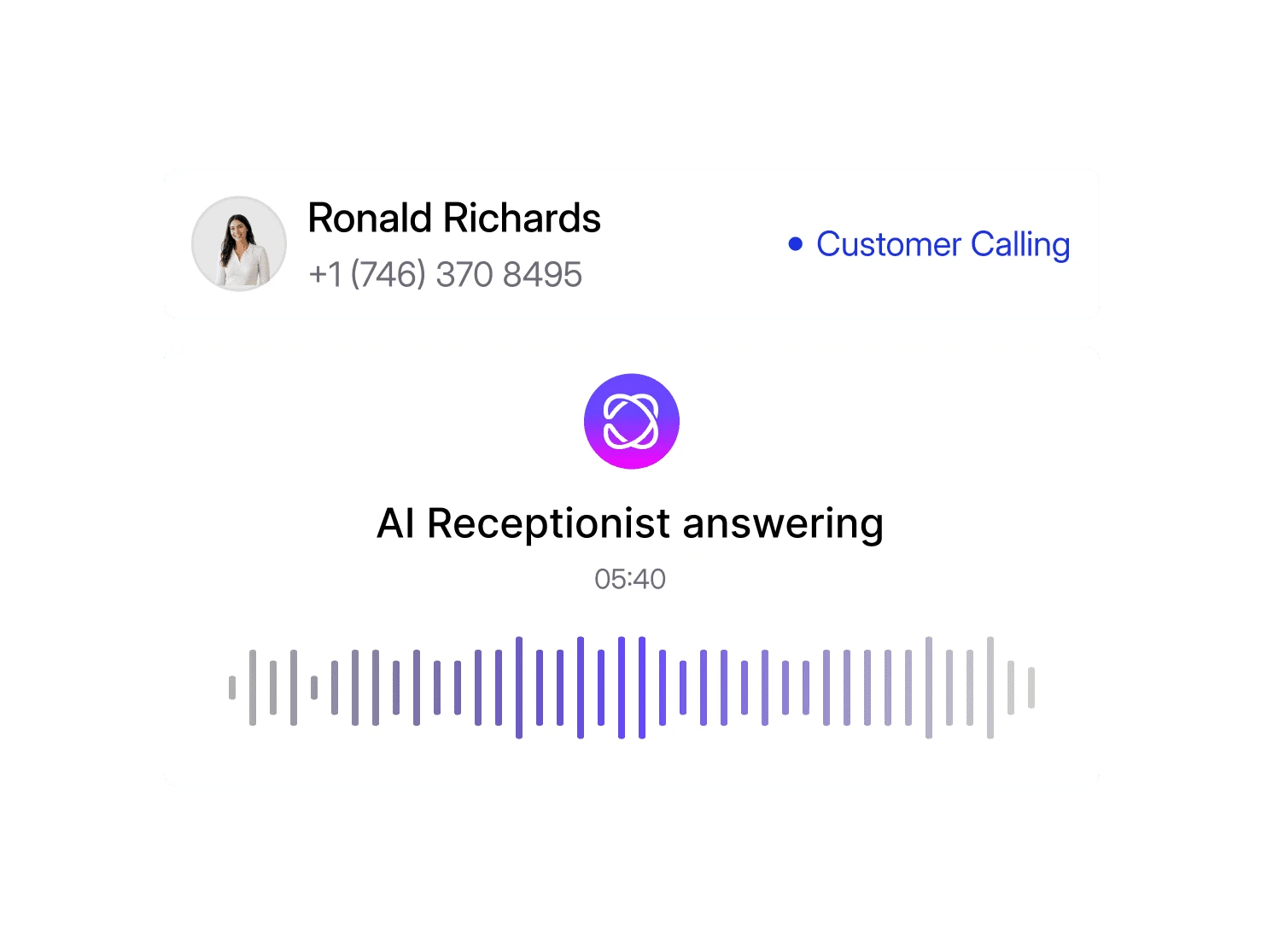
Answers your calls, handles the routine questions, and books, 24/7.
Yes. Build a visual call flow with a menu that sends callers to the right practice area or person, and rings the whole team so the first free person answers.
Yes. Dialbird numbers send and receive SMS, so you can text reminders and intake follow-ups, and replies come straight back to your shared inbox.
Yes. A business hours step in your call flow sends out-of-hours callers to an on-call lawyer’s number, an AI agent that takes the details, or voicemail. You choose.
Yes. Reception and fee earners can all answer the firm’s number, and everyone sees the same call and text history, so a client never has to explain their matter twice.
Yes. Porting is free with no downtime, so clients, courts and other firms keep reaching you on the number they already have.
Yes. Lawyers can answer and return calls on the firm’s number from the Dialbird mobile app, in court or at home, without giving clients a personal mobile.
Most firms are taking calls the same day. Port your number, set up a menu for each practice area, and add your team, with no hardware to install.
