Handle calls differently in and out of hours
Set the hours each number is open, and Dialbird treats an after-hours call differently from one during the day. A caller at 10pm hears the right thing instead of ringing out.

Trusted by over 500+ businesses





Set your schedule
Pick the same hours every day, weekdays only, or custom hours for each day, in your own time zone.
Branch on open or closed
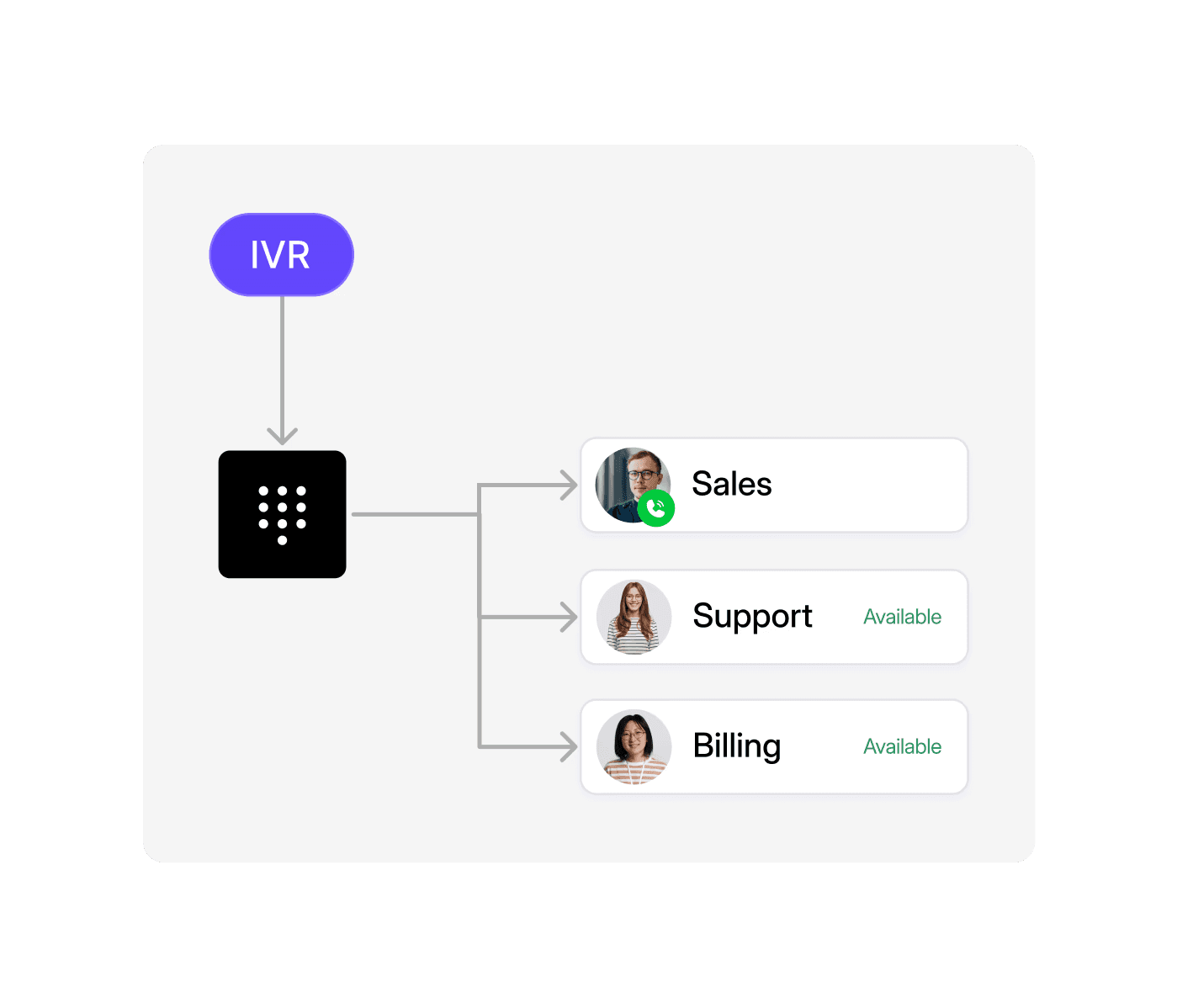
A Business hours step in your call flow checks the time and sends the caller down the open or closed path.
Route each case
During hours, ring your team. After hours, send callers to voicemail, a message, or another number.


What are business hours
Business hours tell Dialbird when you’re open on a given number. Set them once, and your call flows branch on open versus closed, so during the day a call reaches your team, and after hours it goes to voicemail or a message instead of ringing out.
Pick a number. Start calling. Dialbird is that simple.
Local, mobile, and toll-free numbers. Live in minutes, no setup required.
How to set up business hours on Dialbird?
01
Go to Settings, then Phone numbers, open the number, and choose the Availability tab.
02
Turn on business hours for that number, click Edit schedule, and set the time zone you actually work in.
03
Choose a schedule: the same hours every day, weekdays with weekends closed, or custom hours for each day.
04
Add a Business hours step to the number’s call flow so calls branch on open or closed, then publish. It runs on schedule from then on.


Don't
Leave every number on a 24/7 schedule when your team only works set hours.
Let after-hours calls ring out with no message about when you reopen.
Set business hours but forget to add the Business hours step to the call flow.
Judge the schedule against the wrong time zone.
Do
Set the time zone to the one you work in, so the hours are judged correctly.
Add a Business hours step to the call flow so calls branch on open and closed.
Send after-hours callers to voicemail or a message with your opening times.
Set hours per number so each line matches how that team actually works.
Check More of Our Features


Frequently asked questions
What are business hours in Dialbird?
Business hours tell Dialbird when you're open on a particular number. Once set, your call flows can treat an after-hours call differently from one during the day, so callers reach the right place instead of ringing out.
How do I set business hours on a number?
Go to Settings, then Phone numbers, open the number, and choose the Availability tab. Turn on business hours, click Edit schedule, set your time zone, and pick a schedule.
Can each number have its own hours?
Yes. Business hours are set per number, so a sales line and a support line can run on completely different schedules.
What schedules can I set?
The same hours every day, weekdays with weekends closed, or custom start and finish times for each day, all judged against the time zone you choose.
Do calls route differently after hours automatically?
Once you add a Business hours step to that number's call flow, yes. The step checks the schedule and sends the caller down the open or closed path, to your team during hours or to voicemail after.
What happens to a call when I'm closed?
You decide in the call flow. Closed calls can go to voicemail, play a message with your opening times, or forward to another number.
Can I close on weekends?
Yes. The Weekdays schedule keeps the same hours Monday to Friday and treats weekends as closed, so weekend callers get your closed path automatically.