One number your whole team can answer
Share a phone number across your team so calls and texts land in one place. Everyone with access sees the same conversations, replies from the same thread, and picks up where a colleague left off.

Trusted by over 500+ businesses







What is a shared phone number
A shared phone number is a single line that more than one person looks after. Everyone you give access to sees the same calls and texts, answers from the same inbox, and can carry on a conversation a teammate started, so nothing slips through while someone is out on a job.
Pick a number. Start calling. Dialbird is that simple.
Local, mobile, and toll-free numbers. Live in minutes, no setup required.
How to share a phone number on Dialbird?
01
Go to Settings, then Phone numbers, and open the number you want to share.
02
Open the Users tab, where everyone with access to that inbox is listed.
03
Click Add users, search your team, and pick the people who should cover the line.
04
They now see the inbox in their own sidebar and can start handling its calls and texts.
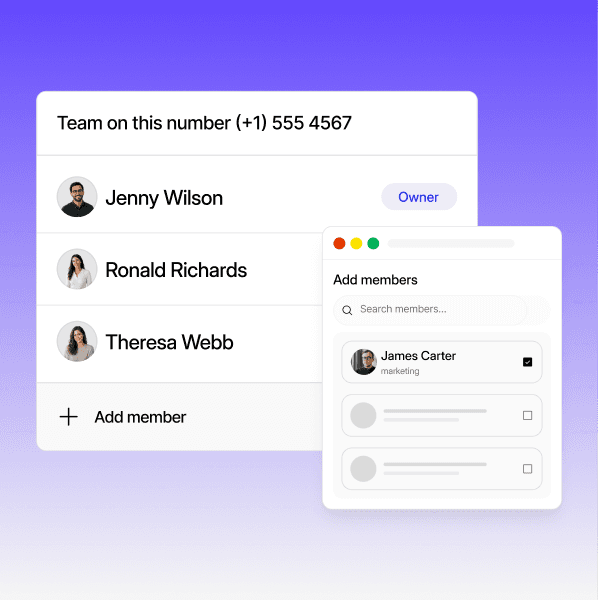

Everyone sees the same threads
Calls and texts land in one shared inbox, so every person on the number sees the full history and can reply from the same place.
Ring the whole team
Tell a whole list about a sale, a new service, or that you’re in their area on Thursday.
Access set per number
You choose who covers each line under the Users tab. Add or remove people any time, and it only affects that number.
Do
Keep the full history in the shared inbox so anyone can pick up where a colleague left off.
Let each person set their own notification preferences for the number.
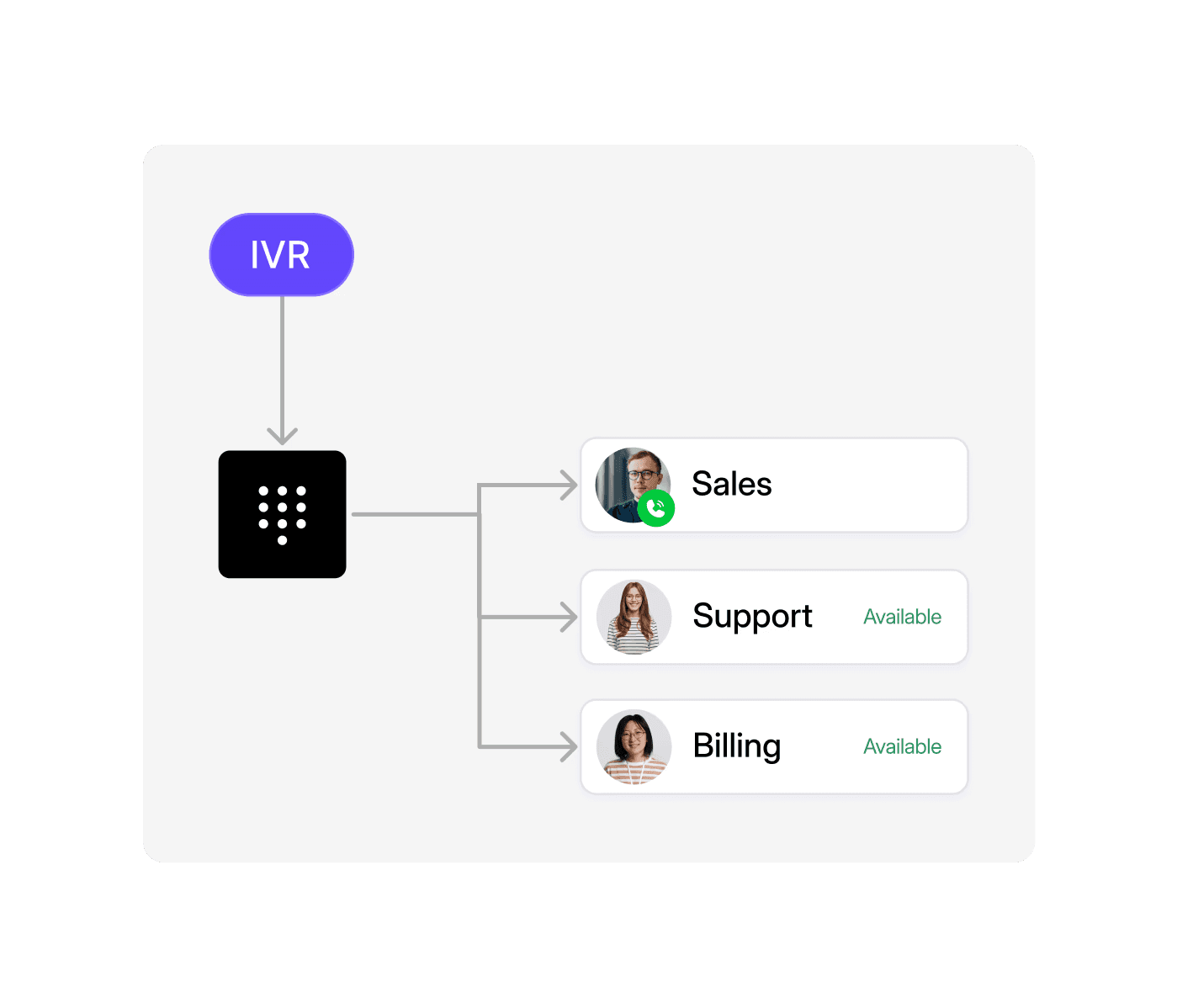
Use a Ring user step to ring the whole inbox, so the first free person answers.
Add everyone who covers the line under the Users tab so they all see it.
Dont
Force the whole team to get every notification whether they want it or not.
Make everyone share one login just to cover the same number.
Leave teammates off the Users tab, then wonder why they cannot see the number.
Route a busy line to one person's mobile and hope they always pick up.
Check More of Our Features


Frequently asked questions
What is a shared phone number?
It's a single number that your whole team can answer. Everyone with access sees the same calls and texts in one inbox and can reply from the same place.
How do I give my team access to a number?
Open the number under Settings, then Phone numbers, go to the Users tab, click Add users, and pick the people who should cover it. They'll see the inbox in their own sidebar.
Can several people reply on the same number?
Yes. Everyone on the number shares one inbox, so whoever is free can pick up a call or reply to a text, and a teammate can carry on where you left off.
Can a call ring everyone on the number at once?
Yes. A Ring user step in the call flow can ring everyone on the inbox, so the first free person answers.
Who can see a shared number?
The workspace owner sees every inbox automatically. Everyone else, including admins, only sees the numbers they've been added to under the Users tab.
Will everyone get notified for every message?
Only if they want to. Each person on a shared number sets their own notification preferences, so you're not all buzzing at once.
What happens if I remove someone from a number?
It only affects that inbox. They stay in your workspace and keep any other numbers they're on.