Call your teammates without leaving Dialbird
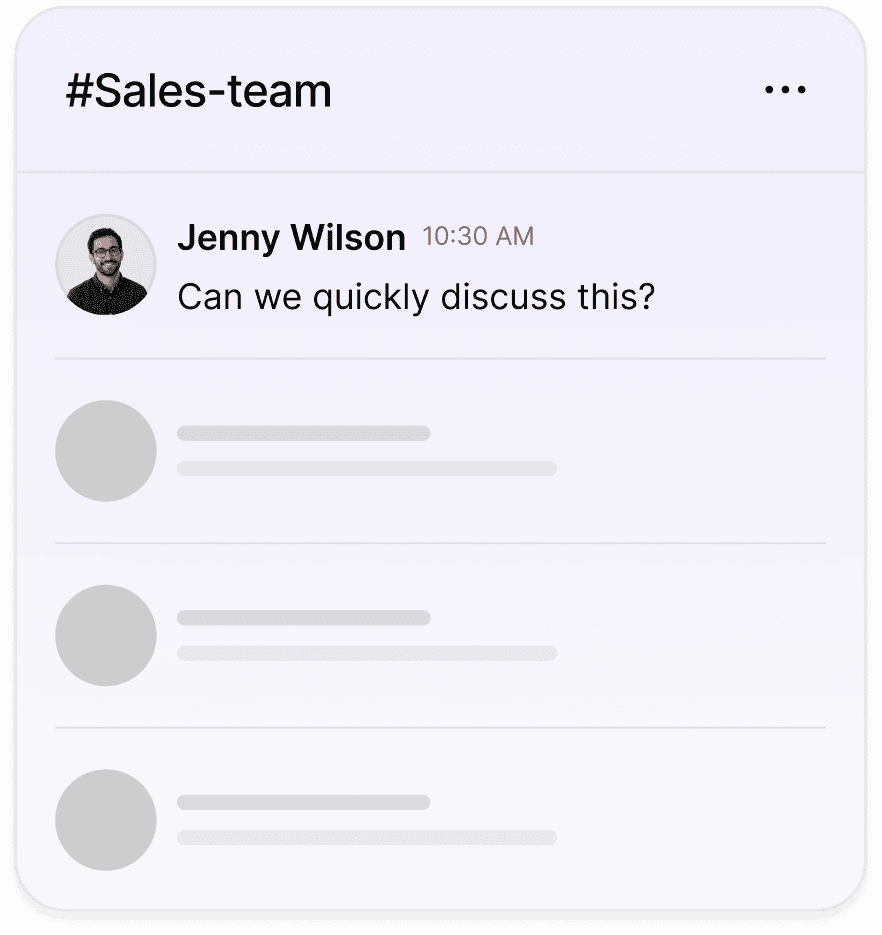
Start a huddle, a live audio call with the people in a chat, right where you already work. It’s voice only and built for a quick catch-up, not a formal meeting, so you can sort something out in seconds.


Trusted by over 500+ businesses







What is member-to-member calling
Member-to-member calling lets you talk to colleagues inside Dialbird instead of reaching for another app. From any team chat you can start a huddle, a live audio call with the people in that chat. It’s separate from your customer calls, so a quick word with a teammate never gets mixed up with a customer conversation.
How do team calls work?
One click. Live audio. No new app.
Start from any chat
A huddle is a live audio call with the people already in that team chat, so there’s nothing to set up or dial.
Pull people in
From the huddle bar you can mute, see who’s on, and search your team to add another colleague to the call.
A record in the chat
When the huddle ends, a note in the chat shows who took part and how long it lasted, so there’s a simple record.

Pick a number. Start calling. Dialbird is that simple.
Local, mobile, and toll-free numbers. Live in minutes, no setup required.

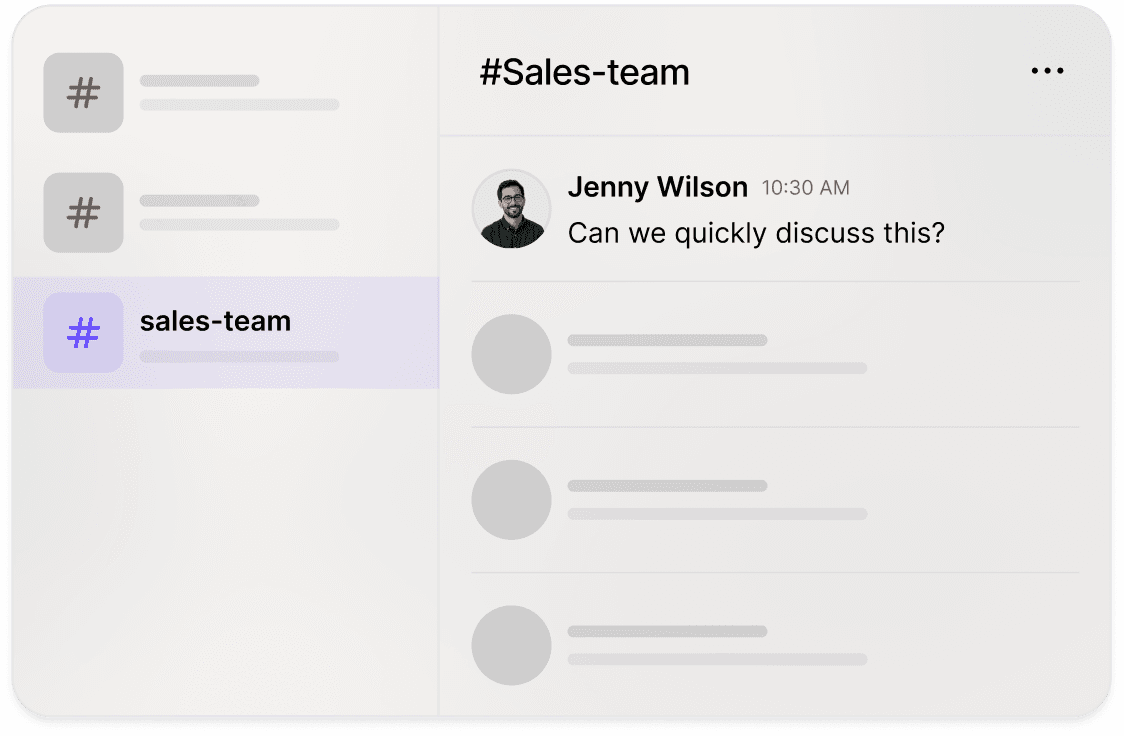
Click the huddle button at the top of the chat to start a live audio call.
Everyone in the chat sees an Incoming Huddle card and can Join or Decline.
Talk it through, and when you’re done the chat shows who took part and how long it lasted.

Don't
Switch to a separate app just to ask a colleague a quick question.
Use a huddle to call a customer. It's for your team only.
Expect video. Huddles are voice only, by design.
Try to run two huddles at the same time.
Do
Start a huddle from the chat you're already in for an instant catch-up.
Pull extra teammates into the call when you need another opinion.
Use the phone button in a customer's conversation to call a customer.
Let the Huddle Ended note keep a simple record of who joined.
Check More of Our Features


What is member-to-member calling?
It's calling your colleagues inside Dialbird. From any team chat you can start a huddle, a live audio call with the people in that chat, without switching to another app.
How do I call a teammate?
Open the team chat, click the huddle button at the top, and everyone in the chat gets an Incoming Huddle card they can Join or Decline.
Is it a video call?
No. Huddles are voice only, made for a fast catch-up rather than a formal meeting.
Can I add more people to a call?
Yes. From the huddle bar you can search your team and pull other colleagues into the call, and see who's already on.
Is there a record of the call?
Yes. When a huddle ends, a Huddle Ended note appears in the chat showing who took part and how long it lasted.
Can I call a customer this way?
No. Huddles are for your team. To call a customer, use the phone button in their conversation, which places a real phone call.
Can I be in more than one huddle at once?
No. You can be in one huddle at a time, and only teammates in that chat can be pulled into it.