Business phone system



Build the rules for every call
Text customers, not just call them


Send each caller to the right place
AI as a colleague,
only where you want it.
Dialbird is built so an AI colleague can take its place among your call steps answering, helping, or routing a call before it reaches a person, and handing it to a teammate whenever it should, even introducing the caller in a warm hand-off first. AI handles only the calls you give it, by the rules you set, and you always know what it's doing. It's never forced on you it's there if you want it, where you want it, to extend your team's reach rather than replace it.

Clear calls wherever your team works


Keep a record of the calls that matter
Local and toll-free numbers in minutes



What it is a business phone system
A business phone system gives your team one place to handle calls, texts, and voicemail. Instead of relying on desk phones or outdated landlines, Dialbird works in the cloud, so your team can stay connected from anywhere and decide exactly how calls should be handled.
Decide what happens on every call.
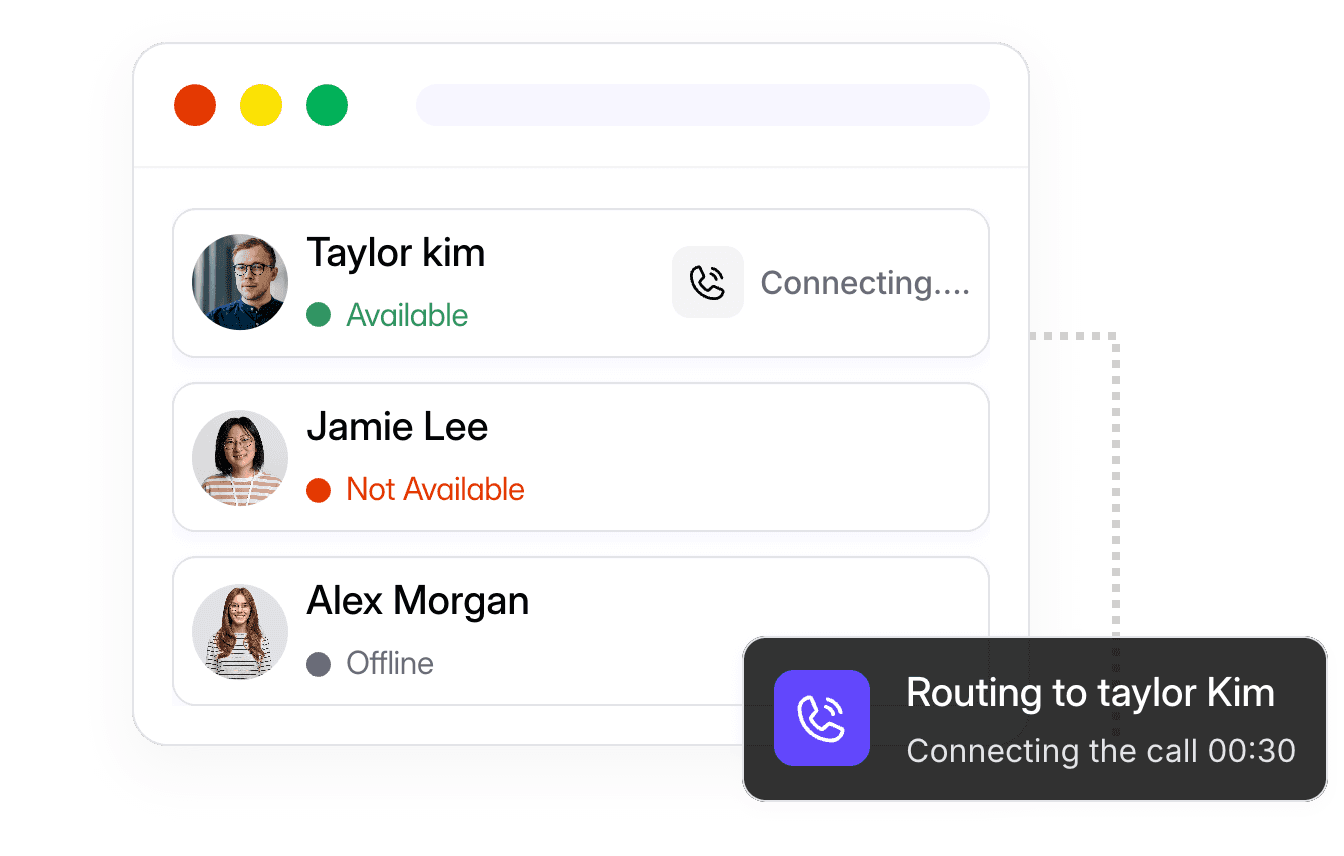
With the Call flow builder, you map out exactly what happens when someone calls. Set your business hours. Ring one person, a team, or several at once, and choose how long the phone rings before it moves on. Route by menu, forward to a teammate or an outside number, and send after-hours calls to voicemail with the right greeting. You drag the steps into place, publish, and your rules go live no setup call, no support ticket

Some calls need more than one person. Merge a teammate into a live call when you need a second opinion. Use a warm transfer to introduce the caller before you hand them over, or a cold transfer to pass the call along straight away. Between calls, your team can chat and jump into a quick huddle inside Dialbird, so the people answering




Fits into the tools you already use.
Made for teams that live on the phone
Small teams sharing one line:
a few people answering the same business number, who need to see each other's calls and texts so nothing slips.
Service businesses with set hours:
teams that want calls handled one way during the day and another after hours, automatically.
Growing companies:
businesses adding people and numbers who want call rules that keep up without IT.
Up and running in four steps.
One system, all connected.
What is a business phone system?
It's how your whole team makes and takes calls, sends texts, and handles voicemail under one set of business numbers. A modern one runs over the internet, so you can use it on your computer and phone from anywhere no desk phones or wiring.
Can I use Dialbird on both my computer and my phone?
Yes. Dialbird works as a web app and as iOS and Android apps. Your calls, texts, and voicemail stay in sync across every device.
Can remote teams use Dialbird?
Yes. You can port your current number to Dialbird, or claim a new one for free when you sign up.
Can my team share one number?
Yes. Several people can share the same number, see the same calls and texts, and pick up where a teammate left off.
How do I control where my calls go?
You build a call flow — a simple visual set of rules for your business hours, who rings, how long it rings, and where calls go after that. You can change it whenever you want.
Does Dialbird do conference calls and call transfers?
Yes. You can merge another person into a live call, and transfer calls with a warm hand-off or a cold hand-off.
Do I need any special equipment?
No. Dialbird works over the internet on the devices you already have. There are no desk phones to buy.
How long does setup take?
Most teams are up and running in minutes — get a number, invite your team, and set a basic call flow.
Does Dialbird use AI?
Dialbird is built so AI can work as a colleague inside your call flows — helping answer or route the calls you assign it, and handing off to a human when it should. It's never forced on you: AI is there only if you want it, and only where you want it.